Learn
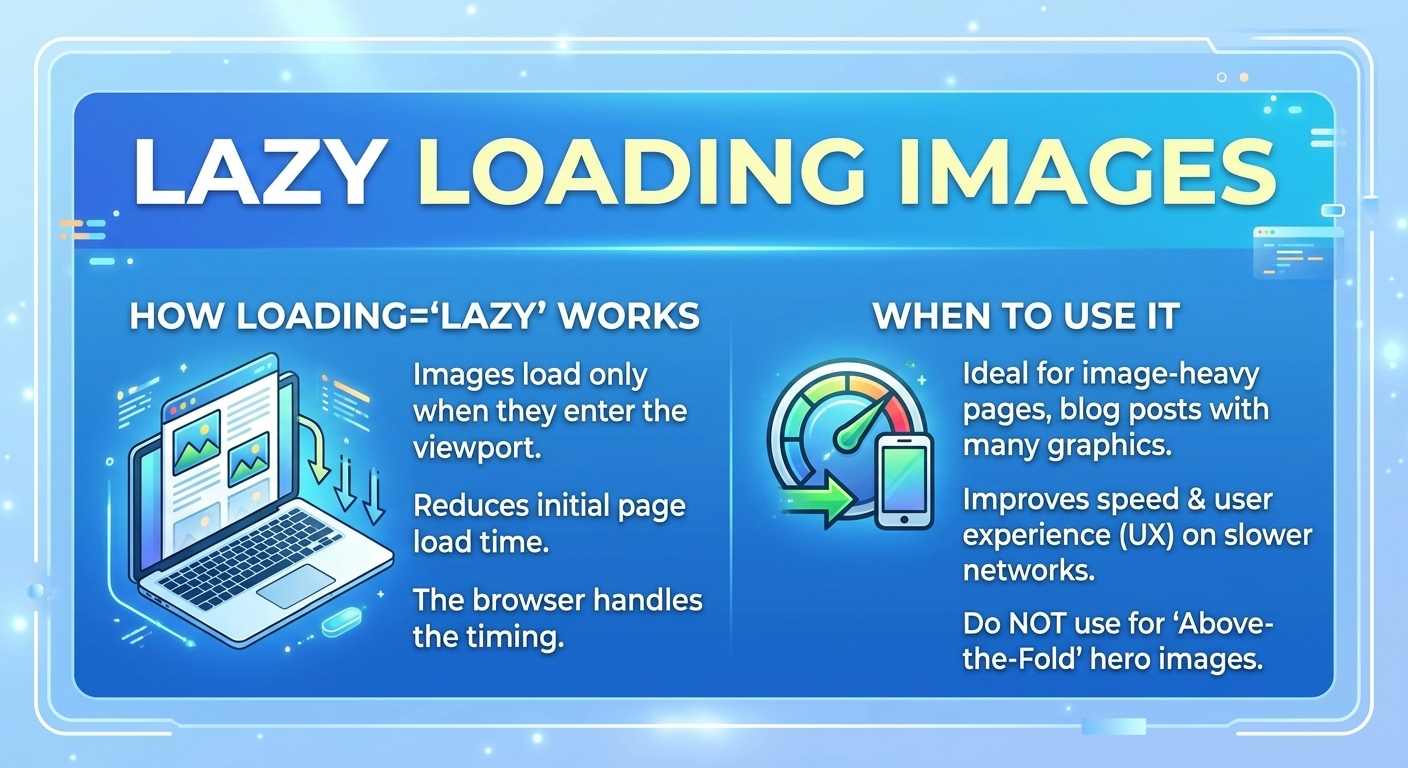
Lazy Loading Images: How loading=lazy Works and When to Use It
Native lazy loading defers an off-screen image or iframe until the user scrolls near it. For lazy loading images, the ...

A video CDN is a content delivery network built for segmented HTTP streaming. It caches HLS and MPEG-DASH manifests and media segments on edge servers, collapses thousands of identical segment requests into a handful of origin fetches, and sustains enough per-viewer throughput to hold the top adaptive bitrate rendition. That is the short answer to what is a video CDN. This article also covers how it differs from a general-purpose CDN, the features that decide live and on-demand quality, a worked origin-load and egress model, the failure modes worth alerting on, and a workload matrix for choosing a provider.
A video CDN is judged on throughput and concurrency, not page-load time. As of 2026, a typical 1080p H.264 rendition in an HLS or DASH bitrate ladder runs at 5 to 8 Mbps. At 6 Mbps, 100,000 concurrent viewers need 600 Gb/s of edge egress, and a two-hour event at that level moves about 540 TB that a video CDN must serve from cache rather than from the origin.
Segmented streaming turns video into ordinary HTTP objects. The packager writes a master playlist, one media playlist per rendition, and a stream of segments, usually 2 to 6 seconds each, in fragmented MP4 (CMAF) or MPEG-TS. The player fetches a playlist, picks a rendition, and requests segments in sequence. Adaptive bitrate (ABR) logic in the player measures download throughput and buffer depth, then switches renditions up or down. The CDN never "streams" anything: it serves files fast enough that the player's ABR algorithm keeps choosing high renditions.
Three mechanisms do most of the work:
Protocol fit sets the latency floor. Standard HLS (RFC 8216) with 6-second segments typically lands at 15 to 30 seconds glass-to-glass. Low-Latency HLS and low-latency DASH use partial segments or chunked transfer to reach roughly 2 to 5 seconds while staying cacheable. WebRTC reaches sub-second latency but runs over UDP through media servers (SFUs), not HTTP caches, so it scales on different infrastructure than a classic video CDN.
A general-purpose CDN is tuned for many small, heterogeneous objects where time to first byte dominates. A video CDN is tuned for long sessions of large, sequential, predictable requests where sustained throughput, segment hit ratio and origin protection dominate. The same edge hardware can do both; the difference is in cache policy, request handling, capacity planning and the metrics that matter.
| Dimension | Standard CDN | Video CDN |
|---|---|---|
| Object profile | Small, mixed assets (KB range) | Segments of 1 to 15 MB plus tiny playlists |
| Key performance metric | TTFB, page load | Startup time, rebuffer ratio, sustained Mb/s per session |
| TTL strategy | Per asset type | Long for segments, seconds for live playlists |
| Traffic shape | Diurnal, bursty | Event spikes with synchronized requests |
| Origin protection | Helpful | Mandatory: shield plus request coalescing |
| Cost driver | Requests and bandwidth | Bandwidth, by a wide margin |
The decisive difference is that a video CDN must hold throughput above the top rendition bitrate for an entire session, not just answer the first byte quickly.
In practice, yes. "Video delivery network" is a looser term that sometimes includes the encoding, packaging and player layers, while "video CDN" refers specifically to the caching and delivery tier. When a vendor says video delivery network, check whether it means an end-to-end platform with transcoding or just HTTP delivery of segments you already package.
Viewers do not see your encoder settings; they see startup delay, stalls and the rendition the player can afford. Each of those is a delivery outcome. A player that measures 4 Mb/s of throughput will not request a 6 Mbps rendition, however good the encode is.
For 4K, the bar rises sharply. A 4K HEVC rendition typically runs at 12 to 25 Mbps, which is about 9 GB per viewer-hour at 20 Mbps. A delivery path that is fine for 1080p can quietly cap 4K viewers at a lower rung.
This is the calculation that shows why a video CDN needs shielding and coalescing, using a live channel with six renditions and 2-second segments. Assumptions are stated; substitute your own.
The takeaway for capacity planning is that origin load on a well-built video CDN scales with the bitrate ladder and segment duration, while CDN egress scales with audience size times bitrate. On-demand libraries behave differently: the head of the catalog caches near 100%, while long-tail titles miss at the edge and lean on the shield or on a replicated library.
As one example of that last pattern, the BlazingCDN HLS streaming CDN for LL-HLS and DASH delivery serves pre-encoded HLS, LL-HLS and DASH, and its Video CDN replicates the library inside the CDN so the origin is out of the delivery path. It measured 1.12 Gb/s in Europe, 1.11 Gb/s in North America and 761 Mb/s in Asia on a 100 MB HTTPS download (measured June 2026); it does not transcode or accept RTMP ingest, so encoding stays in your pipeline.
| Workload | Latency target | Best-fit delivery | Feature that matters most |
|---|---|---|---|
| Media VOD library | Startup under 2 s | HLS or DASH on a video CDN | Long-tail hit ratio, library persistence |
| Live sports and events | 2 to 10 s | LL-HLS or low-latency DASH | Shield, coalescing, peak concurrency |
| E-learning | Startup under 3 s | HLS on a video CDN | Signed URLs, steady low-bitrate reach |
| Game streaming to large audiences | 2 to 5 s | LL-HLS on a video CDN | Playlist TTL discipline |
| Interactive or real-time video | Under 500 ms | WebRTC via SFU infrastructure | Media server capacity, not caching |
A cache-based video CDN covers every workload above two seconds of latency, and below that line the architecture changes to WebRTC rather than to a faster CDN.
A playlist cached longer than half the segment duration makes players request segments that the playlist claims do not exist yet, or stall at the live edge. It shows up as rebuffering clustered on live streams only. Confirm by comparing the Age response header on playlist responses against the segment duration.
A player that requests a segment a few hundred milliseconds before the packager writes it gets a 404, and if the edge negatively caches that 404, every viewer on that node stalls. Look for 404 spikes on segment URLs that later return 200, and set negative-cache TTLs to zero or one second for segment paths.
Per-viewer tokens in the query string can make every request unique, dropping segment hit ratio from above 95% to near zero and pushing full audience load onto the origin. Confirm by checking the origin request rate against the worked model: if it scales with viewers, the cache key is wrong.
Congested peering or an underprovisioned edge caps per-session throughput, so ABR downshifts every viewer in that region without a single error. Confirm by plotting the selected rendition distribution by country or ASN; a region stuck one or two rungs below the rest is a delivery problem, not an encoding problem.
Evaluate a video CDN on your own segments and audience, not on marketing maps. These criteria map directly to viewer outcomes:
For a side-by-side of vendors against these criteria, see this comparison of CDN providers for video delivery.
A video CDN is tuned for long sessions of large, sequential segment requests, while a regular CDN is tuned for small mixed assets and time to first byte. Video delivery needs separate TTLs for playlists and segments, mandatory origin shielding and request coalescing, and throughput high enough to hold the top adaptive bitrate rendition for an entire session.
Not necessarily: many video CDNs only deliver content that is already encoded and packaged. Transcoding and packaging into HLS or DASH happen upstream in an encoder or media pipeline. Some platforms bundle encoding with delivery, so check whether a provider's video CDN expects finished segments or raw source files before planning your workflow and costs.
Generally no, because WebRTC runs over UDP through selective forwarding units rather than HTTP caches. A video CDN delivers HLS and DASH, including low-latency variants that reach roughly 2 to 5 seconds. If you need sub-second interactive video, plan WebRTC media server capacity separately and use the video CDN for the larger broadcast audience.
A typical 4K HEVC rendition needs 12 to 25 Mbps per viewer, which is about 9 GB per viewer-hour at 20 Mbps. For capacity planning, multiply peak concurrent viewers by the average delivered bitrate, then confirm that each target region can sustain the top rendition rather than only the average bitrate.
A healthy video CDN should serve live segments at well above 95% from cache, because thousands of viewers request identical objects within seconds. VOD hit ratio depends on catalog shape: popular titles cache near completely, while long-tail titles miss more often unless the library is stored or replicated inside the delivery network.
Pick one live stream and one popular VOD title. From your CDN logs, compute segment hit ratio, origin requests per second during the first two minutes of a live start, and 404 rates on segment paths. From your player analytics, plot the selected rendition distribution by region and compare it with your top bitrate. If origin requests scale with viewers or one region sits a rung below the rest, you have found the delivery bottleneck, whichever CDN you use.
For teams delivering pre-encoded HLS or DASH at volume, the BlazingCDN Video CDN page describes how the library is replicated inside the CDN, and a 14-day testing period on real production traffic lets you repeat this audit on your own segments.

Heavy traffic.
Light bill.
The CDN for video and large traffic
Learn
Native lazy loading defers an off-screen image or iframe until the user scrolls near it. For lazy loading images, the ...
Learn
How to set up a CDN for a software product comes down to six changes: a dedicated origin hostname, a CDN zone that ...
Learn
To set up a CDN for static files, you need five things working together: a cacheable origin, a dedicated hostname ...
Learn
CDN vs CMS is not a choice between two products. A content management system creates, stores and renders pages; a ...