
Learn
Best Video Streaming CDN in 2026? 7 Providers
Best CDN for Video Streaming in 2026: 7 Providers Compared A single rebuffer event at the two-second mark costs you 8% ...
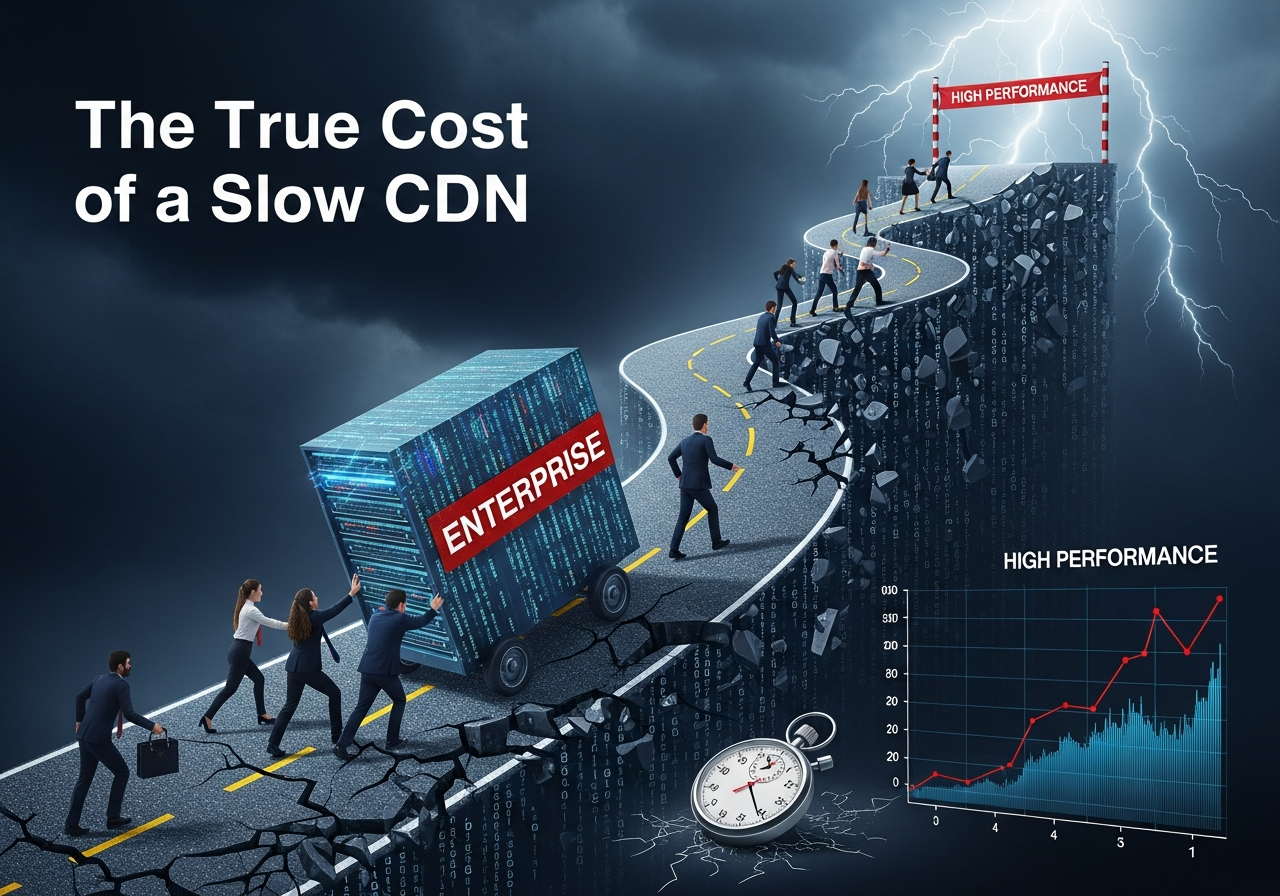
When Amazon’s retail team discovered that just 100 milliseconds of added latency could reduce revenue by about 1%, they didn’t treat it as a front-end bug — they treated it as a business emergency. Today, the same dynamic plays out quietly inside every enterprise that relies on digital products, streaming, or global SaaS. And one of the biggest, most underestimated culprits is a slow CDN.
Google has reported that as page load time increases from 1 to 3 seconds, the probability of a visitor bouncing jumps by 32%, and by 5 seconds, it rises by 90% (source). Those numbers don’t just reflect slow code or heavy pages — they often reflect a content delivery network that can’t keep up with real-world traffic patterns, geography, and device diversity.
Yet in many boardrooms, CDN decisions still get reduced to a single line item: “bandwidth cost.” That narrow view is precisely how enterprises end up overpaying for a cheap CDN — in lost conversions, churn, operational overhead, and reputation damage.
This article unpacks the true cost of a slow CDN for enterprises, using real data, real-world patterns, and practical diagnostics you can apply to your own stack. Along the way, you’ll see where a modern provider like BlazingCDN fits, and why performance is no longer a nice-to-have but a core strategic asset.
As you read, keep one question in mind: if a 100 ms delay can move Amazon’s revenue, what might seconds of delay be doing to yours?
At a high level, a content delivery network exists to solve one fundamental problem: distance. Every millisecond a request travels between your users and your origin infrastructure adds friction. CDNs shorten that distance, cache assets, and optimize delivery paths so your users experience “instant” responses — or at least, that’s the goal.
For a long time, many enterprises assumed that any global CDN would be “fast enough,” and procurement teams pushed hard on price per GB as the main differentiator. But over the last decade, the economics of latency have become painfully clear.
None of these numbers are about “developer satisfaction.” They’re about real revenue and engagement. As bandwidth became cheaper and devices more powerful, performance didn’t become less important — expectations simply rose. Users now abandon not just slow sites, but slow dashboards, slow video streams, slow in-app purchases, and slow downloads.
In its performance research, Akamai found that a 100 ms delay in website load time can hurt conversion rates by 7%, and a 2-second delay can increase bounce rates by more than 100% (source). When your CDN is underperforming, you’re effectively injecting that delay into every interaction — page views, API calls, media segments, software updates.
For enterprises running multi-country eCommerce, high-traffic media platforms, or mission-critical SaaS, a “slow CDN” isn’t just an IT concern. It’s a systemic drag on revenue, NPS, and LTV.
So before you compare CDNs purely on price per TB, ask yourself: what is a one-second delay worth in your business — per day, per quarter, per year?
When engineering teams say “our CDN is slow,” they’re usually reacting to symptoms: timeouts, buffering, erratic TTFB, or angry tickets from regions that “should be fine.” To understand the true cost, you first need to be precise about what “slow” actually means.
A modern enterprise CDN has to perform well along several dimensions simultaneously:
Users experience these metrics in very human ways: a video that buffers during a live sports event, a trading dashboard that freezes as markets open, or a checkout that hangs on “processing payment…” long enough for the buyer to simply close the tab.
From the outside, all of these look like “our app is slow.” Internally, you might see healthy CPU on your servers and wonder what’s wrong. Often, the missing piece is a CDN that can’t hold a high cache hit ratio under real load, or that routes traffic sub-optimally across regions.
When your team gets the next “it’s slow” complaint, will you be able to confidently prove (or disprove) that your CDN is part of the problem?

The most visible cost of a slow CDN is direct revenue loss. It’s also the easiest to underestimate because those losses are spread across millions of micro-interactions each day.
Consider a global retailer doing $500M in annual online sales. Their analytics show an average conversion rate of 2.5% on desktop and 1.8% on mobile. If a slow CDN adds even 500 ms to page load across key conversion paths (home → category → product → cart → checkout), the cumulative delay can easily push mobile visitors past the 3–5 second threshold where bounce and abandonment spike.
Use conservative assumptions:
No line item on the invoice says “lost $25M due to latency,” but the effect is there — silently eroding marketing ROI and customer LTV.
Streaming platforms live and die by engagement minutes. Viewers who experience buffering or long startup times often don’t come back for the next event. Live sports, concerts, and tentpole releases are especially unforgiving: you pay heavily for rights and promotion, then risk the entire event’s reputation on your delivery stack.
Every extra second of startup delay increases abandonment. If a slow CDN causes a 5–10% drop in average watch time across tens of millions of ad-supported streams, that’s not just user frustration — it’s millions in lost ad inventory, renegotiated sponsorships, and increased churn in subscription tiers.
In SaaS, the performance of your front-end and APIs is indistinguishable from the quality of your product. When dashboards lag, downloads stall, or collaborative features feel “sticky,” enterprise buyers start revisiting alternatives long before renewal.
A slow CDN can add 200–800 ms of TTFB in certain regions or for certain asset types. Multiplied across dozens of network calls per screen, that can easily turn a snappy interface into a frustrating one. Support tickets rise, NPS falls, and by the time the contract is up for renewal, your champion is armed with a list of “performance issues” that become leverage for discounts — or for switching vendors entirely.
If you modeled even a 1–2% drop in conversion or renewal rates due to performance issues, how much annual ARR or GMV would be at risk?
Direct revenue loss is only the first layer. Slow CDN performance also creates a cascade of second- and third-order effects that quietly increase your cost of acquisition, support, and operations.
Google has made it clear: page experience and speed (including Core Web Vitals such as Largest Contentful Paint and Interaction to Next Paint) influence search rankings. When your CDN causes high TTFB or inconsistent asset delivery, your Core Web Vitals degrade — and so does your organic visibility.
The impact compounds:
A CDN that shaves even 200–300 ms off critical paths across your site can materially improve these metrics, especially on mobile and in emerging markets, where network conditions are less forgiving.
Users rarely say, “We churned because your CDN was slow.” They say, “It felt sluggish,” “The video kept buffering,” or “The app was unreliable.” Performance issues become part of your brand.
In subscription businesses, a small uptick in churn has an outsized financial impact. For example:
Retention is often the cheapest growth lever you have. Allowing CDN-induced performance issues to chip away at loyalty is one of the most expensive “invisible” decisions you can make.
Slow performance is one of the most frequent triggers for customer support contact. It tends to produce:
When your CDN doesn’t provide consistent performance, your internal teams absorb the volatility. That translates into higher staffing needs, burnout risk, and reduced capacity for strategic work like feature development or architectural improvements.
Public outages and poor performance during high-profile launches are remembered for years. Media coverage, social media backlash, and cautious partners all add long-term drag to the brand you’ve invested heavily to build.
Partners become hesitant about joint launches if previous events suffered from performance issues. Affiliates and influencers are less eager to promote you if they worry their audiences will have a poor experience.
Are you tracking support costs, SEO performance, and churn in the same conversations where you review CDN invoices — or are those budgets suffering in silence?
When a CDN is slow or unreliable, enterprises rarely rip it out immediately. Instead, they throw infrastructure and engineering time at the problem. That “CDN tax” can be surprisingly large.
A poorly tuned CDN with low cache hit ratios sends more traffic back to your origin servers. To avoid overload, you scale up:
Each of these adds direct cloud cost. Worse, you’re often paying twice: once for the CDN traffic, and again for the origin infrastructure that shouldn’t be handling that load in the first place.
Many enterprises try to solve CDN issues by implementing complex routing logic or multi-CDN setups. In some cases, multi-CDN is justified for redundancy and scale, but it comes with real overhead:
If your primary CDN delivered consistently low latency and high throughput, much of this added complexity — and its associated engineering cost — might not be necessary.
Every hour your senior engineers spend debugging latency spikes, rewriting caching rules, or building custom workarounds is an hour not spent on new features, optimization, or innovation. For enterprises, this opportunity cost can be enormous.
Imagine a core performance team of 5 senior engineers spending 20% of their time “fighting the CDN.” Over a year, that’s the equivalent of one full-time senior engineer devoted entirely to compensating for a vendor’s weaknesses. Multiply that across multiple teams and time zones, and the cost of a slow CDN becomes a line item in your R&D budget — even if it’s never labeled that way.
If you stopped needing workarounds for CDN limitations tomorrow, how many engineer-months could you immediately redirect toward roadmap priorities?
To move the CDN conversation from “it feels slow” to “here’s what it’s costing us,” you need a simple, repeatable framework that combines performance metrics with business outcomes.
Start with the user flows that matter most to your business:
These journeys are where CDN performance (or lack of it) has the greatest measurable impact.
Use a mix of Real User Monitoring (RUM) and synthetic tests to capture:
Segment by device type (mobile/desktop), network condition (3G/4G/5G), and geography. Look specifically for regions or device classes where metrics are significantly worse.
Next, correlate performance with business outcomes. For example:
Most analytics platforms allow you to create these segments and run basic cohort comparisons. Even coarse correlations can be powerful when communicated in financial terms.
Translate those correlations into annualized estimates. For example:
| Metric | Fast experience | Slow experience | Delta (annual impact) |
|---|---|---|---|
| Conversion rate | 2.5% | 2.3% | 0.2 pp ≈ -$4M/year |
| Avg watch time | 35 min | 32 min | -3 min ≈ -X million ad impressions/year |
| Churn | 10% | 10.5% | +0.5 pp ≈ -$0.5M ARR/year |
The exact numbers will vary, but the process is consistent: connect latency and reliability to money.
Finally, account for:
The sum of these direct and indirect costs gives you a realistic view of what your “cheap” or underperforming CDN is truly costing you each year.
Do you have a single document that quantifies your CDN’s impact on revenue, churn, and infrastructure — or is the story scattered across teams and tools?
Once you know what a slow CDN is costing you, the next step is to evaluate what a high-performance alternative should deliver. For enterprises, “fast” is only one dimension; you also need predictability, observability, and economics that make sense at scale.
| Dimension | High-performance CDN | Slow/under-optimized CDN | Business impact |
|---|---|---|---|
| Global TTFB | 50–150 ms | 200–800+ ms | Higher bounce, worse search rankings, slower app feel |
| Cache hit ratio | 90–98% | 70–85% | Higher origin load and cloud bills, more latency spikes |
| Throughput | Stable under peak loads | Degrades during traffic spikes | Buffering, failed downloads, frustrated users |
| Analytics | Granular, real-time insights | Coarse, delayed metrics | Longer MTTR, more guesswork in incidents |
| Pricing predictability | Transparent, usage-based | Complex, region- or feature-based add-ons | Harder to forecast and optimize cost |
When you compare your current CDN against this checklist, how many of its weaknesses are you quietly absorbing as “the cost of doing business”?
Enterprises often assume they must choose between two extremes: a legacy “big logo” CDN with premium pricing and heavy complexity, or a bargain provider that looks cheap on paper but struggles under real-world load. Modern providers like BlazingCDN exist specifically to break that trade-off.
BlazingCDN is built for high-traffic media platforms, SaaS products, gaming and software companies, and global eCommerce — organizations where every millisecond and every TB of traffic is strategic. It delivers stability and fault tolerance on par with Amazon CloudFront, but at a significantly more cost-effective rate, which is critical for enterprises moving petabytes per month across multiple regions.
From a financial perspective, BlazingCDN’s pricing starts at just $4 per TB (that’s $0.004 per GB), giving large enterprises a powerful way to reduce infrastructure costs without downgrading performance. With 100% uptime and flexible configuration options, it’s been adopted by forward-thinking companies that treat performance as a competitive advantage rather than a maintenance task.
To see how these economics could look in your environment, consider a simplified cost comparison for a traffic-heavy enterprise:
| Monthly traffic | CloudFront-style cost (example $0.02/GB) | BlazingCDN cost | Monthly savings |
|---|---|---|---|
| 100 TB | ≈ $2,000 | ≈ $350 | ≈ $1,650 |
| 500 TB | ≈ $10,000 | ≈ $1,500 | ≈ $8,500 |
| 1 PB (1,000 TB) | ≈ $20,000 | ≈ $2,500 | ≈ $17,500 |
At this scale, the difference between $0.02 and $0.004 per GB can fund entire product teams, new content rights, or expansion into new markets — without compromising on reliability or performance.
BlazingCDN is particularly well-suited for media companies, SaaS vendors, software distributors, and game studios that need to scale quickly during launches or events, keep latency low across diverse geographies, and avoid being locked into legacy pricing models that punish growth.
If you want a concrete sense of how much you could save while upgrading performance, the BlazingCDN pricing page makes it straightforward to model costs across different traffic levels and business scenarios.
Given your current bandwidth and growth trajectory, how much budget could you reclaim simply by choosing a CDN that matches CloudFront-level reliability at a fraction of the price?
Understanding the true cost of a slow CDN is valuable — but only if it leads to concrete action. The good news: you don’t need a six-month project to get started. A focused, data-driven process over a few weeks can give you clarity on both performance and ROI.
Your goal is to move beyond “it feels slow in region X” and into specific, measurable gaps.
Even rough estimates are powerful in stakeholder conversations; you can refine them over time.
A/B testing CDNs in this way gives you concrete numbers for both speed and cost, instead of relying on marketing claims or synthetic benchmarks alone.
When you can say, “We can recover $X million in revenue and save $Y hundred thousand in infrastructure while improving UX,” the CDN decision stops being an IT line item and becomes an executive-level priority.
A high-performance CDN is not a set-and-forget component; it’s an active lever for growth and resilience.
Ready to turn your CDN from a hidden cost center into a measurable competitive advantage? Start by auditing your current performance, running a small-scale benchmark with a modern provider like BlazingCDN, and putting hard numbers to the impact. Share your findings with your product, marketing, and finance teams, and invite them into the discussion — because the cost of a slow CDN isn’t just a technical problem, it’s a strategic one. If this analysis resonates with what you’re seeing in your own telemetry and revenue reports, share it with your team, ask the hard questions about your current provider, and take the first step toward a CDN strategy that actually matches the scale of your ambitions.
Learn
Best CDN for Video Streaming in 2026: 7 Providers Compared A single rebuffer event at the two-second mark costs you 8% ...
Learn
Video CDN Providers Compared: BlazingCDN vs Cloudflare vs Akamai for OTT If you are choosing a video CDN for an OTT ...

Learn
Video CDN Pricing Explained: How to Stop Overpaying for Streaming Bandwidth Video already accounts for 38% of total ...