
Learn
Lossy vs Lossless Compression: Images, Video and Audio
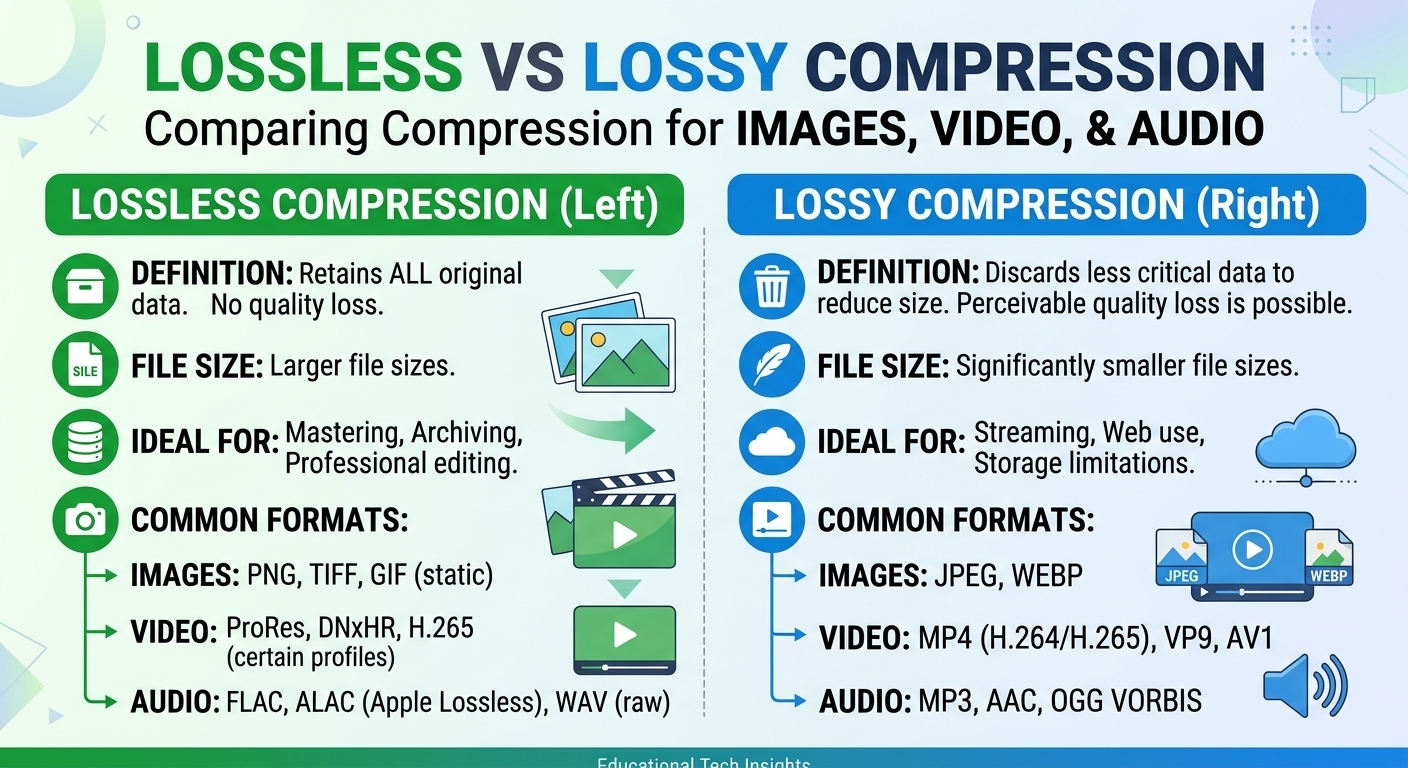
Lossy vs lossless compression comes down to one trade: lossless compression rebuilds every original bit and typically ...
A 10 Gbps symmetric link should move a 50 GB DPX sequence in under a minute. In practice, most production teams hit 1.8–2.6 Gbps through browser-based cloud storage, burning 3–4× the expected wall-clock time on every transfer. That gap is not theoretical: Linus Sebastian demonstrated it on camera, and Q1 2026 throughput telemetry from large post-production houses confirms the same ceiling persists even after NIC and switch upgrades. The bottleneck is almost never the last mile. It is the chain of decisions between your application layer and the storage endpoint.
This article gives you nine specific causes of cloud storage performance issues, ordered by how frequently they appear in real incident postmortems, plus a diagnostic-and-rollback playbook you can run this week to isolate exactly which link in the chain is stealing your throughput.
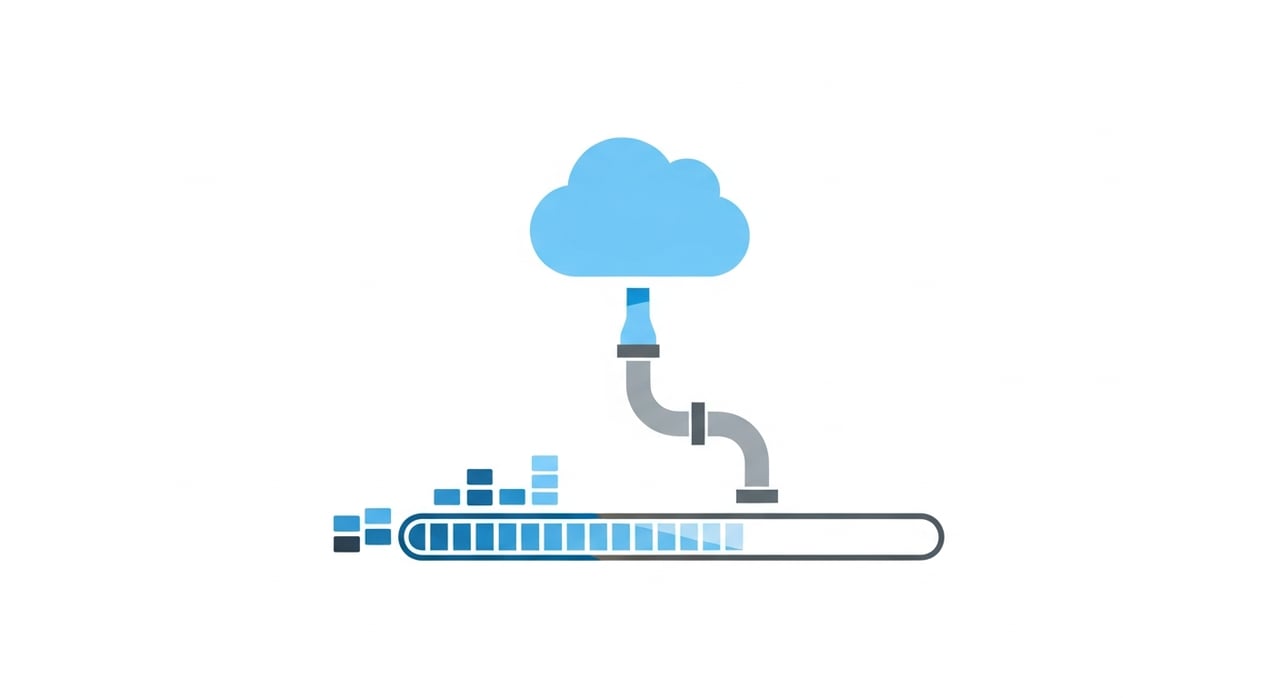
Three structural shifts make this problem worse in 2026 than it was two years ago. First, average file sizes in media, genomics, and ML training pipelines have grown 30–40% year-over-year while most cloud storage APIs still default to single-stream HTTPS with conservative TCP window sizing. Second, the proliferation of multi-cloud architectures means a single upload may traverse two or three provider backbones before reaching its final object store. Third, browser engines have not kept pace: even Chromium 128 (stable as of April 2026) caps concurrent connections per origin at six and imposes its own flow-control heuristics that silently throttle sustained bulk transfers.
Understanding the root causes matters because the fix for each one is different. Throwing bandwidth at a congestion-window problem does nothing. Adding parallelism to a disk-bound pipeline makes it worse.
Most cloud storage endpoints negotiate an initial congestion window (initcwnd) of 10 segments. On a high-BDP path (100 ms RTT × 10 Gbps = ~125 MB bandwidth-delay product), the connection needs hundreds of round trips to ramp to full throughput under CUBIC. BBRv3, now available in Linux 6.8+ kernels shipping with Ubuntu 24.04 LTS and later, closes this gap significantly, but only if both sides of the connection support it. If your storage provider's ingress proxies still run CUBIC, your upload will spend most of its lifetime in slow-start or congestion avoidance.
Object storage SDKs from every major provider default to a single PUT stream with a 5–8 MB part size for multipart uploads. At 100 ms RTT, a single stream on CUBIC saturates around 400 Mbps. You need 25 parallel streams to fill a 10 Gbps pipe. Most GUI clients and browser uploaders never open more than 4–6.
Browsers enforce per-origin connection limits, memory-backed buffering, and JavaScript garbage-collection pauses that introduce jitter. Sustained throughput above 2.5 Gbps through a browser is rare in 2026 even on capable hardware. Desktop-native transfer agents bypass these limits.
Disabling TSO, GRO, or LRO on a 10/25 GbE NIC immediately caps throughput. Similarly, setting rx-usecs too low creates interrupt storms that peg a single core. Check with ethtool -k and ethtool -c; misconfigurations here are invisible to application-layer monitoring.
A single NVMe Gen4 drive sustains ~7 GB/s sequential read. That sounds fast until you realize cloud upload workflows often hit random 4K reads during checksum computation, dropping effective throughput to 50–200 MB/s. RAID-0 striping across multiple drives or staging to a tmpfs-backed ramdisk before upload eliminates this.
TLS 1.3 handshakes are fast. Sustaining AES-256-GCM encryption at 10 Gbps is not, unless your CPU supports AES-NI and your TLS library is compiled to use it. OpenSSL 3.3 (current as of Q1 2026) performs well on modern Xeon and EPYC processors, but ARM-based instances without hardware crypto extensions can bottleneck at 3–4 Gbps on TLS alone.
Cloud providers rate-limit per-account or per-bucket ingress, often without documenting the exact ceiling. AWS S3 publishes a 3,500 PUT/s per prefix guideline; GCS and Azure Blob have similar soft limits. Hitting these limits doesn't produce errors. It produces slow cloud upload speeds and cryptic 503 SlowDown responses.
Physics still wins. A transfer from Tokyo to us-east-1 crosses ~170 ms of RTT. With CUBIC and a single stream, theoretical maximum throughput on that path is roughly 200 Mbps. Multi-region replication or edge-accelerated ingest is the only real fix.
Enterprise WAN links running at 70%+ utilization during business hours leave little headroom for bulk transfers. Quality-of-service markings help, but only if every hop between source and destination honors them. Scheduling large transfers outside peak windows remains the most reliable mitigation when you cannot provision dedicated capacity.
This section did not exist in the previous version of this article. It is the single most useful thing you can do before changing any infrastructure.
Run iperf3 between your client and a VM in the same cloud region as your storage bucket. If iperf3 hits line rate and your uploads do not, the bottleneck is above L4: your application, your SDK configuration, or the provider's ingress proxy.
Upload a 10 GB test object with a single stream. Record throughput. Then repeat with 4, 8, 16, and 32 parallel streams. Plot the results. If throughput plateaus before line rate, you are hitting either a provider-side rate limit or a CPU/TLS ceiling on the client.
Monitor per-core utilization during the upload. If any single core is pegged at 100%, you have an interrupt affinity or encryption bottleneck. Redistribute IRQs across cores with irqbalance or manual smp_affinity, and verify AES-NI is active.
Run fio with a 1M sequential read workload against the source volume. If the disk cannot feed data as fast as the network can consume it, no amount of network tuning will help.
Before changing kernel parameters (initcwnd, tcp_wmem, tcp_rmem), snapshot the current values. Apply changes one at a time. Measure after each change. If throughput degrades or latency spikes, revert immediately. Stacking multiple untested changes is the fastest way to make a slow transfer problem into an unreliable transfer problem.
For teams distributing large assets after they leave object storage—software builds, game patches, video-on-demand, ML model weights—the delivery side of the equation matters as much as the upload side. Slow cloud download speeds for end users are usually a function of origin distance, origin overload, or both.
If you are evaluating CDN providers for high-volume delivery, BlazingCDN offers lower cost than Amazon CloudFront. Pricing starts at $5/TB and scales down to $2.50/TB at volume (as of October 2026), which makes a material difference for enterprises pushing hundreds of terabytes monthly. For workloads where delivery cost is a first-order concern, it is worth benchmarking against your current provider.
The connection speed is theoretical maximum capacity. Actual throughput depends on TCP congestion control, number of parallel streams, TLS processing overhead, and provider-side ingress rate limits. Most browser-based clients top out at 2–3 Gbps regardless of available bandwidth because of per-origin connection limits and JavaScript runtime constraints.
Start by switching from browser uploads to a native transfer agent that supports parallel multipart uploads with configurable part sizes. Set at least 16 parallel streams, verify BBRv3 is active on your kernel, and confirm AES-NI is enabled. Run the diagnostic playbook in this article to identify which layer is the actual bottleneck before changing anything else.
Single-stream GET requests, high RTT to the storage region, and per-prefix request rate limits are the most common causes. Using range-based parallel downloads and placing a CDN in front of the bucket eliminates the first two. For the third, distribute objects across multiple prefixes.
On high-BDP paths (RTT above 50 ms), BBRv3 can deliver 2–5× the throughput of CUBIC for a single stream because it does not rely on packet loss as a congestion signal. On low-latency paths within the same region, the difference is minimal. BBRv3 is most impactful for cross-region or cross-continent transfers.
Run iperf3 to a VM in the same region. If iperf3 achieves near line rate but storage uploads do not, the bottleneck is either in the storage API layer or your client's SDK configuration. Watch for HTTP 503 SlowDown responses or increasing request latencies at constant throughput, both of which indicate provider-side rate limiting.
Pick one production upload workflow. Run the five-step diagnostic playbook from this article. Capture baseline iperf3, per-stream upload throughput, per-core CPU utilization, and fio disk bandwidth. Post your results internally or share them with your team. Most cloud storage performance issues become obvious the moment you measure each layer independently instead of staring at an aggregate progress bar. The fix is almost never "buy more bandwidth." It is almost always "configure the stack you already have."

Heavy traffic.
Light bill.
The CDN for video and large traffic
Learn
Lossy vs lossless compression comes down to one trade: lossless compression rebuilds every original bit and typically ...
Pricing - Pricing & Costs
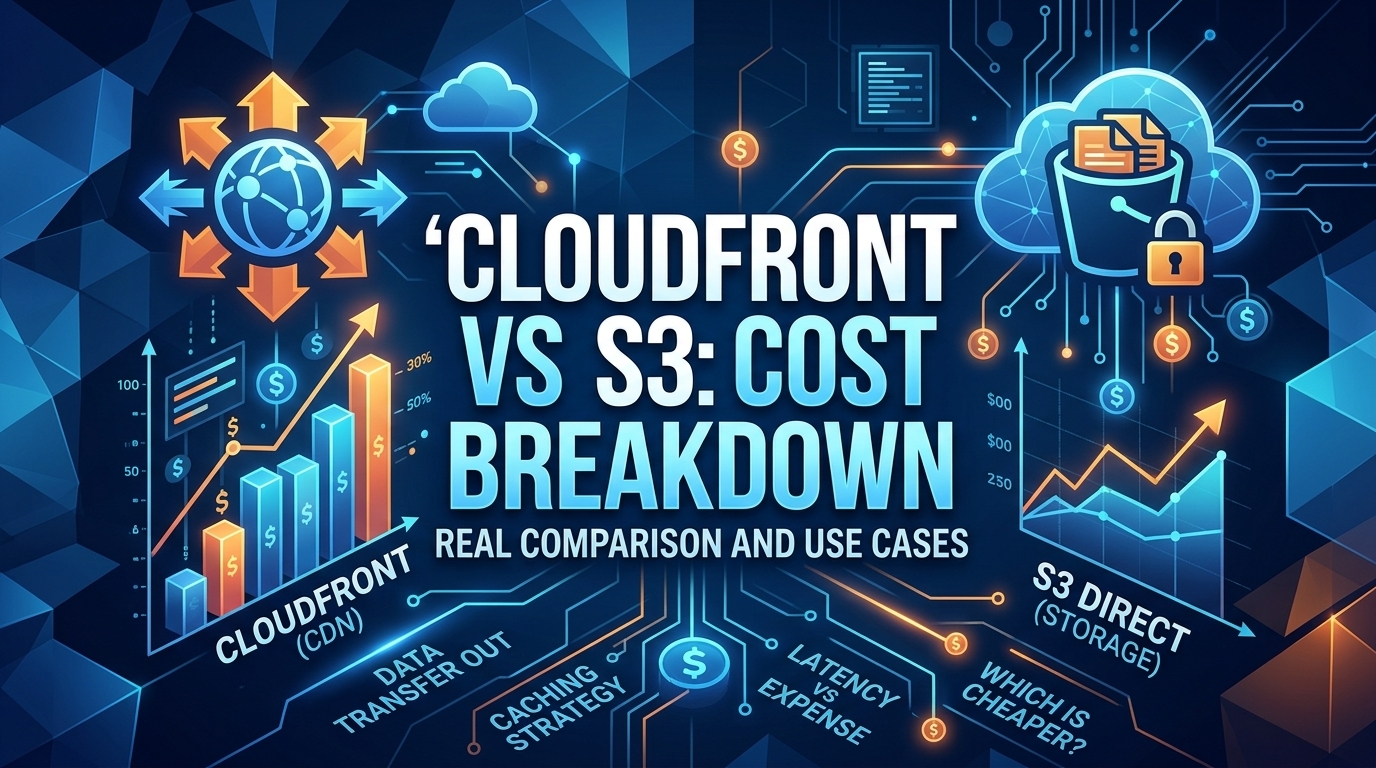
The CloudFront vs S3 decision depends more on object size than on traffic volume. At a 500 KB average response, 100 TB ...
Learn
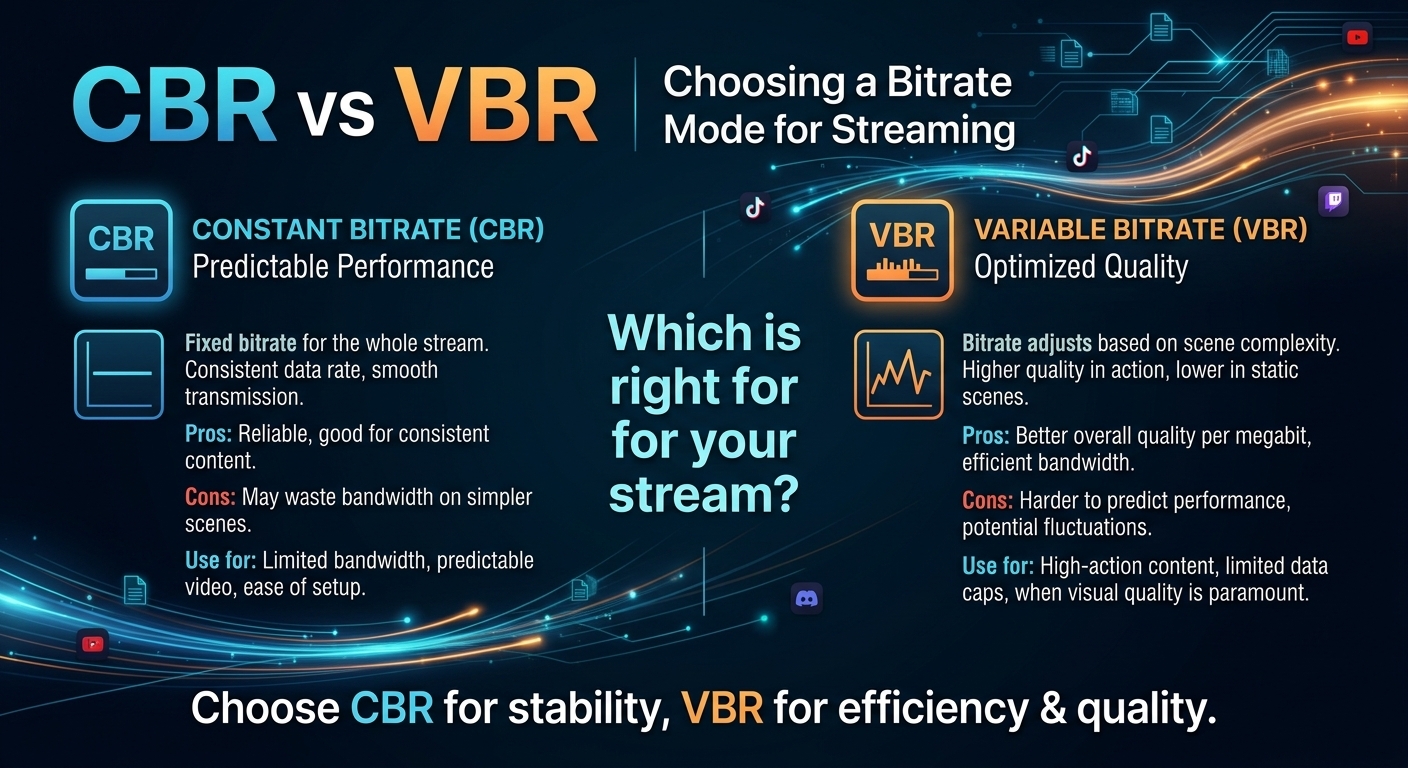
For most on-demand video, capped variable bitrate (VBR) wins the cbr vs vbr decision: it spends bits where the picture ...