
Learn
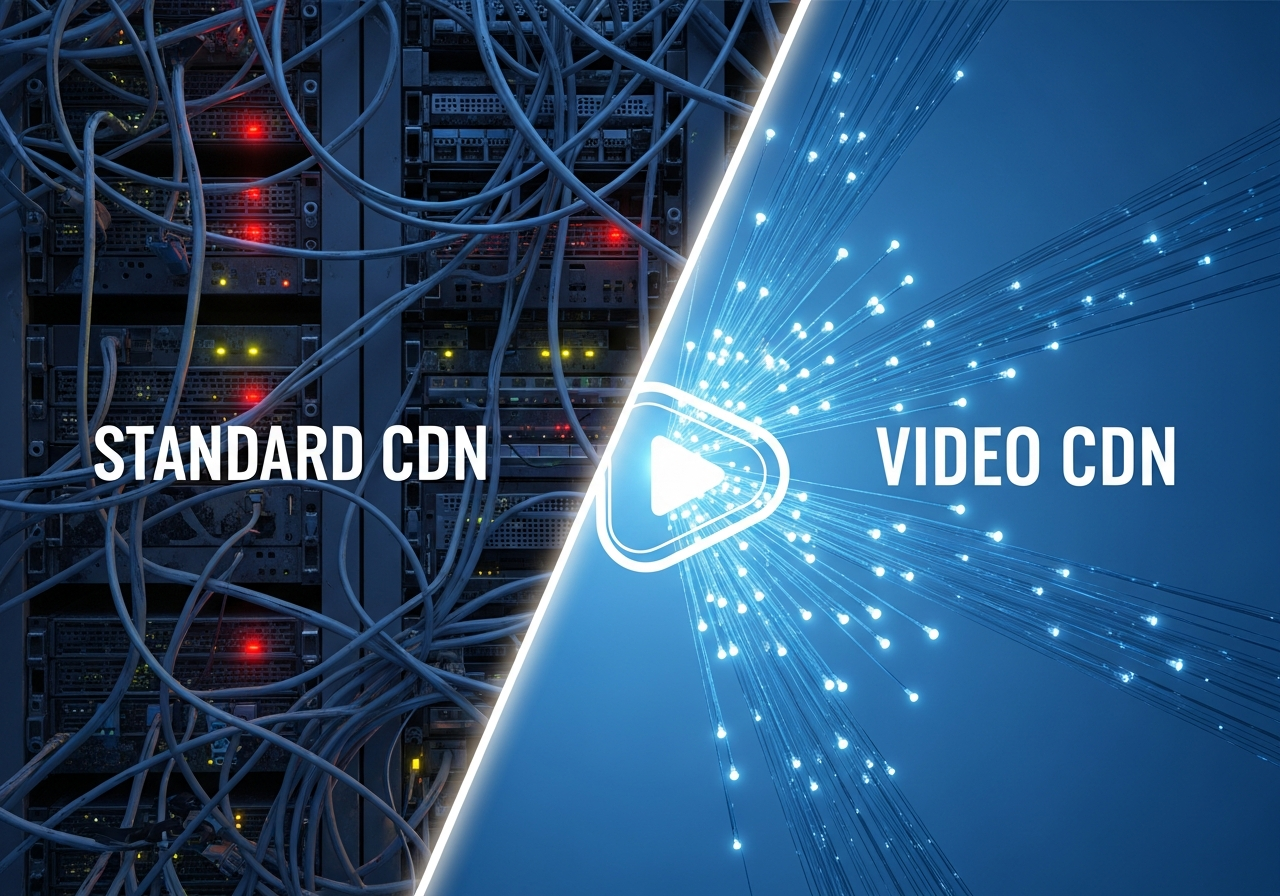
Video CDN vs Standard CDN: Why Video Streaming Needs a Different Setup
Video CDN vs Standard CDN: Why Video Streaming Needs a Different Setup In 2025, Sandvine reported that video ...

47% of users expect a web page to load in two seconds or less — and a one-second delay can slash conversions by up to 7%, according to data often cited from Akamai and Google. Now stretch that expectation across 190+ countries, different ISPs, congested mobile networks, and users on older devices. The gap between what people expect and what your global website actually delivers can quietly drain revenue every hour of the day.
This article is your deep-dive playbook on improving global website load times with a CDN, from first-byte performance and DNS strategy to image optimization and edge caching policies. Along the way, you’ll see what the data says, what leading companies get right, and how to turn those insights into practical steps for your own stack.
Before you think about CDN configuration or edge caching, it’s worth framing why global performance is a board-level topic, not only an engineering concern.
Now layer in global complexity: users in São Paulo, Mumbai, and Johannesburg may be hitting an origin in Frankfurt or Virginia, often over congested or high-latency routes. Without a CDN, every request is a long-distance trip.
Ask yourself: if your analytics show healthy traffic from regions like Southeast Asia or South America but weak engagement or conversions, how much of that problem is simply physics — and how much can a properly tuned CDN fix?
“Use a CDN” is easy advice; understanding how it speeds up a website worldwide is where the real leverage is. A modern CDN optimizes multiple parts of the request–response chain, not just static asset delivery.
The most obvious benefit: a CDN caches your static (and often semi-static) content closer to end users. Each HTTP request involves DNS lookup, TCP handshake, TLS negotiation, and data transfer. Over long distances, that can mean hundreds of milliseconds of unavoidable latency per round trip.
By serving content from edge servers located closer to the user, you reduce round-trip time (RTT). Independent benchmarks from organizations like the HTTP Archive and Catchpoint consistently show lower TTFB (Time to First Byte) when responses come from nearby CDN edges instead of a distant origin.
Reflect: how far is your average user from your origin? If you operate a single origin in North America, users in Asia-Pacific might face 250–350 ms base latency before you even send the first byte.
CDNs improve performance not only by proximity but by offloading read-heavy traffic from your origin infrastructure. When the edge serves cached responses, your origin CPU, memory, and I/O are freed up for dynamic or personalized content.
This is critical during flash sales, product launches, or viral traffic events. Without a CDN, your origin can hit saturation, queues back up, and your global TTFB spikes for every user, even those geographically close to the server.
Challenge: if your origin suddenly received 3–5x its typical traffic tomorrow, could it handle the load without a CDN shield? If the answer is “maybe,” that’s a hidden risk to both uptime and performance.
Top-tier CDNs aggressively tune their TCP stacks, TLS handshakes, and congestion control algorithms. They’re fast not just because they’re closer, but because they’re better tuned than typical self-managed infrastructure.
A well-implemented CDN may deliver better performance than your origin even to users in the same region simply because it’s using more advanced protocol optimizations.
CDNs aren’t limited to static files. Depending on your architecture, you can cache:
Every response served from cache is one less trip to your origin and often one or more fewer trips across continents.
Question for your team: which parts of your site are truly dynamic and which are just treated that way by default? The answer defines your real performance ceiling with a CDN.
To improve performance with a CDN, you need to speak the language of both engineers and business stakeholders. That means understanding which metrics matter and how to measure them worldwide.
According to the Chrome User Experience Report (CrUX), sites that meet Core Web Vitals thresholds on 75% of visits are strongly correlated with higher engagement and conversion rates. Optimizing with a CDN is one of the fastest ways to improve LCP and TTFB globally.
Tools like Lighthouse, WebPageTest, and PageSpeed Insights are invaluable for baseline checks. However, they don’t fully capture the diversity of real networks and devices.
Challenge your current setup: do you know your LCP and TTFB for users in India, Brazil, or South Africa specifically? If not, a CDN rollout or reconfiguration may be happening partially blind.
Once you’ve aligned on why global speed matters and how to measure it, the next step is configuring your CDN for maximum impact. Misconfigurations here can wipe out much of the potential benefit.
Your CDN’s DNS is the first gate. Poorly configured DNS or high-latency DNS resolvers can add hundreds of milliseconds before your page even starts loading.
Practical tip: run DNS performance checks from multiple regions using tools like DNSPerf or WebPageTest to verify that your CDN DNS resolution is consistently fast worldwide.
Even with a CDN, your origin still matters. For cache misses and dynamic traffic, the round trip from edge to origin defines TTFB.
Question: if your origin region suffered a major outage, would your CDN configuration allow you to fail over quickly without breaking cache or SSL?
Designing caching rules is where performance architecture meets your application’s business logic.
max-age, s-maxage, stale-while-revalidate, and stale-if-error where appropriate.A study shared by several e-commerce optimization agencies shows that caching even 30–40% of your HTML for anonymous users can lead to double-digit improvements in conversion rates in markets far from the origin, thanks to much lower TTFB.
Ask yourself: which URL patterns could safely be cached for at least 5–15 minutes at the edge without harming business logic or personalization?
Google doesn’t directly rank sites based on CDN usage, but it does reward fast, stable, and responsive pages. A well-implemented CDN is one of the most efficient tools to improve the underlying metrics.
LCP is heavily influenced by how fast above-the-fold assets load — hero images, background images, and large text blocks. A CDN helps by:
According to Google’s web.dev guidance, sites that move LCP under 2.5 seconds for most users see significant drops in bounce rate. For global sites, this typically requires both front-end optimization and a CDN tuned for low TTFB worldwide.
While Cumulative Layout Shift (CLS) and Interaction to Next Paint (INP) are more affected by front-end engineering and script execution, network performance still matters.
Reflection: if your LCP differs drastically between Germany and Indonesia, what share of the gap is network latency that a CDN could shrink versus front-end issues common to both?
Search engines like Google allocate crawl budget per site. Faster response times generally mean more pages crawled and indexed per unit time.
In global SEO strategies with country-specific content and hreflang implementations, using a CDN with efficient caching and routing improves both user experience and crawler efficiency.
Different industries stress-test global performance in different ways. The core CDN principles are consistent, but priorities and tuning differ between streaming platforms, SaaS providers, media outlets, and online retailers.
News and video platforms depend on flawless global delivery during breaking events or live streams. Real-world incidents — such as global sporting events and worldwide product announcements — have demonstrated how traffic can spike 10x–100x within minutes, exposing performance bottlenecks.
Modern providers like BlazingCDN are built with streaming workloads in mind, offering stable, fault-tolerant performance and 100% uptime at costs starting from $4 per TB ($0.004 per GB), which is particularly attractive for media companies operating on thin margins.
For B2B SaaS and enterprise apps, global customers expect dashboards, APIs, and app interfaces to respond in milliseconds, regardless of their office location. Long round trips for every API call can turn a polished UI into a sluggish experience for teams outside your primary region.
For SaaS players, a provider such as BlazingCDN, with reliability comparable to Amazon CloudFront but more cost-efficient pricing, offers a powerful way to keep global latency low while controlling infrastructure costs — especially as user numbers and data transfer volumes scale.
Retail giants and global marketplaces live or die by checkout speed and catalog responsiveness. Research from Deloitte has shown that a 0.1-second improvement in mobile site speed can raise conversion rates by up to 8% for retail and 10% for travel sites.
Ask your commerce team: what is the conversion rate in your slowest-performing region compared with your fastest? That delta is often where an optimized CDN rollout delivers a direct, measurable revenue lift.
Once the architecture is sound, the gains come from disciplined optimization. These are practical, battle-tested tactics enterprises use to squeeze every millisecond out of their global delivery.
Images consistently represent a major portion of page weight, especially for e-commerce, travel, and media sites. The HTTP Archive reports that median desktop pages often exceed 1–1.5 MB in images alone.
srcset and sizes) so users don’t download more than they need.Many CDNs offer built-in image optimization — transforming, compressing, and resizing on the fly based on device and browser. This ensures that users in distant regions receive smaller, optimized payloads without complex application changes.
Ensure your CDN is serving traffic over HTTP/2 and HTTP/3 wherever possible. These protocols can significantly improve page load times on high-latency or lossy connections.
Reflection: when you last measured performance, did you inspect protocol usage per region? In many markets, mobile users on flaky networks see disproportionate benefits from HTTP/3-enabled CDNs.
Resource hints like <link rel="preload"> and <link rel="dns-prefetch"> allow you to tell the browser which resources it should prioritize or prepare connections for.
rel="preload" to reduce LCP.rel="prefetch" for likely next-page resources in single-page apps or multi-step flows.Proper use of resource hints, combined with fast CDN delivery, turns distance into less of a factor during critical early render stages.
Performance is only valuable if content remains correct. Many teams hold back on aggressive caching because they fear serving stale data. Smart invalidation solves this tension.
app.v123.js) for static assets so they can be cached for long periods.stale-while-revalidate to serve slightly stale content while refreshing the cache in the background.Challenge: how often do you perform full-cache purges today? If the answer is “regularly,” you likely have room to design a more granular invalidation strategy and improve global cache hit ratios without sacrificing accuracy.
Once performance goals are defined, you still face a practical question: which CDN provider and pricing model best align with your scale and budget, especially as global bandwidth bills grow?
| Criteria | Traditional Enterprise CDN | Modern High-Performance CDN (e.g., BlazingCDN) |
|---|---|---|
| Typical Pricing | $0.02–$0.08 per GB depending on commit and region | From ~$0.004 per GB ($4 per TB) with transparent tiers |
| Performance | Consistently strong, optimized over many years | On par with cloud giants like Amazon CloudFront in stability and latency |
| Configuration Flexibility | Often requires enterprise contracts and support tickets | Self-service rules, flexible configuration, rapid rollout |
| Ideal Users | Incumbent enterprises, legacy contracts | Fast-growing digital businesses needing high performance and tight cost control |
BlazingCDN positions itself as a modern, cost-efficient CDN optimized for enterprises that care about both raw performance and budget predictability. It delivers 100% uptime, stability, and fault tolerance comparable to Amazon CloudFront, but at significantly lower transfer costs — starting at just $4 per TB ($0.004 per GB).
That pricing difference becomes crucial at scale: large media platforms, SaaS vendors, and high-traffic e-commerce brands can offload heavy traffic globally without watching bandwidth costs spiral. Flexible configuration, detailed analytics, and enterprise-focused support make it an excellent fit for organizations that want cloud-grade reliability while avoiding the overhead of more complex cloud-native stacks.
If you’re evaluating how different providers stack up on speed, features, and price, the detailed comparisons on BlazingCDN’s CDN comparison resource are a useful starting point for benchmarking.
Knowing what to do is different from executing under real constraints. Here’s a pragmatic rollout process used by many enterprises to adopt or re-architect their CDN without disrupting production traffic.
Define concrete performance goals: for example, “Reduce median LCP below 2.5s for 80% of users in APAC and LATAM within three months.”
cdn.example.com).This step alone often cuts several hundred milliseconds of latency in distant regions and improves cache hit ratios dramatically.
Once static assets are stable, gradually expand CDN responsibilities:
Monitor origin load: a healthy increase in cache hit rate should reduce your origin’s CPU and network utilization, leaving more headroom for dynamic workloads.
This is an ongoing process. Every product change, new feature, or marketing campaign can shift traffic patterns. A CDN strategy must evolve alongside your application and user base.
Even experienced teams fall into traps that negate much of the CDN’s advantage. Recognizing these pitfalls helps you avoid them.
Many organizations overestimate how dynamic their content really is. Product catalog pages, search result templates, blog content, and localized landing pages often change infrequently relative to traffic volume.
Question: if you sampled your last 1,000 origin hits, how many were for content that had changed within the last few minutes? For most global sites, the number is lower than expected.
Frequent “purge all” operations force the CDN to repopulate from scratch, leading to cold-cache performance every time. This is especially harmful for global traffic spikes.
Some teams optimize based on fast office connections and top-end devices. Real users often browse on mid-range Android phones, congested 3G/4G networks, or unstable Wi-Fi.
Reflection: are your performance SLAs defined for your primary office environment, or for the real-world conditions of your fastest-growing markets?
Enterprises that take performance seriously need a CDN that combines technical depth with economic efficiency. BlazingCDN is designed precisely for that intersection.
Whether you operate a SaaS platform, a media network, a global e-commerce operation, or a large software distribution pipeline, BlazingCDN helps you reduce infrastructure overhead, respond quickly to demand spikes, and keep global page loads feeling local. You can explore its performance-focused capabilities in more depth on the BlazingCDN features overview.
Every millisecond you shave off global load times makes your brand feel closer, more responsive, and more trustworthy to users who may be thousands of kilometers away. A well-implemented CDN doesn’t just tick a technical checkbox; it rewrites the way your business shows up to the world — faster launches in new markets, smoother campaigns in peak periods, and more reliable experiences in places your origin servers will never physically reach.
Now is the moment to act:
If you’re ready to turn global latency into a competitive edge — not a silent conversion killer — start by sharing this article with your engineering, product, and growth teams, and open a conversation about where you’re losing speed today. Then, take the next step: evaluate your options, pressure-test your assumptions, and explore how a modern CDN strategy can unlock faster, more profitable experiences for every user, in every market you serve.
Learn
Video CDN vs Standard CDN: Why Video Streaming Needs a Different Setup In 2025, Sandvine reported that video ...

Learn
Video CDN Architecture: How to Deliver HD and 4K Streams at Any Scale Why video streaming CDN designs fail long before ...
Learn
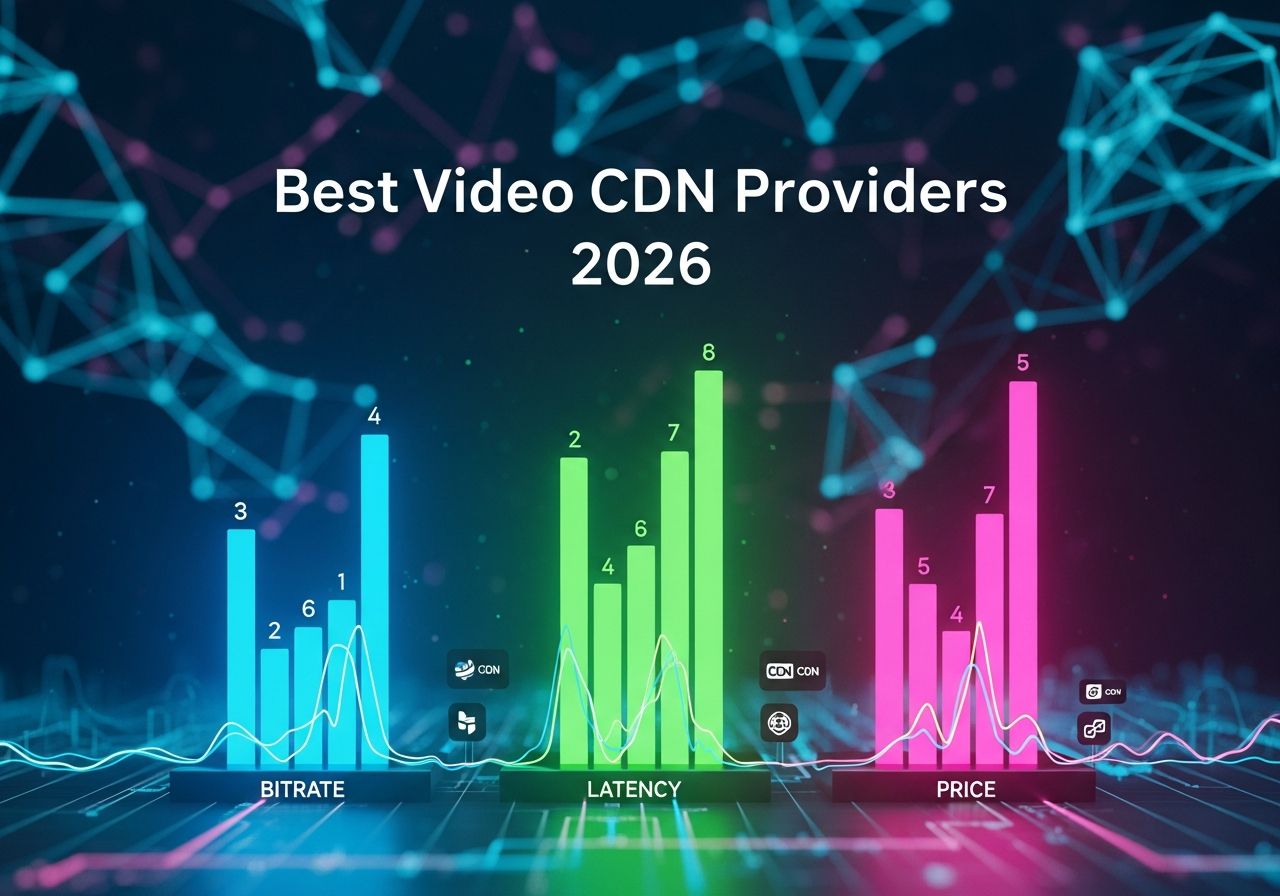
Best Video CDN Providers in 2026: Ranked by Bitrate, Latency, and Price Video still dominates network economics. ...