
Learn
Lossy vs Lossless Compression: Images, Video and Audio
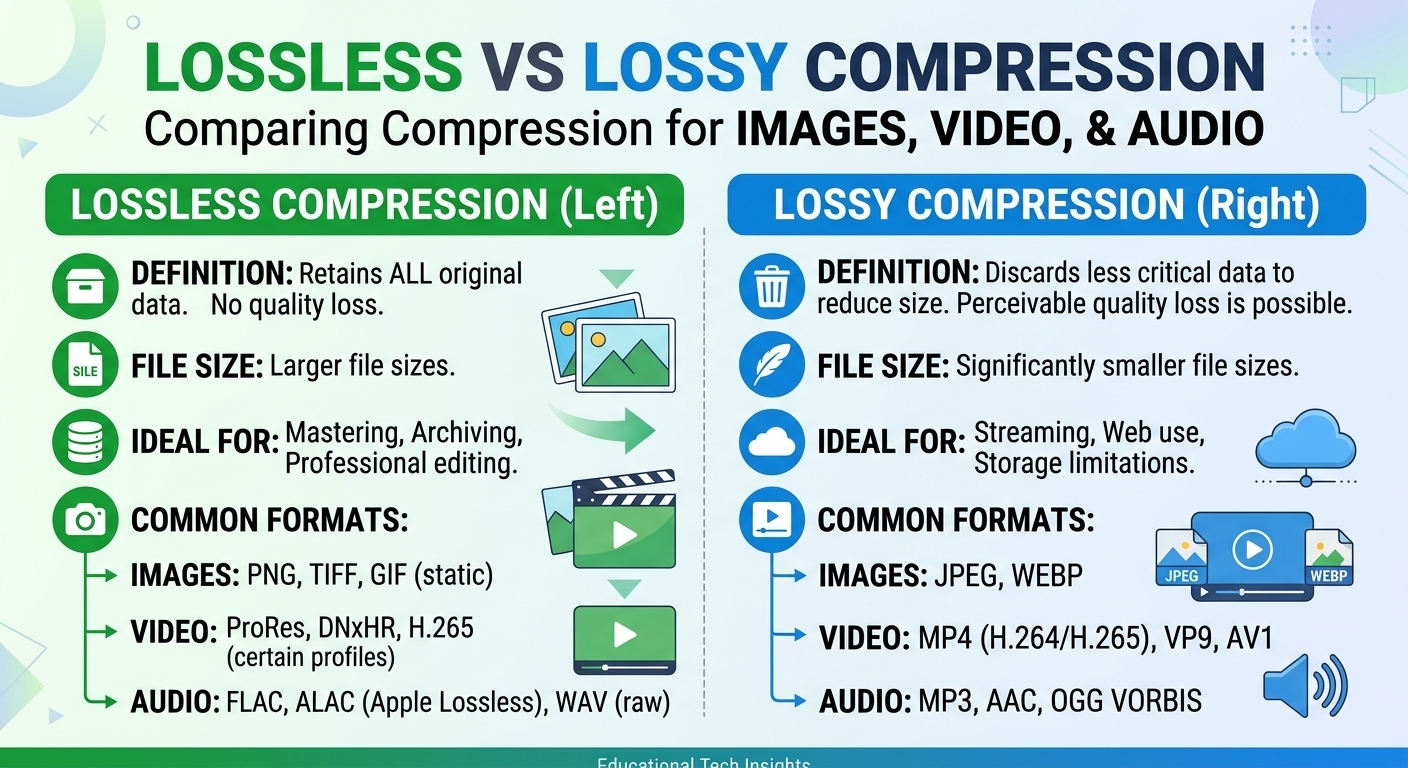
Lossy vs lossless compression comes down to one trade: lossless compression rebuilds every original bit and typically ...

hls.js plays HTTP Live Streaming (HLS) in browsers that lack native HLS support. It fetches playlists and segments over HTTP, transmuxes MPEG-TS into fragmented MP4 when needed, and feeds the result to Media Source Extensions (MSE). A working hls player with error recovery, tuned adaptive bitrate (ABR) and correct CDN headers takes about 45 minutes to build, and most of that time goes into headers and failure handling.
The hls.js 1.x defaults, as documented in 2026, buffer 30 seconds of media ahead of the playhead and keep the entire back buffer. They also start ABR from a 500 kbps bandwidth estimate, so the first segments usually load at a low rendition. Production players should change two of those three defaults.
hls.js is a JavaScript library that downloads the HLS multivariant playlist, picks a rendition, and pulls media segments with XHR or fetch. It then remuxes them in a Web Worker and appends them to a SourceBuffer. The browser decodes, and hls.js does everything else: playlist refresh, ABR, retries and buffer management.
Safari has played HLS natively for years. On iPhone, MSE support arrived as ManagedMediaSource in iOS 17.1, and hls.js uses it from version 1.5 onward. For any target, check MSE support first and fall back to native HLS only where MSE is missing. That gives you a single code path for ABR logic and analytics on almost every device.
hls.js reports every error through one event. Only errors with data.fatal set to true stop playback. Non-fatal errors, such as bufferStalledError during a bandwidth dip, are normal and get retried internally. Your handler only needs to act on fatal errors, and the right action depends on the error type.
Retry timing is configured per request type. Since version 1.4, the config objects fragLoadPolicy, playlistLoadPolicy and keyLoadPolicy set timeouts and retry counts; older releases used flat keys such as fragLoadingMaxRetry. Keep the fragment timeout at no more than one segment duration. A 20-second timeout on 4-second segments drains the buffer before the retry fires.
An hls player in the browser makes cross-origin requests to the CDN, so CORS failures are the most common reason a stream works in Safari's native player but fails under hls.js. Native playback does not enforce CORS on media fetches. XHR and fetch do.
Configure these headers on the CDN for every HLS object type:
The playlist TTL rule follows from simple arithmetic. If a live playlist is cached for a full 6-second target duration, a viewer can receive a copy that is one segment stale. hls.js then sees no new segment, waits, and refetches. In the worst case, that adds 6 seconds of latency or a stall. At half the target duration, the worst-case staleness is 3 seconds, which the default 3-segment live sync window (18 seconds at 6-second segments) absorbs.
Live HLS also creates a refresh pattern that hits the origin hard: every viewer polls the same media playlist every few seconds. Origin shield and request coalescing collapse those polls into one origin fetch per edge. BlazingCDN's HLS Streaming CDN for pre-encoded HLS and LL-HLS includes both on every plan, along with signed URLs and tokens for protecting segment paths.
Run four checks before you ship. Each one has a concrete expected value.
Ship hls.js behind a feature flag that selects between the new player and your previous one, whether that is native playback or an older library. Keep the playlist URLs identical so the CDN cache stays warm under both paths. If startup failure rate or rebuffer ratio regresses after rollout, flip the flag and call hls.destroy() on active instances. No CDN change is needed, because the header changes above are harmless for native players.
capLevelToPlayerSize prevents hls.js from selecting renditions larger than the rendered video element. It accounts for devicePixelRatio unless ignoreDevicePixelRatio is set to true. For embedded or thumbnail-sized players, this is the single highest-value setting, because it removes bytes that viewers can never see.
Here is the worked math, using a common ladder. A 1080p rendition at 6 Mbps uses 2.7 GB per viewer-hour; a 540p rendition at 2 Mbps uses 0.9 GB. A 640-pixel inline player on a 1x display does not need more than 540p. For 10,000 viewer-hours a month in that player, the cap saves 1.8 GB per hour, or 18 TB a month, with no visible quality loss.
hls.js estimates bandwidth with fast and slow exponentially weighted moving averages. It stays at the current level while that level fits within abrBandWidthFactor (0.95) of the estimate. It only switches up when the higher level fits within abrBandWidthUpFactor (0.7). If viewers on mobile networks oscillate between levels, lower abrBandWidthUpFactor toward 0.6. If they stay at a low level for too long on fiber, raise it toward 0.8. Change one factor at a time and compare rebuffer ratio, not only average bitrate.
Forward buffer memory is roughly bitrate multiplied by maxBufferLength. At 6 Mbps, 30 seconds equals 22.5 MB, and the maxBufferSize cap of 60 MB is never reached. Leaving backBufferLength at Infinity on a 2-hour film at 6 Mbps would retain up to 5.4 GB, which the browser refuses long before that point. A 90-second back buffer retains 67.5 MB and still makes short rewinds instant.
For standard live HLS, the target latency is about liveSyncDurationCount times the segment duration. Lowering it from 3 to 2 at 4-second segments moves playback from about 12 seconds behind the live edge to about 8. The trade-off is less margin for stalls. Set maxLiveSyncPlaybackRate to 1.1 so hls.js catches up by playing slightly faster instead of seeking. For latency of a few seconds, use LL-HLS partial segments with lowLatencyMode, and make sure the CDN honors blocking reload query parameters.
Yes, hls.js works on iPhone Safari from iOS 17.1 when you use hls.js version 1.5 or later, which supports ManagedMediaSource. On older iOS versions MSE is unavailable, so Hls.isSupported() returns false and the player should fall back to native HLS by setting the video source to the playlist URL directly. Native playback ignores hls.js ABR configuration.
hls.js fetches playlists and segments with XHR or fetch, which enforce CORS, while native Safari HLS playback does not apply the same checks to media requests. The fix is sending Access-Control-Allow-Origin on every playlist, segment, init segment and key response from the CDN, and exposing Content-Range when byte-range segments are used.
Raise abrEwmaDefaultEstimate, because hls.js starts from a 500 kbps bandwidth estimate and picks a matching low rendition. Setting it to around 3 Mbps, or reusing the last measured hls.bandwidthEstimate from storage, lets the first segments load at a sharper level. Forcing startLevel to a fixed high value risks slow startup on weak connections.
Live media playlists for hls.js should use a max-age of no more than half the target duration, for example 2 to 3 seconds with 6-second segments. Longer TTLs serve stale playlists, adding latency or stalls. Segments are immutable and can be cached for a year, and multivariant playlists can be cached for several minutes safely.
Run the four validation checks above on a production stream, not a local test file. Log bandwidthEstimate, LEVEL_SWITCHED events and fatal errors per session for one week. Then compare the startup rendition, rebuffer ratio and live latency before and after you change abrEwmaDefaultEstimate, backBufferLength and the live playlist TTL. Next, calculate how many terabytes capLevelToPlayerSize would remove from your monthly egress, using your own rendition ladder and your player sizes. Those numbers tell you which tuning change is worth shipping first.
If your segments are pre-encoded HLS or LL-HLS, BlazingCDN's Video CDN for HLS delivery replicates the library inside the CDN and removes the origin from the delivery path. A 14-day testing period on real production traffic is available for repeating these checks.

Heavy traffic.
Light bill.
The CDN for video and large traffic
Learn
Lossy vs lossless compression comes down to one trade: lossless compression rebuilds every original bit and typically ...
Pricing - Pricing & Costs
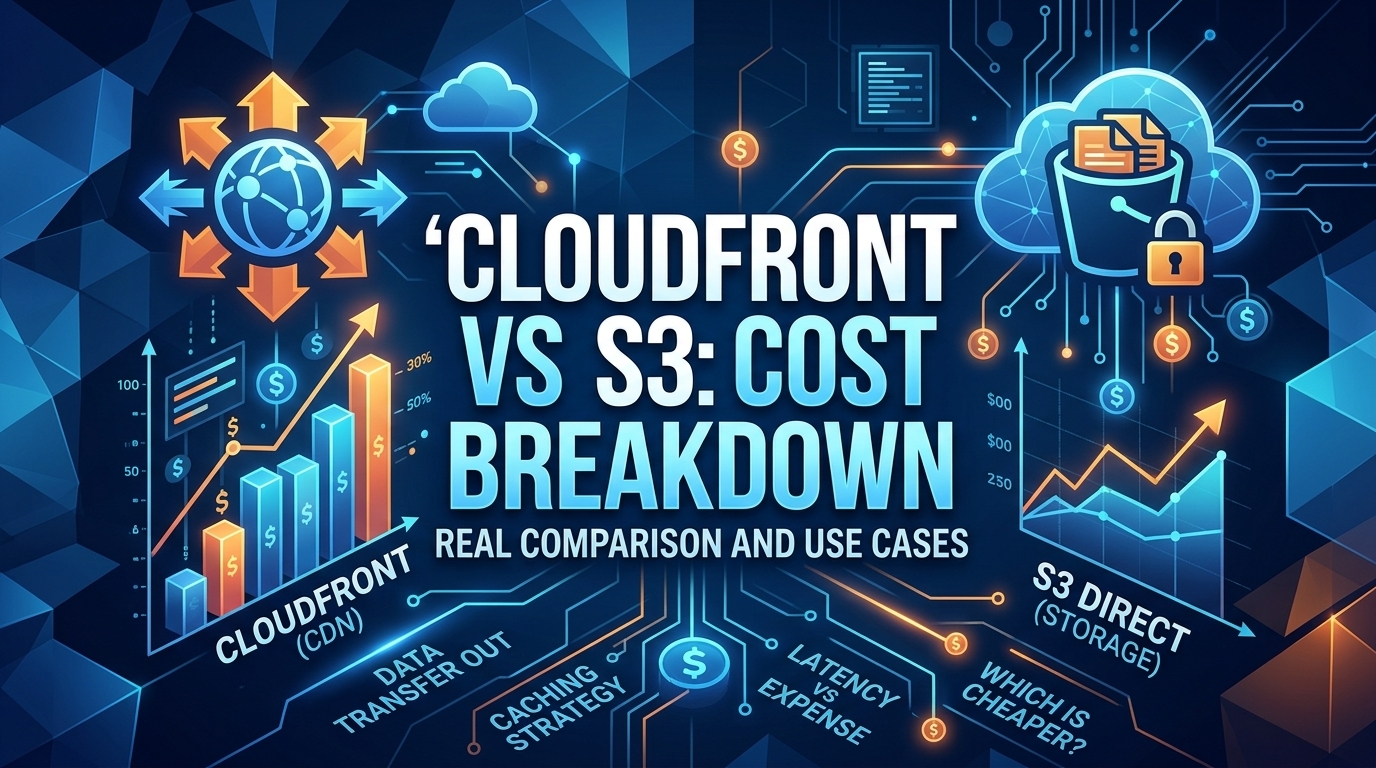
The CloudFront vs S3 decision depends more on object size than on traffic volume. At a 500 KB average response, 100 TB ...
Learn
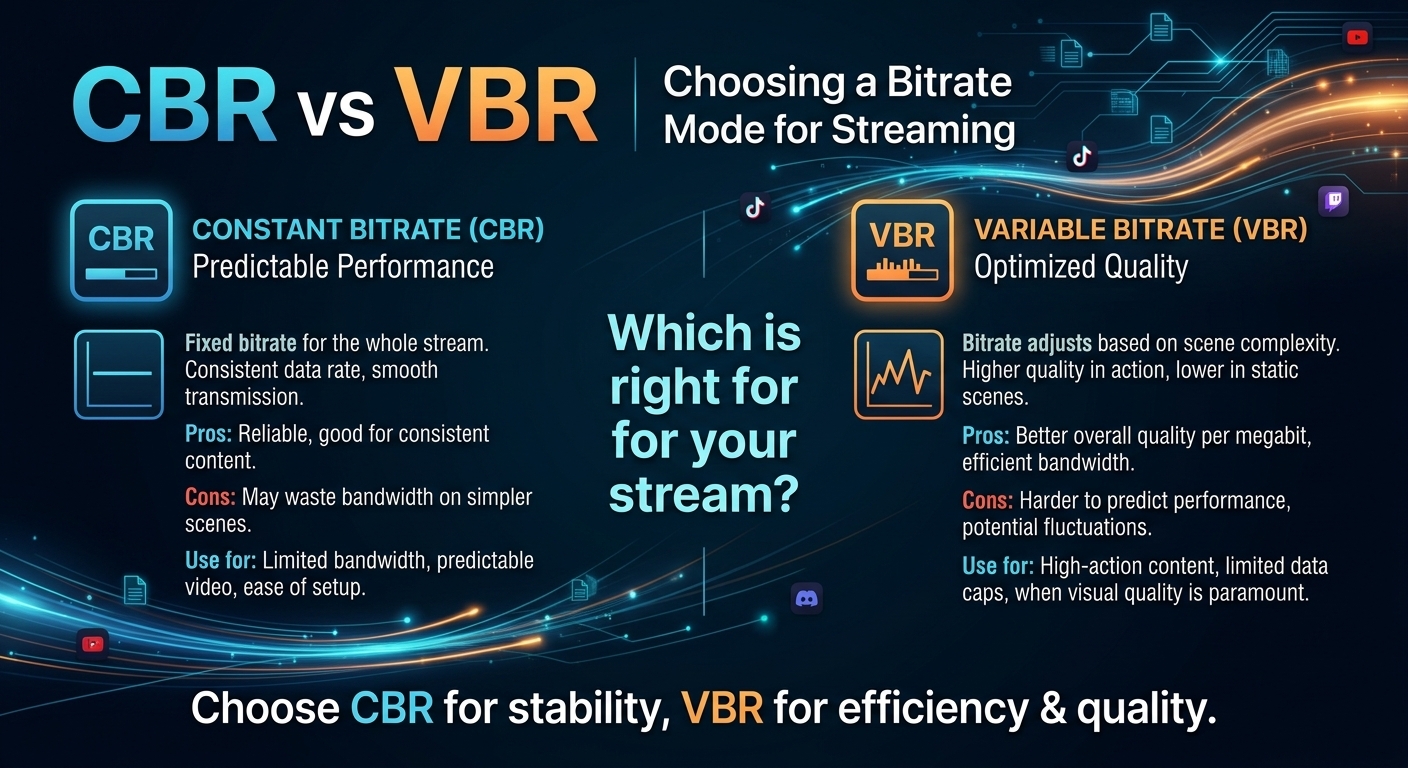
For most on-demand video, capped variable bitrate (VBR) wins the cbr vs vbr decision: it spends bits where the picture ...