
Learn
Lossy vs Lossless Compression: Images, Video and Audio
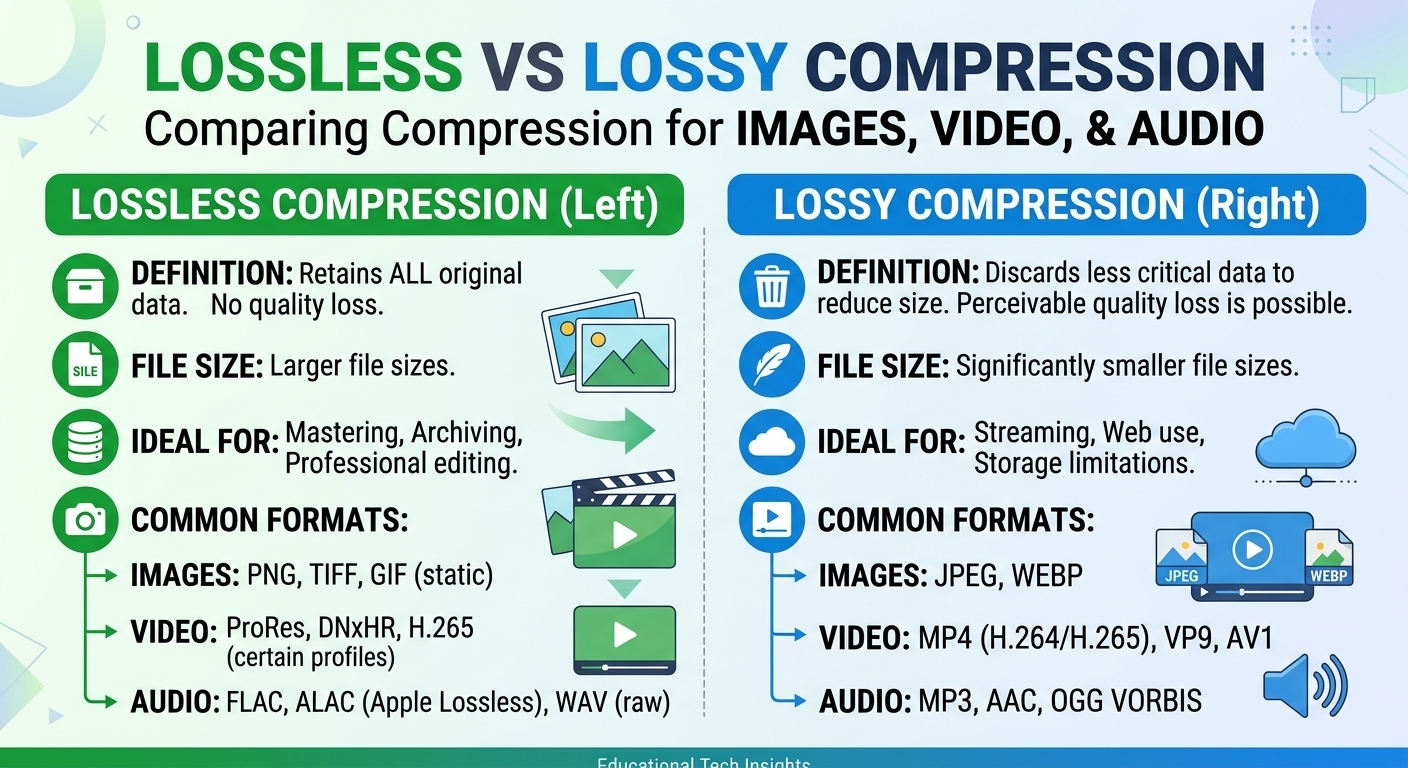
Lossy vs lossless compression comes down to one trade: lossless compression rebuilds every original bit and typically ...
A single misconfigured Cache-Control header on Firebase Hosting cost one mid-size SaaS team 340 ms of extra latency per page load across Southeast Asia for eleven days before anyone noticed. The Firebase hosting CDN had been serving stale Cloud Function responses from edge, while fresh static assets were being re-fetched from origin on every request. The fix took four lines in firebase.json. The performance delta was measurable within minutes. This article gives you the specific tuning playbook, architectural trade-offs, and reliability patterns that separate a default Firebase Hosting deploy from one that actually uses the CDN well. You will get nine concrete techniques, a failure-mode analysis you will not find in Google's docs, and a decision matrix for when Firebase's built-in CDN is enough versus when you need to layer or replace it.
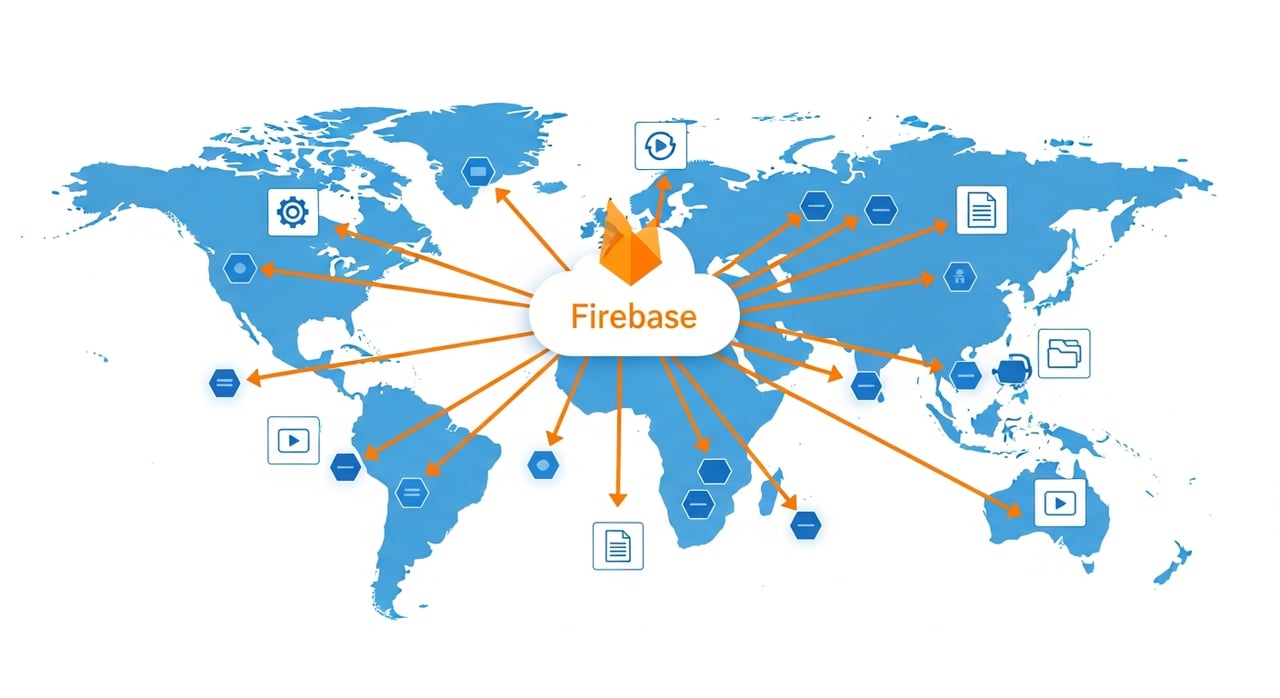
Firebase Hosting sits on Google's global edge network. When you deploy, assets propagate to edge nodes and are served over HTTP/2 (HTTP/3 with QUIC where the client supports it, as of Q1 2026) with automatic TLS. The CDN layer handles static files natively and can also cache responses from Cloud Functions or Cloud Run backends when you set appropriate cache headers. Google does not publicly disclose exact PoP counts for Firebase Hosting's CDN, but latency measurements from Q1 2026 show median TTFB under 50 ms for static assets in North America and Western Europe, climbing to 80–140 ms in regions like Sub-Saharan Africa and parts of South Asia where edge density is thinner.
The critical architectural detail: Firebase Hosting's CDN is not Cloud CDN. They share Google's network backbone, but the configuration surface, cache invalidation mechanics, and pricing model differ significantly. Conflating the two leads to wrong assumptions about cache key behavior and purge latency.
Firebase Hosting lets you set cache headers per glob pattern in firebase.json. The default for static assets is a 1-hour CDN cache. That is far too short for fingerprinted assets (hashed filenames) and far too long for HTML shells in SPAs that reference those assets. Set immutable, long-lived caching (e.g., max-age=31536000) for fingerprinted JS, CSS, and images. Set short or no-cache directives for your index.html and any server-rendered HTML. This single change routinely eliminates 60–80% of unnecessary origin fetches.
Any response from a Cloud Function or Cloud Run service routed through Firebase Hosting can be cached at edge if you return a Cache-Control header with s-maxage. As of 2026, Firebase Hosting respects s-maxage for CDN caching independently of max-age for the browser. Use this for API responses that are identical across users for a given time window—product catalogs, public configuration, feature flags. A 60-second s-maxage on a product listing endpoint can cut Cloud Function invocations by 95% during traffic spikes.
Firebase Hosting's CDN respects Vary, but each unique combination of varied header values creates a separate cache entry. Over-using Vary (e.g., on Accept-Encoding plus Accept-Language plus Cookie) fragments the cache and tanks hit ratios. If you need per-user responses, skip CDN caching entirely for that path and serve directly from your backend.
Even with edge caching, connection setup matters. Add preconnect hints for any third-party origins your app calls at page load. Use preload for your critical CSS and primary JS bundle. Firebase Hosting serves Link headers when configured in firebase.json, enabling H2 server push behavior on supporting clients and early resource hints on all modern browsers.
The CDN can only help if the browser does not request everything at once. Native loading="lazy" on images and iframes defers non-critical fetches. Combine this with responsive image sizing (srcset) to ensure the CDN serves appropriately sized variants rather than full-resolution originals to mobile clients.
Firebase Hosting supports multiple sites per project (as of 2026, up to 36 per project). Use separate sites for your marketing pages, app shell, and documentation. Each site gets its own deploy history and independent cache namespace, which means a deploy to your docs site does not invalidate the CDN cache for your app.
Every 301 or 302 redirect adds a full round trip. Firebase Hosting rewrites serve the target content directly from edge without the redirect hop. For paths that map to Cloud Functions or Cloud Run, rewrites also preserve the ability to cache the response at edge, which redirects to external URLs cannot do.
Firebase Performance Monitoring (updated in early 2026 with improved web vitals reporting) gives you field data segmented by country, connection type, and device class. Synthetic tests from a single region will not reveal that your CDN cache hit ratio drops to 30% in regions where your user base is thin. Set alerts on p75 and p95 TTFB, not just median.
Every firebase deploy purges the CDN cache for the deployed site. This is by design—Firebase Hosting does not support partial purges. If you deploy frequently (CI/CD on every merge), your cache hit ratio suffers. Batch deploys where possible, use preview channels for pre-production, and reserve production deploys for actual release artifacts.
This section addresses the gap in most Firebase hosting CDN documentation: what actually goes wrong in production.
If you cached a Cloud Function response with s-maxage=3600 and then push a breaking schema change to your backend, edge nodes will serve the old response until the TTL expires. Firebase Hosting has no API for targeted cache purging (as of May 2026). The only workaround is a full deploy to the site, which flushes the entire cache, or versioning your API paths so the new endpoint is a different cache key entirely.
Immediately after a deploy, every edge node must re-fetch every asset from origin on the first request. For globally distributed apps with thousands of concurrent users, this creates a thundering-herd pattern against your origin. Firebase Hosting does not expose origin shield configuration. If your backend is Cloud Run with low max-instances, you can hit cold start bottlenecks during this window. Mitigate by warming critical paths with synthetic requests immediately after deploy.
Firebase Hosting's CDN may strip or override certain response headers. Custom headers set in firebase.json apply to static assets but not to Cloud Function responses, which must set their own headers in code. Mismatched CORS headers between your static site and your API cause opaque fetch failures that surface only in specific browsers.
| Dimension | Firebase Hosting CDN | Google Cloud CDN |
|---|---|---|
| Setup complexity | Zero config on deploy | Requires load balancer + backend config |
| Cache purge granularity | Full site only | Per-URL, per-tag, per-prefix |
| Origin shield | Not available | Configurable |
| Custom cache keys | URL + Vary headers only | URL, headers, cookies, query params |
| Dynamic content caching | Via s-maxage on Functions/Run | Full control via backend service config |
| Pricing (2026) | Included in Hosting (10 GB storage, 360 MB/day free; Blaze plan pay-as-you-go at ~$0.15/GB) | ~$0.02–$0.08/GB egress depending on region + per-request fees |
| Best for | SPAs, static sites, moderate-traffic apps tightly coupled to Firebase | High-traffic APIs, media delivery, workloads needing granular cache control |
For teams whose delivery needs outgrow Firebase Hosting's CDN constraints—particularly around cache purge granularity, origin shielding, and cost at high volume—a dedicated CDN becomes the pragmatic choice. BlazingCDN offers Anycast routing with built-in failover, with pricing that scales: starting at $5 per TB and dropping to $2.50 per TB at volume (as of October 2026). For enterprises pushing significant egress, that pricing gap compounds fast. The platform also supports flexible configuration and fast scaling under demand spikes.
Yes. Firebase Hosting serves all deployed content through Google's global edge network. Assets are cached at edge nodes closest to users, with automatic TLS and HTTP/2 (HTTP/3 with QUIC on supported clients as of 2026). Google does not publish the exact number of edge locations used by Firebase Hosting specifically.
Cache headers are set in the headers array within firebase.json, matched by glob pattern. For dynamic responses served via Cloud Functions or Cloud Run through Firebase Hosting rewrites, you set Cache-Control headers directly in your function's response code. The CDN respects s-maxage independently of max-age.
Yes, as long as the response from your Cloud Function or Cloud Run service includes a Cache-Control header with an s-maxage directive. Responses without this header, or with private or no-store, are passed through to the client without CDN caching. There is no way to selectively purge a single cached dynamic response—only a full site deploy clears the CDN cache.
Every deploy to a Firebase Hosting site invalidates the entire CDN cache for that site. This is atomic—there is no partial purge API. Frequent deploys degrade cache hit ratios. Use preview channels for testing and batch production deploys to minimize cache churn.
For static-heavy SPAs and JAMstack sites with moderate traffic, it works well. For apps exceeding hundreds of terabytes of monthly egress, needing per-URL cache purges, or requiring origin shield, you will hit Firebase Hosting's limits. At that scale, Cloud CDN or a dedicated CDN provider offers the control and cost structure you need.
Firebase Hosting includes CDN delivery in its Blaze plan at approximately $0.15/GB for bandwidth beyond the free tier. Standalone CDN providers typically charge $0.0025–$0.05/GB depending on volume and provider. At scale, the price difference is substantial—an order of magnitude for high-egress workloads.
Pull your Firebase Hosting CDN cache hit ratio from the last 30 days using the Firebase console's Hosting usage tab or the Cloud Logging export. If your static asset hit ratio is below 90%, your Cache-Control headers or deploy frequency need attention. If your dynamic response hit ratio is near zero and you have cacheable public endpoints, you are leaving latency and compute cost on the table. Run a comparison: measure p75 TTFB for your highest-traffic page across three regions, then apply the cache header changes from techniques 1 and 2 above, redeploy, and measure again 48 hours later. Post the before-and-after numbers. That is the only evidence that matters.

Heavy traffic.
Light bill.
The CDN for video and large traffic
Learn
Lossy vs lossless compression comes down to one trade: lossless compression rebuilds every original bit and typically ...
Pricing - Pricing & Costs
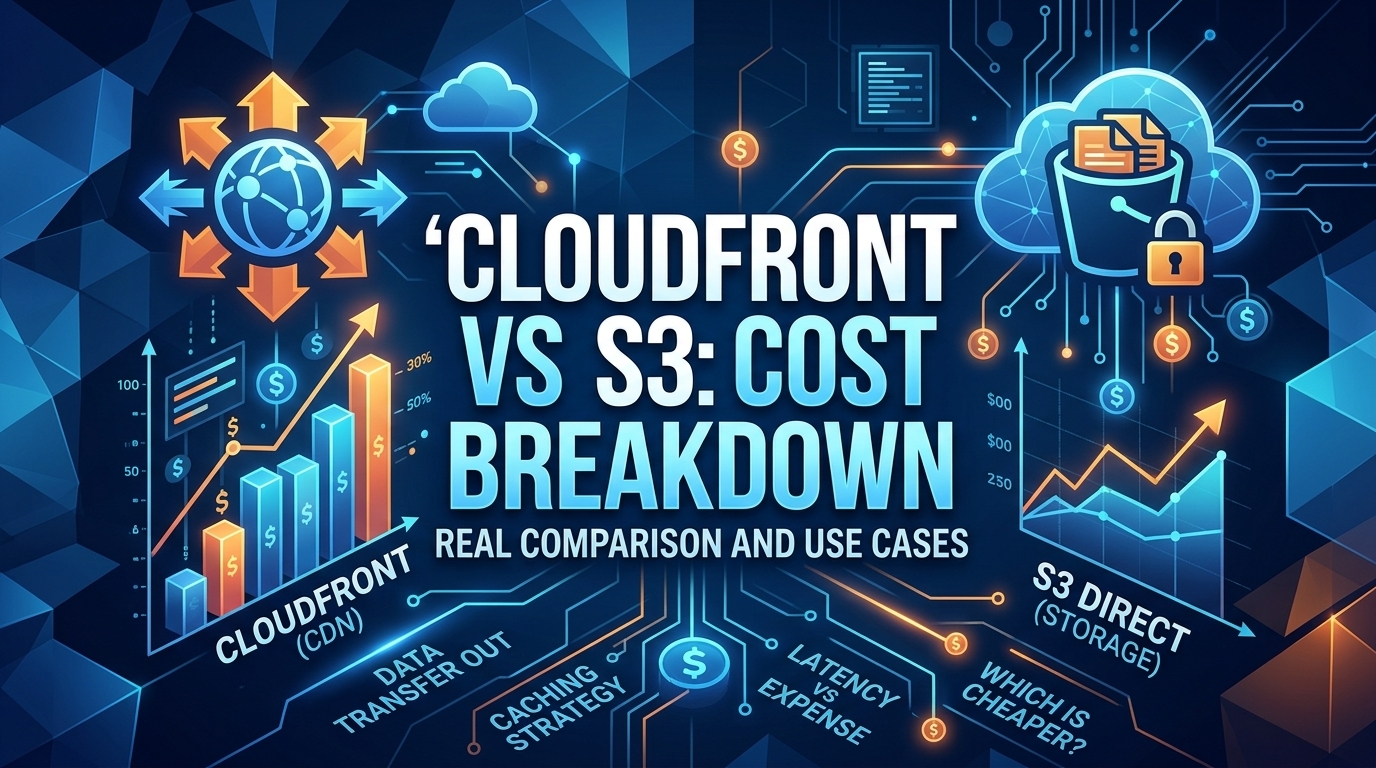
The CloudFront vs S3 decision depends more on object size than on traffic volume. At a 500 KB average response, 100 TB ...

Learn
For most on-demand video, capped variable bitrate (VBR) wins the cbr vs vbr decision: it spends bits where the picture ...