
Learn
Lossy vs Lossless Compression: Images, Video and Audio
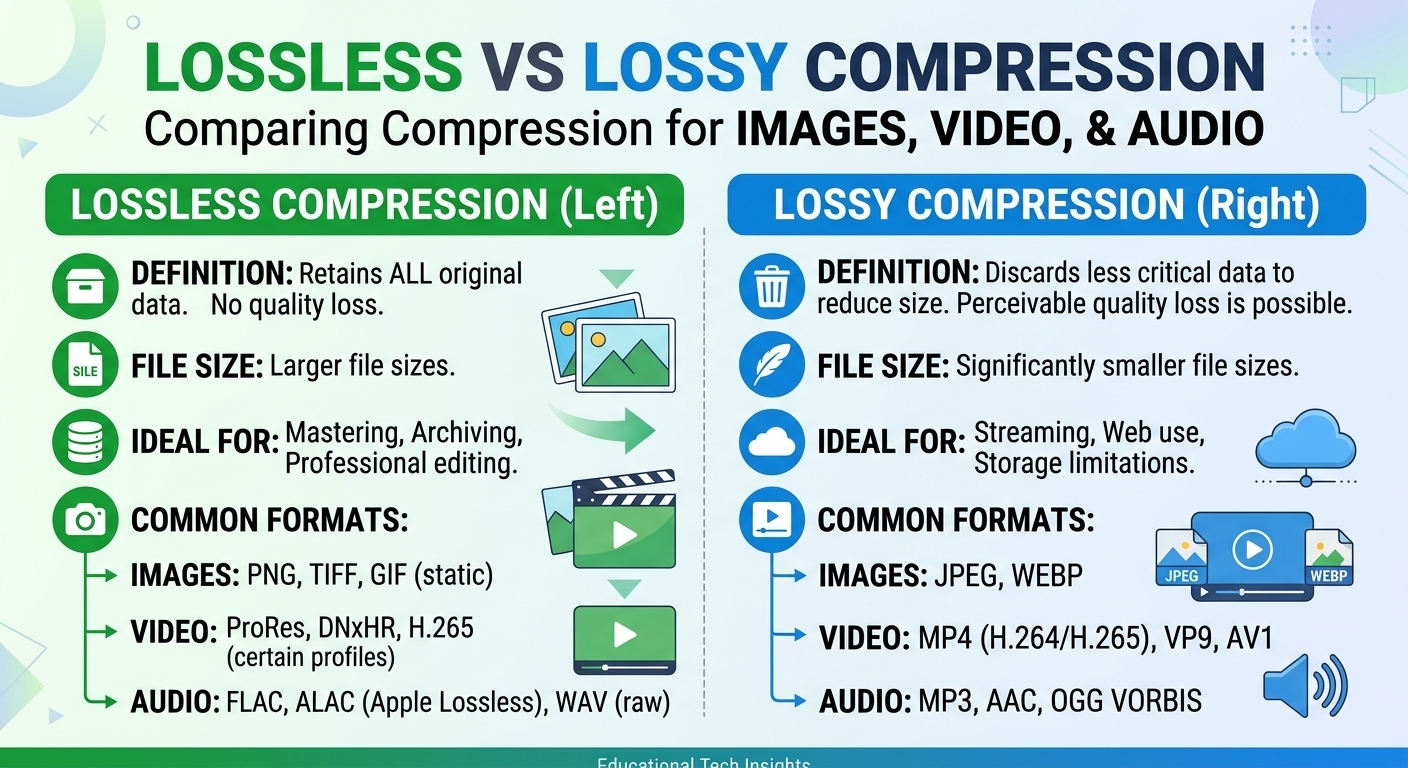
Lossy vs lossless compression comes down to one trade: lossless compression rebuilds every original bit and typically ...
A single cache misconfiguration during a Q1 2026 product launch cost one mid-size SaaS company 14 hours of origin saturation, a 38% spike in p99 latency, and roughly $11,000 in excess egress fees before an engineer caught the missing Vary header. The CDN was "set up." It just was not set up correctly. This cdn setup guide is the playbook that prevents that story from being yours. It covers origin-to-edge configuration, cache-key design, TLS decisions, observability instrumentation, and a diagnostics-and-rollback protocol you can execute under pressure. Every recommendation is grounded in 2026-era defaults, pricing, and protocol support.
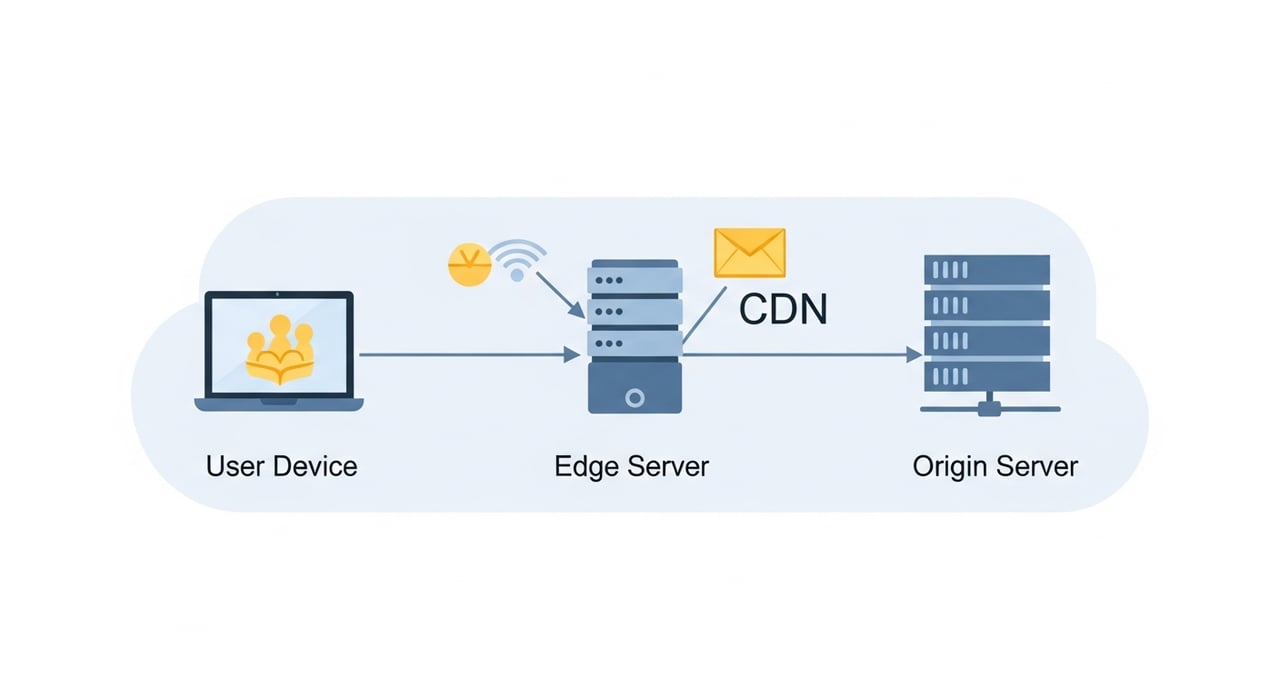
Before you touch a CDN dashboard, answer four questions. Get these wrong and every downstream decision inherits the error.
Most CDN providers in 2026 default to HTTP/2 between edge and origin, with HTTP/3 (QUIC) available as an opt-in for origin pull on providers like Cloudflare and Fastly. If your origin supports it, enable HTTP/3 origin fetch — it reduces connection setup time on lossy paths and eliminates head-of-line blocking on multiplexed pulls. Confirm your origin's QUIC stack handles connection migration correctly before enabling this in production.
Set origin read timeouts explicitly. A 30-second default is too generous for static assets and too short for on-demand video manifest generation. Use 5 seconds for static, 15 seconds for API-backed dynamic, and 60 seconds for long-running transforms. Configure distinct origin groups per timeout profile.
The single most common cdn setup guide omission is cache-key design. Your cache key determines hit ratio, storage cost, and purge granularity. Default cache keys typically include the full URI, query string, and Host header. That is rarely what you want.
Strip tracking parameters (utm_*, fbclid, gclid) from the cache key. Include only the query parameters that change the response body. For image optimization pipelines, include width, format, and quality parameters but exclude client-hint headers from the key unless you are genuinely serving different bytes per hint combination. Every unnecessary cache-key dimension fragments your hit ratio.
As of 2026, a well-tuned static asset configuration should sustain a cache hit ratio above 95%. If you are below 90%, the problem is almost certainly cache-key fragmentation or overly aggressive Cache-Control: no-cache directives leaking from your application layer.
| Asset Class | Recommended Edge TTL | Browser TTL | Purge Strategy |
|---|---|---|---|
| Fingerprinted JS/CSS | 1 year | 1 year | Deploy new hash; old files expire naturally |
| Non-fingerprinted images | 24 hours | 4 hours | Tag-based purge on CMS publish |
| HTML pages | 60–300 seconds | 0 (revalidate) | Instant purge via API on deploy |
| API responses (cacheable) | 5–30 seconds | 0 | stale-while-revalidate + surrogate key purge |
| Video segments (VOD) | 7 days | 24 hours | Versioned manifest URLs |
The stale-while-revalidate directive, now broadly supported across all major CDNs as of 2026, is the single highest-impact setting for API-backed pages. It lets the edge serve a stale copy while asynchronously refreshing from origin, eliminating the latency penalty of a cache miss from the user's perspective.
Two paths: CNAME or DNS delegation. CNAME is simpler — create a CNAME record from your asset subdomain (e.g., static.example.com) to the CDN-provided endpoint. For apex domains, use ALIAS or ANAME records if your DNS provider supports them, or delegate the zone entirely to a CDN that provides authoritative DNS.
Verify propagation with dig against multiple resolvers before cutting over production traffic. Check that your CDN responds with the correct TLS certificate by hitting the CNAME target directly with the Host header set. A certificate mismatch at this stage is far cheaper to fix than after DNS propagation completes globally.
After DNS cutover, validate with a structured pass, not a single curl.
X-Cache: HIT (or equivalent) on a second request to the same URI. A persistent MISS indicates a cache-key or Vary header problem.openssl s_client. Intermediate certificate omissions cause failures on older clients silently.Accept-Encoding: br is present. Many CDNs now default to Brotli at quality 4–6 for dynamic compression as of 2026, but static precompression at quality 11 yields 15–20% smaller payloads versus dynamic.This section does not exist in most cdn quick start guides. It should. Things break during CDN rollouts, and you need a procedure that does not depend on Slack heroics at 2 AM.
Before activating the CDN for production traffic, snapshot your current DNS records, origin server configuration, and baseline performance metrics (TTFB, p50/p99 latency, error rate). Store these in a runbook, not in someone's head.
Define explicit thresholds that trigger a rollback: origin error rate above 2%, edge 5xx rate above 0.5%, or p99 TTFB exceeding 2x the pre-CDN baseline sustained for more than 10 minutes. If any threshold fires, rollback immediately and investigate offline.
Rollback means reverting DNS records to point directly to origin. Set low TTLs (60–120 seconds) on your DNS records before the initial cutover so that rollback propagates in minutes rather than hours. Keep your origin infrastructure scaled to handle full traffic for at least 72 hours after CDN activation. Do not scale down origin capacity the same day you go live on a CDN.
After any rollback, inspect CDN access logs for the failure pattern. The most common causes in 2026 cdn configuration guide incidents: incorrect origin hostname in the CDN config (resulting in TLS SNI mismatch), Host header forwarding disabled (origin returns a default vhost response), and Cache-Control: private set globally by an application framework default that nobody reviewed.
CDN pricing has compressed significantly since 2023, but the cost model still catches teams off guard. Most providers charge per GB of egress, with per-request fees on top for HTTP/HTTPS requests. At 50 TB per month, the major hyperscaler CDNs (CloudFront, Google Cloud CDN, Azure CDN) land between $0.02 and $0.05 per GB depending on region mix. Specialty performance CDNs charge a premium above that.
For teams running high-bandwidth workloads — video delivery, game patching, large software distribution — the cost delta between providers at scale is substantial. BlazingCDN offers Anycast routing with built-in failover, with pricing starting at $5 per TB and scaling down to $2.50 per TB at volume (as of October 2026). For an enterprise pushing 500 TB monthly, that translates to $1,815 per month, with flexible configuration and fast scaling under demand spikes.
Your CDN is live. Now measure what matters, not vanity metrics.
Configure path-based routing at the CDN layer. Map URI prefixes to distinct origin groups — for example, /api/* to your application servers and /static/* to an object storage bucket. Each origin group gets its own timeout, retry, and cache-key configuration. Most CDNs in 2026 support this natively without edge scripting.
Separate concerns at the Cache-Control header level on your origin. Static assets should emit Cache-Control: public, max-age=31536000, immutable when fingerprinted. Dynamic responses should emit Cache-Control: private, no-store or short TTLs with stale-while-revalidate. The CDN respects these directives. Do not rely on CDN-side rules to override broken origin headers long-term.
Compare CrUX (Chrome User Experience Report) data from the 28-day collection period before and after CDN activation. Focus on LCP and INP. LCP improves when image and font delivery is faster from edge. INP is unaffected by CDN unless you are caching API responses that block interactivity. TTFB improvements in lab tools do not always match field data — trust CrUX, not Lighthouse alone.
Use surrogate keys (also called cache tags). Tag every response with one or more logical keys at the origin level via a response header. When content changes, issue a single API call to purge by tag. This is faster and more precise than wildcard URL purges, which many CDNs throttle or execute asynchronously with multi-second propagation delays as of 2026.
Yes, selectively. Read-heavy API endpoints with response bodies that do not vary per authenticated user are strong candidates. Use short edge TTLs (5–30 seconds) combined with stale-while-revalidate to reduce origin load without serving stale data for longer than your application tolerates. Authenticated or user-specific API responses should bypass the cache entirely.
Configure negative TTL rules explicitly. Most CDNs cache 5xx responses for a short period by default — sometimes 1–5 seconds — which can amplify a brief origin error into sustained bad responses at edge. Set edge TTL for 5xx responses to zero, or use origin response header overrides to emit Cache-Control: no-store on error status codes from your application.
Pick one production domain. Run a cache-key audit: pull your CDN access logs for the last 24 hours, group by cache key, and count unique keys per URI pattern. If you find more than 3 unique cache keys for a single logical resource, you have fragmentation costing you hit ratio and origin load. Fix the key, measure the delta, and you will have hard numbers for what a properly tuned cdn setup actually delivers. Post your before-and-after cache hit ratios — the engineering community learns fastest from real data.

Heavy traffic.
Light bill.
The CDN for video and large traffic
Learn
Lossy vs lossless compression comes down to one trade: lossless compression rebuilds every original bit and typically ...
Pricing - Pricing & Costs
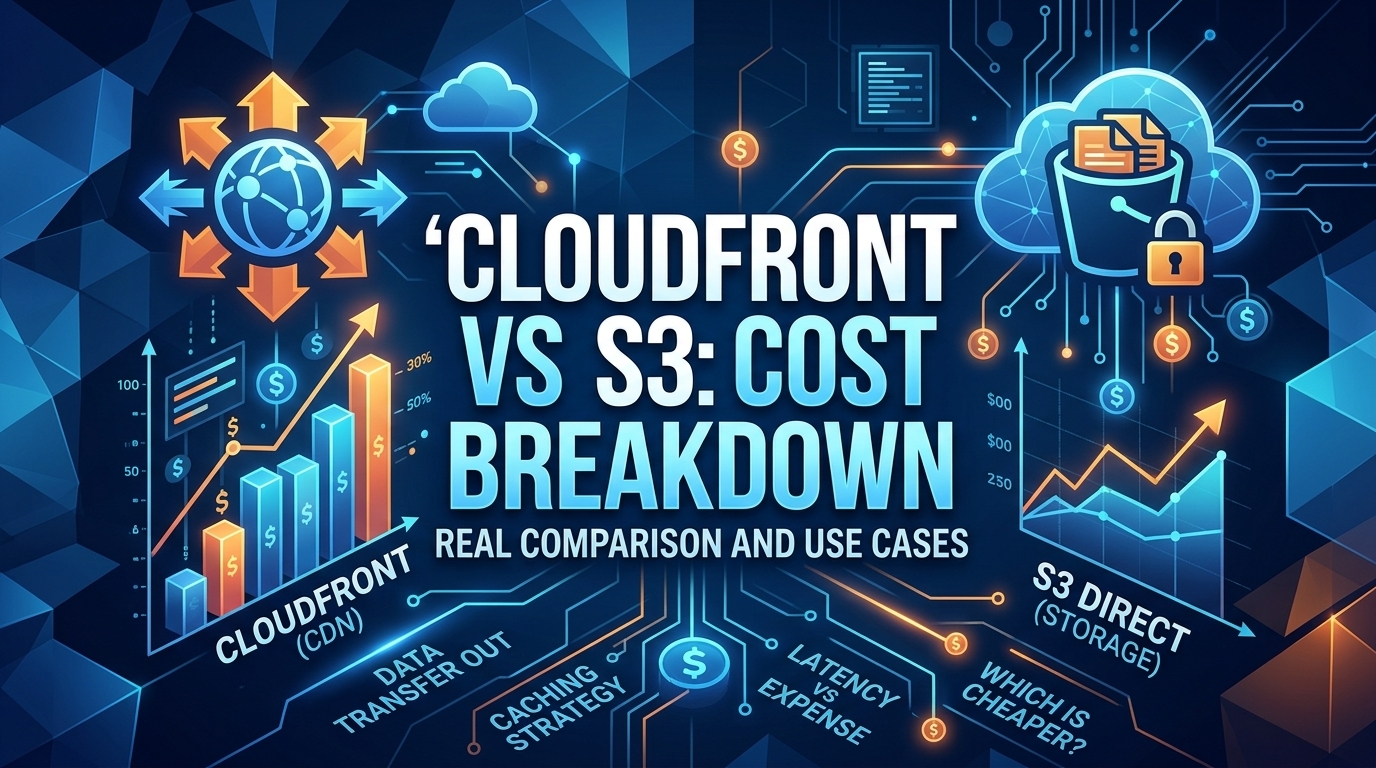
The CloudFront vs S3 decision depends more on object size than on traffic volume. At a 500 KB average response, 100 TB ...
Learn
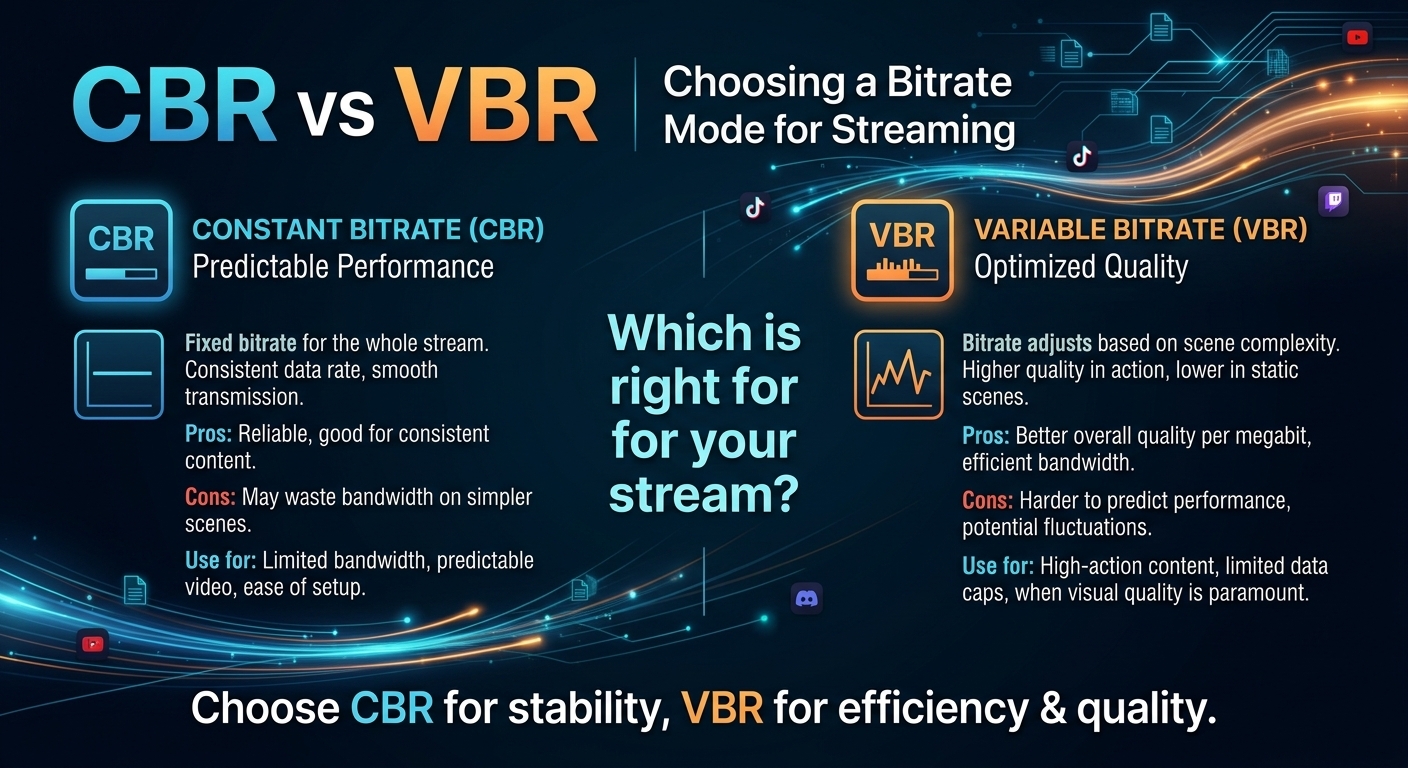
For most on-demand video, capped variable bitrate (VBR) wins the cbr vs vbr decision: it spends bits where the picture ...