
Learn
Lossy vs Lossless Compression: Images, Video and Audio
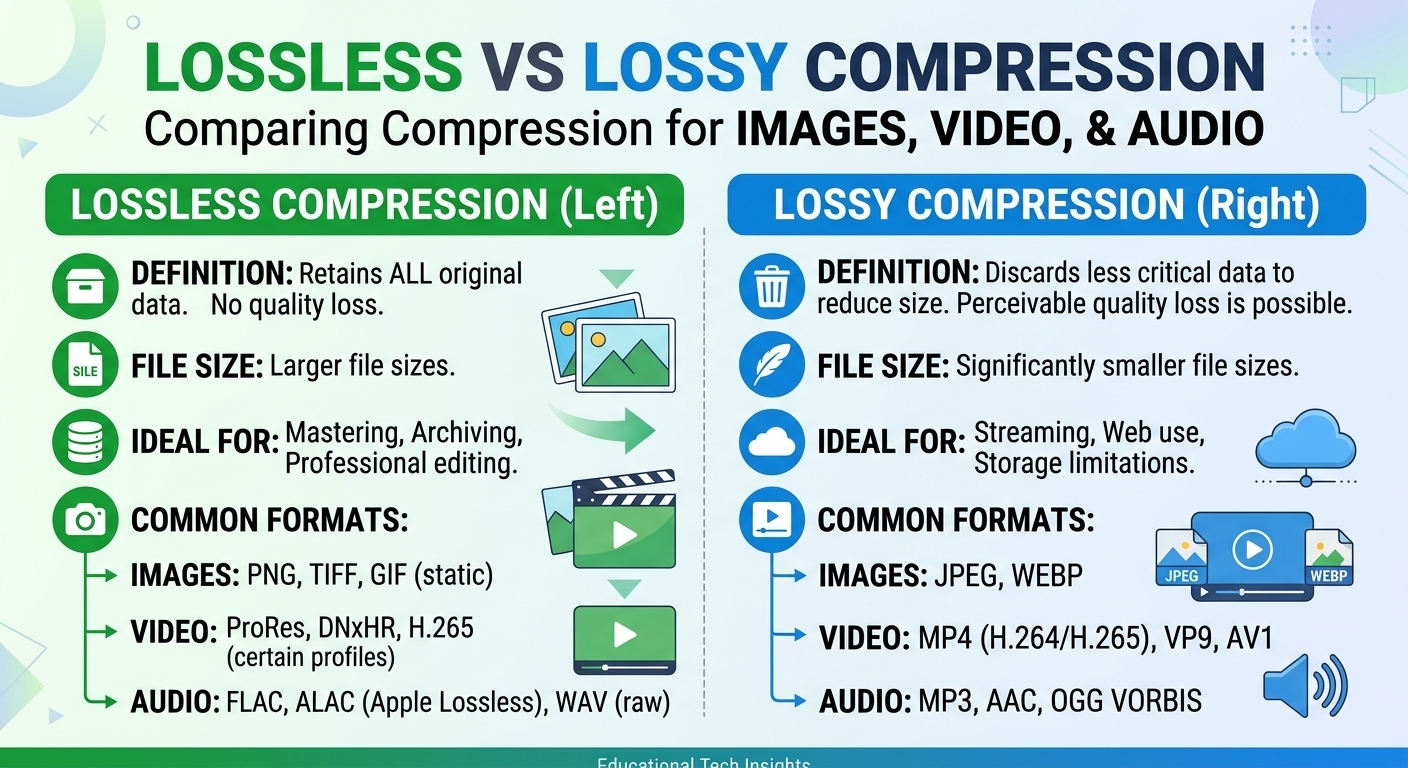
Lossy vs lossless compression comes down to one trade: lossless compression rebuilds every original bit and typically ...
H.264, also called Advanced Video Coding (AVC) or MPEG-4 Part 10, is a block-based video compression standard published jointly by ITU-T and ISO/IEC in 2003. It compresses video by predicting each 16x16 macroblock from nearby pixels or from earlier frames and then encoding only the leftover difference. Practically every browser, phone, smart TV and set-top box can decode it in hardware.
For a streaming team, what is H264 in practice? It is the fallback rendition in almost every HLS and DASH bitrate ladder in 2026. A 1080p30 H.264 stream at roughly 5 to 6 Mbps decodes on hardware sold over the last 15 years. HEVC and AV1 save an estimated 30 to 50 percent of bitrate at the same quality, but neither decodes on every device.
The H.264 codec is a hybrid encoder. It combines prediction, a transform and entropy coding, and it uses a separate set of tools for each stage.
The output is a stream of NAL (Network Abstraction Layer) units. The SPS and PPS parameter sets carry the profile, level and resolution. IDR frames are the only safe entry points: a decoder can start at an IDR without any earlier data.
AVC H264 is the payload, not the transport. An encoder such as x264 or a hardware encoder produces the elementary stream. A packager then wraps it in fragmented MP4 (CMAF) or MPEG-TS segments and writes HLS or DASH manifests. The CDN caches and serves those segments as ordinary files.
Players read the codec from a string in the manifest. For example, avc1.640028 means High profile, Level 4.0. The middle hex bytes are profile_idc (66 Baseline, 77 Main, 100 High), followed by the constraint flags and the level times ten. An incorrect codec string is a common reason a device rejects a rendition it could actually decode.
H264 profiles define which coding tools a stream may use. Profiles do not set quality. They tell the decoder which features it must implement.
Levels cap decoder workload. The main limits are macroblocks per second, frame size in macroblocks and maximum bitrate. To find the minimum level for a stream, count macroblocks.
For 1080p30, the frame is coded as 1920x1088, which is 120 x 68 = 8,160 macroblocks. At 30 frames per second that is 244,800 macroblocks per second, which fits Level 4.0's limit of 245,760. At 60 frames per second it becomes 489,600 and needs Level 4.2.
| Level | Max macroblocks per second | Max frame size (macroblocks) | Max bitrate, Main / High (kbps) | Typical fit |
|---|---|---|---|---|
| 3.1 | 108,000 | 3,600 | 14,000 / 17,500 | 720p30 |
| 3.2 | 216,000 | 5,120 | 20,000 / 25,000 | 720p60 (exactly 216,000) |
| 4.0 | 245,760 | 8,192 | 20,000 / 25,000 | 1080p30 streaming |
| 4.1 | 245,760 | 8,192 | 50,000 / 62,500 | 1080p30 at high bitrate |
| 4.2 | 522,240 | 8,704 | 50,000 / 62,500 | 1080p60 |
| 5.1 | 983,040 | 36,864 | 240,000 / 300,000 | 2160p30 (972,000) |
Signal the lowest level your macroblock rate actually needs, because over-signalling a level is enough for some TVs and set-top boxes to refuse a rendition they could have decoded.
The CDN never sees motion vectors. It sees segment sizes, request rates and cache keys. Four encoder decisions shape all three.
The bitrate decision is also an egress decision. A 6 Mbps 1080p rendition works out to 6,000,000 bits per second times 3,600 seconds, divided by 8, which is 2.7 GB per viewer-hour. At 100,000 viewer-hours a month that is 270 TB, so trimming 10 percent of the top rung's bitrate removes about 27 TB of monthly delivery.
BlazingCDN's HLS streaming CDN for pre-encoded H.264 ladders delivers HLS, LL-HLS and DASH segments you have already encoded. It does not transcode, so these encoder settings stay in your own pipeline.
H.264 vs. HEVC (H.265): HEVC replaces macroblocks with coding tree units of up to 64x64 and saves an estimated 40 to 50 percent of bitrate at equal quality. It costs more encoder CPU, and its patent licensing is more fragmented. The usual 2026 ladder ships HEVC or AV1 to capable devices and keeps H.264 as the rendition every device can play.
H.264 vs. MP4: MP4 is a container format and H.264 is a codec. An MP4 file can hold H.264, HEVC or AV1 video. An H.264 stream can also live in MPEG-TS, Matroska or fragmented MP4.
H.264 vs. x264: x264 is an open-source encoder that implements the H.264 standard. Other implementations include hardware encoders such as NVENC and Quick Sync. Two encoders can both output valid H.264 at the same bitrate and still differ visibly in quality.
"High profile means higher quality." A profile only enables coding tools. High profile tends to reach a given quality at roughly 10 percent less bitrate than Main (estimate), but the bitrate and the preset decide the actual picture.
"Baseline is safest for compatibility." This was true around 2010. In 2026, High profile at Level 4.0 or 4.1 decodes in hardware on mainstream devices. Baseline now mostly belongs in WebRTC and in very old embedded players.
"H.264 is obsolete." Its compression is a generation behind. Its reach is not: H.264 is still the one rendition guaranteed to play everywhere.
Yes, H.264 and AVC are the same standard under two names. ITU-T publishes it as Recommendation H.264, and ISO/IEC publishes it as MPEG-4 Part 10, Advanced Video Coding. The two texts are technically aligned. Encoders, players and codec strings such as avc1 refer to the same bitstream format, so the names are interchangeable in streaming documentation and manifests.
Use High profile for nearly all HLS and DASH renditions in 2026. Hardware decoders on phones, browsers and TVs support it, and it compresses better than Main or Baseline. Pick the level from the macroblock rate: 4.0 for 1080p30, 4.2 for 1080p60. Keep Constrained Baseline only for WebRTC or for confirmed legacy devices.
Most streaming ladders put 1080p30 H.264 between about 4.5 and 8 Mbps. Simple content such as talking heads or slides sits at the low end. Sports and high-motion games need the top of the range or more. Use capped VBR with a VBV maxrate so peak segment bitrate stays predictable for player switching and for CDN throughput planning.
H.264 keyframes decide where a player can start or switch renditions. Every HLS or DASH segment should begin with an IDR frame at the same timestamp across the ladder. Fixed, closed GOPs that divide evenly into the segment duration keep renditions aligned. Stable segment URLs then avoid cold cache misses at the edge and repeated requests to origin.
This week, run ffprobe across every rendition in your ladder. Record four things for each one: profile, level, keyframe spacing and peak segment bitrate. Flag any rendition that signals a higher level than its macroblock rate needs, any rendition whose IDR frames drift from segment boundaries, and any rendition whose peak segment bitrate exceeds its manifest BANDWIDTH value. Then multiply your top rung's bitrate by your monthly viewer-hours to estimate what a 10 percent bitrate cut would save in egress.
Once the ladder is clean, the BlazingCDN Video CDN for H.264 libraries replicates your encoded library inside the CDN and keeps the origin out of the delivery path. Its 14-day testing period runs on real production traffic, so you can check the result against your own segments.

Heavy traffic.
Light bill.
The CDN for video and large traffic
Learn
Lossy vs lossless compression comes down to one trade: lossless compression rebuilds every original bit and typically ...
Pricing - Pricing & Costs
The CloudFront vs S3 decision depends more on object size than on traffic volume. At a 500 KB average response, 100 TB ...
Learn
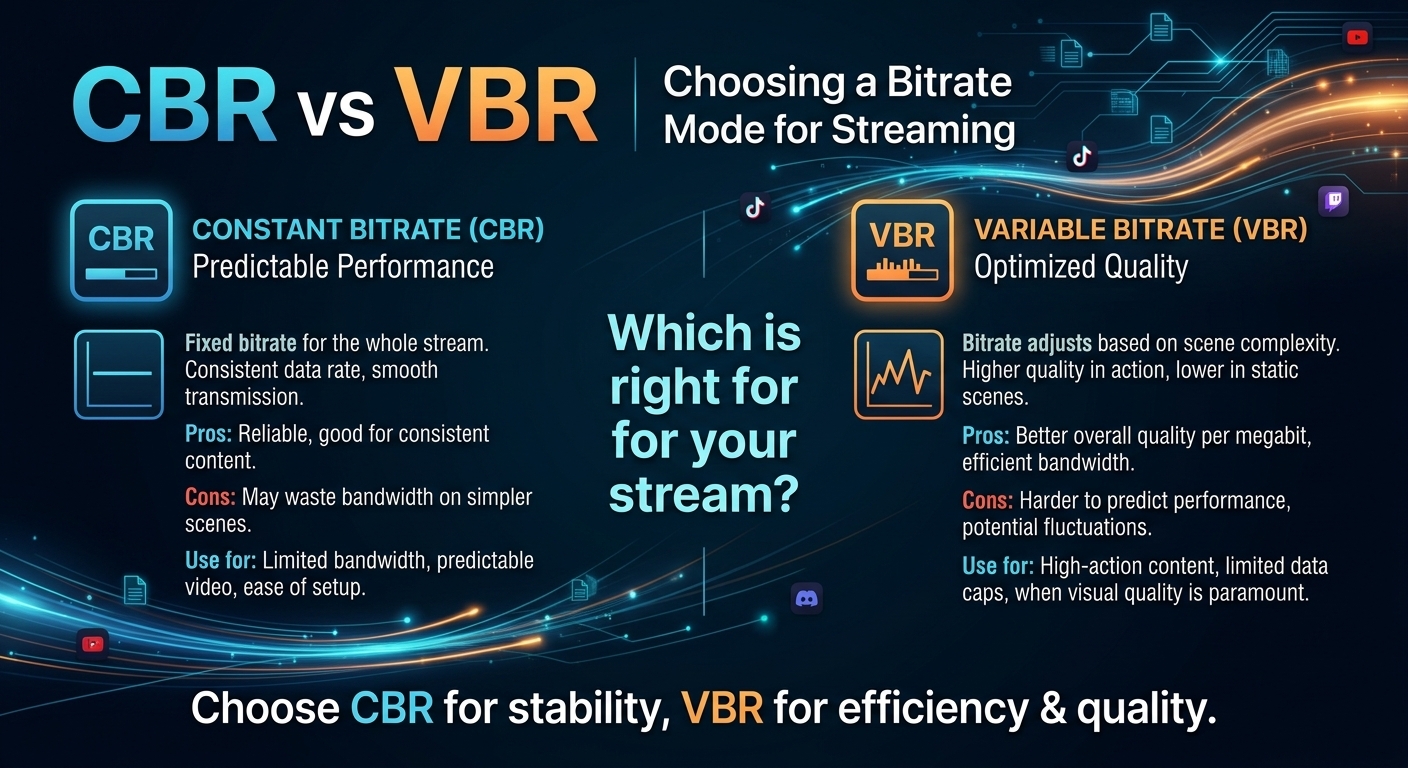
For most on-demand video, capped variable bitrate (VBR) wins the cbr vs vbr decision: it spends bits where the picture ...