Learn
CDN Latency Test: 7 Tools and Methods to Measure Real Speed
A CDN latency test built around one global median will report healthy numbers while a single region fails. On a cold ...
The short answer to what is FLAC: FLAC (Free Lossless Audio Codec) is an open, royalty-free audio format that compresses PCM audio by roughly 30 to 60 percent while decoding back to a bit-identical copy of the original samples. Unlike MP3 or AAC, it discards nothing, so a lossless audio streaming service built on FLAC delivers exactly what left the mastering studio.
As of 2026, a CD-quality FLAC stream (16-bit, 44.1 kHz stereo) typically runs 700 to 1,100 kb/s, which is 50 to 75 percent of the 1,411 kb/s uncompressed PCM rate and about three times the bitrate of a 320 kb/s MP3. Hi-res FLAC at 24-bit and 192 kHz commonly lands between 4,500 and 6,500 kb/s.
FLAC compresses audio in three stages: it splits the stream into blocks, predicts each sample from the previous ones, and stores only the prediction error with entropy coding. Because the decoder runs the same predictor, adding the stored residual back reproduces every original sample exactly, which is what makes the format lossless rather than perceptual.
In more detail, the encoder cuts audio into frames, usually 4,096 samples per channel. For stereo it tries inter-channel decorrelation (left/side, right/side or mid/side) and keeps whichever variant is smallest. Each subframe is then modeled with a fixed polynomial predictor or a linear predictive coding (LPC) filter of up to order 32, and the residual is written with partitioned Rice coding. Music with dense high-frequency content, such as distorted guitars or cymbals, leaves larger residuals and compresses worse, which is why the same album can vary from 600 to 1,200 kb/s.
The container carries integrity data that matters operationally. The STREAMINFO block stores an MD5 of the decoded audio, every frame header has a CRC-8 and every frame a CRC-16, and an optional SEEKTABLE maps sample positions to byte offsets. The format was standardized by the IETF as RFC 9639 in December 2024, and it supports 1 to 8 channels and bit depths of 4 to 32 bits.
FLAC is the codec layer. In a streaming system it sits between the mastering pipeline and the delivery protocol, and it can be shipped two ways: as whole files fetched progressively with HTTP range requests, or as FLAC packed into fragmented MP4 segments and delivered via MPEG-DASH or HLS.
Progressive delivery is simple and cache-friendly: one immutable object per track, with seeking handled by byte ranges resolved through the seek table. Segmented delivery adds adaptive bitrate switching, so a player can drop from a 24/192 rendition to CD quality or a lossy fallback when throughput sags. The cost is object count: a 4-minute track cut into 6-second segments across four renditions produces roughly 160 objects instead of one, and long-tail catalog segments get evicted from edge caches far more readily than whole files.
The storage and delivery side is where lossless gets expensive. The worked numbers below use typical mid-range FLAC bitrates; they are estimates, and your catalog's genre mix will move them by 20 to 30 percent.
| Format (stereo) | Typical bitrate | 4-minute track | Per listening hour | Egress per 1M listening hours |
|---|---|---|---|---|
| MP3 320 kb/s | 320 kb/s | 9.6 MB | 144 MB | 144 TB |
| FLAC 16-bit / 44.1 kHz | about 900 kb/s | 27 MB | 405 MB | 405 TB |
| FLAC 24-bit / 96 kHz | about 3,000 kb/s | 90 MB | 1.35 GB | 1,350 TB |
| FLAC 24-bit / 192 kHz | about 5,500 kb/s | 165 MB | 2.48 GB | 2,475 TB |
Moving a listener from MP3 to CD-quality FLAC roughly triples egress, and moving them to 24/192 multiplies it by about 17, so the hi-res tier, not the lossless tier, drives the delivery bill.
Storage scales the same way. A 10-million-track catalog averaging 4 minutes is about 270 TB at CD-quality FLAC, and adding a 24/96 rendition for a quarter of it adds another 225 TB. Files of this size suit an object store sitting directly behind the delivery layer; BlazingCDN Cloud Storage for lossless audio catalogs is S3 compatible and feeds a CDN that caches objects up to 50 GB with a 96 percent or higher average cache hit ratio.
FLAC vs. MP3: MP3 is a perceptual codec that removes audio judged inaudible, capping at 320 kb/s. FLAC removes nothing and typically needs 700 to 1,100 kb/s for CD quality. In blind tests many listeners cannot distinguish a well-encoded 320 kb/s MP3 from FLAC, but MP3 cannot be transcoded again without stacking artifacts, while FLAC can.
FLAC vs. WAV: both hold identical PCM samples after decoding. WAV stores them raw at 1,411 kb/s for CD quality and has weak metadata support; FLAC is 30 to 60 percent smaller, carries Vorbis comment tags, embedded artwork and an MD5 checksum, and detects corruption per frame.
FLAC vs. ALAC: Apple Lossless (ALAC) is also lossless, usually within a few percent of FLAC in size, and is native to Apple platforms. Streaming services targeting Apple devices often store ALAC in MP4, while FLAC dominates on Android, desktop players and open-source stacks.
A sound pipeline encodes once, verifies, and serves the result as an immutable object. Described in words rather than as runnable code:
Higher compression levels reduce quality. They do not. Levels 0 to 8 trade encode time for size, and level 8 is usually only 2 to 5 percent smaller than level 5. Decode cost barely changes, so level 8 is the sensible default for a catalog encoded once and played millions of times.
Lossless means hi-res. A 16-bit, 44.1 kHz FLAC is lossless but not hi-res. Hi-res conventionally means more than 16 bits or a sample rate above 48 kHz, and an upsampled CD master in a 24/192 container contains no additional information.
A FLAC file is always lossless. Only relative to its source. A FLAC made from an MP3 faithfully preserves the MP3's artifacts at three times the size, which is why catalog ingest should check provenance and spectral cutoffs.
Listeners on Bluetooth hear the lossless stream. Most Bluetooth codecs are lossy and top out around 990 kb/s or lower, so the phone decodes FLAC and re-encodes it. The delivery cost is paid either way.
FLAC is better when exact fidelity matters, and MP3 is better when bandwidth matters. CD-quality FLAC needs roughly 700 to 1,100 kb/s against 320 kb/s for top-quality MP3, about three times the egress. Many listeners cannot hear the difference in blind tests, so services usually offer FLAC as a premium tier with a lossy fallback.
CD-quality FLAC streaming uses roughly 300 to 500 MB per hour, depending on how compressible the music is. Hi-res FLAC at 24-bit and 96 kHz uses about 1.2 to 1.5 GB per hour, and 24-bit at 192 kHz can exceed 2.5 GB. Mobile plans and delivery budgets should be sized on these figures, not on MP3 rates.
Yes, FLAC can be packed into fragmented MP4 segments and delivered over MPEG-DASH or HLS, which enables adaptive switching between hi-res, CD-quality and lossy renditions. Player support is the constraint: browser and native player compatibility for FLAC in fMP4 varies, so test target devices before committing to segmented lossless delivery.
No, every FLAC compression level from 0 to 8 decodes to identical audio samples. Higher levels only spend more encoder CPU searching for better predictors, typically saving 2 to 5 percent of file size between levels 5 and 8. Decoding speed is nearly identical, so level 8 suits catalogs that are encoded once and streamed many times.
Pull a week of edge logs and group bytes served by rendition: lossy, CD-quality FLAC and hi-res FLAC. Divide by listening hours to get your real bytes per hour, then project the egress change if 10 or 25 percent of listeners move to the hi-res tier. While you are there, confirm that responses for audio/flac carry no Content-Encoding header, that token parameters are absent from the cache key, and that cache hit ratio on FLAC objects is tracked separately from the rest of your traffic.
If those numbers point at a growing audio catalog, BlazingCDN serves large media files and segmented HLS or DASH from a pay-as-you-go network, and its CDN solutions for media and music delivery page outlines how zones are set up with an engineer in about one hour.

Heavy traffic.
Light bill.
The CDN for video and large traffic
Learn
A CDN latency test built around one global median will report healthy numbers while a single region fails. On a cold ...
Learn
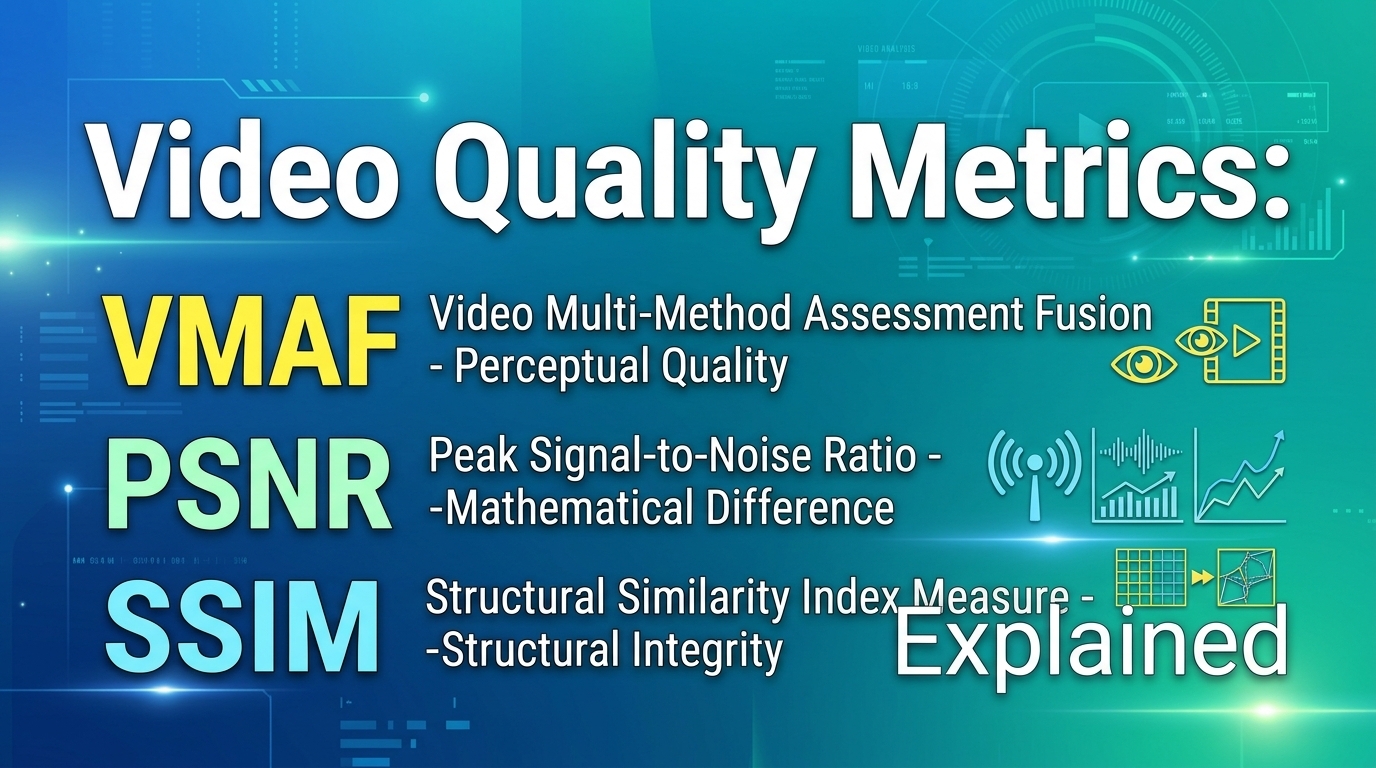
VMAF, PSNR and SSIM are the three video quality metrics most streaming teams run in encoding pipelines, and each ...