Learn
What Is a Proxy Server? Types and How They Work
What is a proxy server? A proxy server is an intermediary that accepts a client's request, applies policy, and then ...
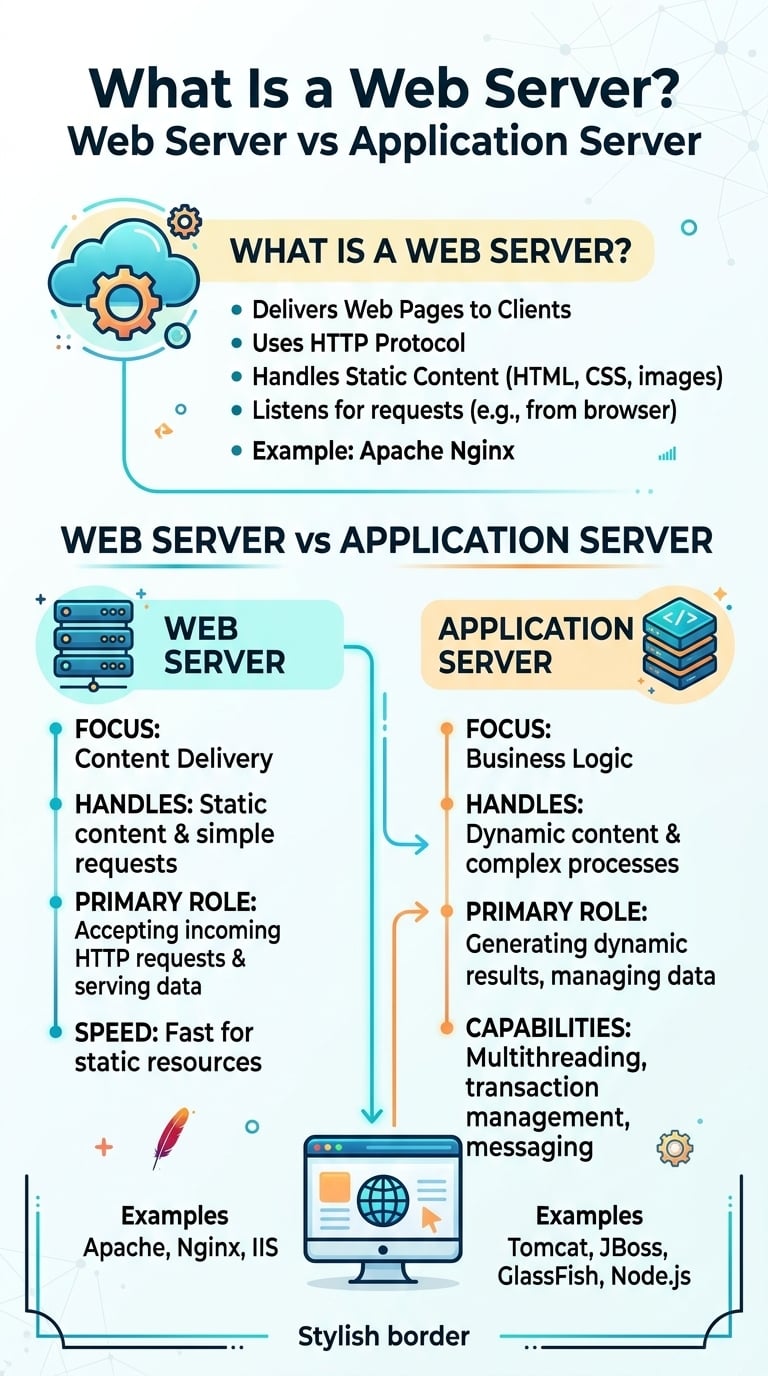
A web server accepts HTTP connections, terminates TLS, serves static files from disk and forwards dynamic requests to code running elsewhere. That code runs on an application server: Tomcat, Gunicorn, Puma, Kestrel or a Node.js process. So what is a web server in practice? It is the layer built for connections and bytes, not business logic. A CDN edge server runs the same kind of software, placed in front of your origin to cache content near users.
Apache Tomcat ships with a default of 200 request-processing threads per connector, while the stock nginx configuration allows 1,024 connections per worker process, so a 4-worker nginx accepts 4,096 concurrent connections. That 20x gap in default concurrency, current as of 2026, is the practical reason application servers sit behind a web server instead of facing clients directly.
This comparison was evaluated November 2026 against the current stable releases of each server. The short verdict by workload:
The web server's job ends where application logic begins. Once a request needs a database query, a session lookup or a template render, it belongs to the application server.
A modern web server runs an event loop on epoll (Linux) or kqueue (BSD). One worker process can hold thousands of idle keep-alive connections at a cost of a few kilobytes each. A request moves through six steps:
Response buffering is the step most teams undervalue. When nginx reads the full upstream response into its buffers, the application server's thread is released in milliseconds. A slow mobile client then drains the bytes from nginx over the next ten seconds. Without buffering, that client holds an application thread hostage for the whole transfer.
A web server manages connections and moves bytes with an event-driven model. An application server executes your code, usually with a thread or process per in-flight request. The web server is cheap per connection and knows nothing about your business logic. The application server is expensive per request and knows everything about it. Production stacks run both.
Many application servers embed an HTTP listener: Tomcat's Coyote connector, Kestrel, Node.js. That makes the line look blurry. The listener is real, but its concurrency model is tuned for executing code, not for holding slow connections. Gunicorn's documentation suggests twice the CPU core count plus one as the worker count, so an 8-core box gets 17 workers. Seventeen concurrent requests is fine for 40 ms database calls and useless for streaming files.
Take a 20 MB asset delivered to clients averaging 10 Mb/s. Each transfer takes 160 megabits divided by 10 Mb/s, or 16 seconds. Little's law says throughput equals concurrency divided by time in system:
Each layer reduces the expensive resource behind it by one to two orders of magnitude. That is the whole argument for the three-tier layout.
A CDN edge server is a web server configured as a shared, geographically distributed cache. It runs nginx-derived, Varnish-based or in-house software. The difference is placement and state: your web server sits next to your application and is authoritative for content. An edge server sits near users, holds copies keyed by URL and headers, and fetches from your origin only on a miss.
That placement changes what you tune. On an origin web server you tune upstream keep-alive, buffer sizes and sendfile. On the edge, the levers are different:
A CDN does not replace your web server. It reduces how much work the web server does.
For the heavy end of that static traffic (installers, game patches, video segments, large archives), BlazingCDN runs pull caching on NVMe SSD servers, accepts objects up to 50 GB and reports a 96%+ average cache hit ratio, so your nginx or Caddy origin only serves the misses. BlazingCDN Files on Demand for large-file delivery covers that workload specifically.
| Role | Cost driver | Concurrency model | Holds state | Typical software |
|---|---|---|---|---|
| Web server | Your compute plus origin egress | Event loop, thousands of connections per worker | Static files, TLS certificates | nginx, Apache httpd, Caddy, LiteSpeed, IIS |
| Application server | CPU and memory per in-flight request | Thread or process pool, tens to hundreds | Sessions, connection pools, business logic | Tomcat, Gunicorn, Puma, Kestrel, PHP-FPM |
| CDN edge server | Per-TB delivery billing | Event loop across many locations | Cached copies keyed by URL | Vendor-operated nginx, Varnish or in-house stacks |
The three roles differ mainly in what each unit of concurrency costs, which is why each one should only handle the traffic the layer behind it handles badly.
| Server | Cost | License model | Concurrency | HTTP/3 | Config model |
|---|---|---|---|---|---|
| nginx | No license fee; NGINX Plus quote-based | BSD 2-clause open source plus commercial tier | Event-driven workers | Since 1.25 (2023) | Central files, reload to apply |
| Caddy | No license fee | Apache 2.0 | Go goroutines | On by default | Caddyfile or JSON admin API, live reload |
| Apache httpd | No license fee | Apache 2.0 | Pluggable MPM: prefork, worker, event | Not in core | Central files plus htaccess overrides |
| LiteSpeed Web Server | Per-server license; OpenLiteSpeed has no fee | Commercial; OpenLiteSpeed GPLv3 | Event-driven | Supported | Reads Apache-style config |
| Microsoft IIS | Included with Windows Server license | Proprietary | Kernel-mode http.sys plus worker processes | Windows Server 2022 and later | XML config, GUI manager |
Licensing rarely decides this choice; the configuration model and the application runtime behind the server usually do.
nginx is the default reverse proxy for good reason. Its event model, sendfile path and upstream keep-alive pooling are mature, and its tuning knowledge is the deepest of any server here. Limitation: active health checks, a live reconfiguration API and dynamic upstreams without a reload are reserved for the commercial NGINX Plus tier.
Caddy removes certificate operations from the job: it obtains and renews certificates through ACME automatically and serves HTTP/3 out of the box. Limitation: its third-party module ecosystem is smaller, and there is less large-fleet tuning experience to draw on than for nginx.
Apache httpd stays relevant because htaccess overrides let tenants change rewrite and access rules without touching the main config. The event MPM closed most of the old concurrency gap. Limitation: that override flexibility costs a filesystem check per directory level on every request, and there is no HTTP/3 in the core server.
LiteSpeed reads Apache configuration and htaccess files on an event-driven core. Its LSAPI integration is a strong fit for PHP applications. Limitation: the enterprise edition is licensed per server, and the open-source OpenLiteSpeed handles htaccess rewrites only partially.
IIS is the natural front end for .NET on Windows, with kernel-mode request queuing in http.sys and tight integration with Windows authentication. Limitation: it runs only on Windows, and cross-platform .NET deployments increasingly put Kestrel behind nginx instead.
| Workload | Best fit | Why |
|---|---|---|
| Python or Ruby API | nginx in front of Gunicorn or Puma | Buffering protects a small worker pool from slow clients |
| Java services | nginx in front of Tomcat | Keeps the 200-thread pool for code, not for transfers |
| Static site or single-page app | Caddy, then nginx | Automatic TLS and HTTP/3 with minimal config |
| Multi-tenant PHP hosting | LiteSpeed, then Apache httpd | Per-directory overrides tenants already depend on |
| .NET on Windows | IIS in front of Kestrel | Native auth and http.sys queuing |
| Video, installers, game patches at TB scale | CDN edge in front of an nginx origin | Origin egress and connection count drop with the hit ratio |
The web server choice follows the application runtime, while the CDN decision follows monthly bytes, so the two should be made separately.
Every extra layer adds a hop, a config surface and a failure mode. A reverse proxy in front of an application server adds sub-millisecond latency on loopback but can mask upstream errors as generic 502s. A CDN in front of the web server adds cache invalidation work and can serve stale content after a bad deploy. Embedding everything in one Node.js or Kestrel process is simpler, and it is acceptable until slow clients or file downloads start consuming request slots.
To check where your stack stands, look at four signals:
nginx is a web server and reverse proxy, not an application server. It serves static files, terminates TLS and forwards dynamic requests to application servers such as Gunicorn, Puma or PHP-FPM over HTTP or FastCGI. The njs module can run small amounts of logic, but business code with database access belongs in a dedicated application server process.
Yes for any public production traffic. Tomcat defaults to 200 request threads, and Gunicorn typically runs twice the core count plus one workers, so slow clients exhaust both quickly. A web server such as nginx buffers responses, absorbs slow connections, terminates TLS and serves static assets, which leaves the application server's limited pool for executing code.
No. A CDN edge server caches copies of your content near users, but it still needs an origin web server to fetch from on cache misses. At a 96% cache hit ratio the origin handles roughly 4 of every 100 requests, so a CDN shrinks the web server's load and egress without removing the need for one.
nginx is the safest default web server for static files and reverse proxying, thanks to mature sendfile handling, upstream keep-alive pooling and broad tuning knowledge. Caddy suits teams that want automatic TLS and HTTP/3 with little configuration. LiteSpeed and Apache httpd fit PHP hosting that relies on per-directory overrides, and IIS fits .NET on Windows Server.
This week, take seven days of access logs from your web server and group bytes served by content type and object size: under 1 MB, 1 to 100 MB, and over 100 MB. Then set that against application server thread utilization for the same window. If large objects account for most bytes while threads spike during download peaks, you have two fixes in order. First, move file serving from the application server to nginx or Caddy with sendfile. Then put an edge cache in front of that origin and track how origin egress falls as the hit ratio rises.
If the largest bucket is installers, video segments or game builds, the BlazingCDN Anycast CDN for static file delivery page describes pull caching with origin shield and request coalescing included on every plan.

Heavy traffic.
Light bill.
The CDN for video and large traffic
Learn
What is a proxy server? A proxy server is an intermediary that accepts a client's request, applies policy, and then ...
Learn
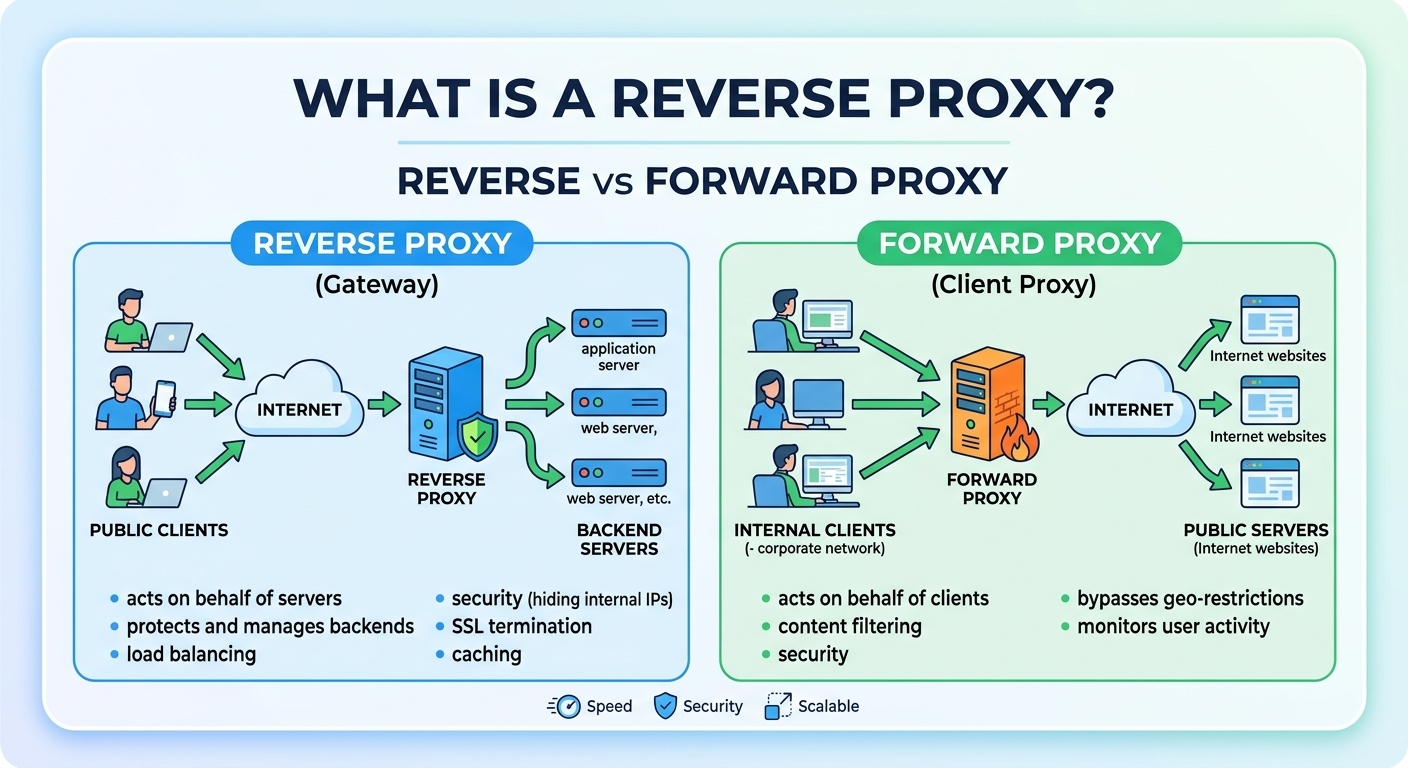
A reverse proxy is a server that sits in front of one or more origin servers, accepts client connections on their ...
Learn
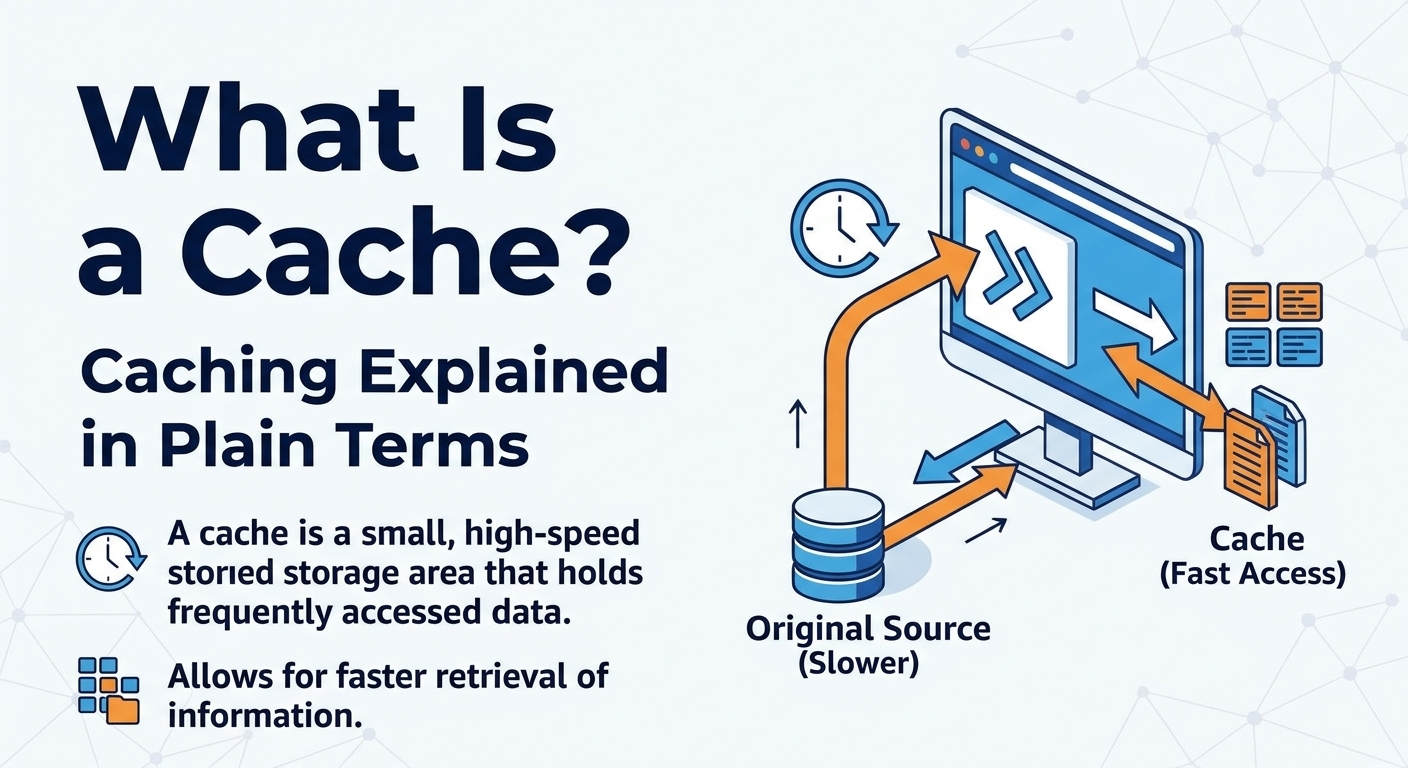
A cache is a small, fast storage layer that keeps copies of data close to where they are read, so repeat requests skip ...
Learn
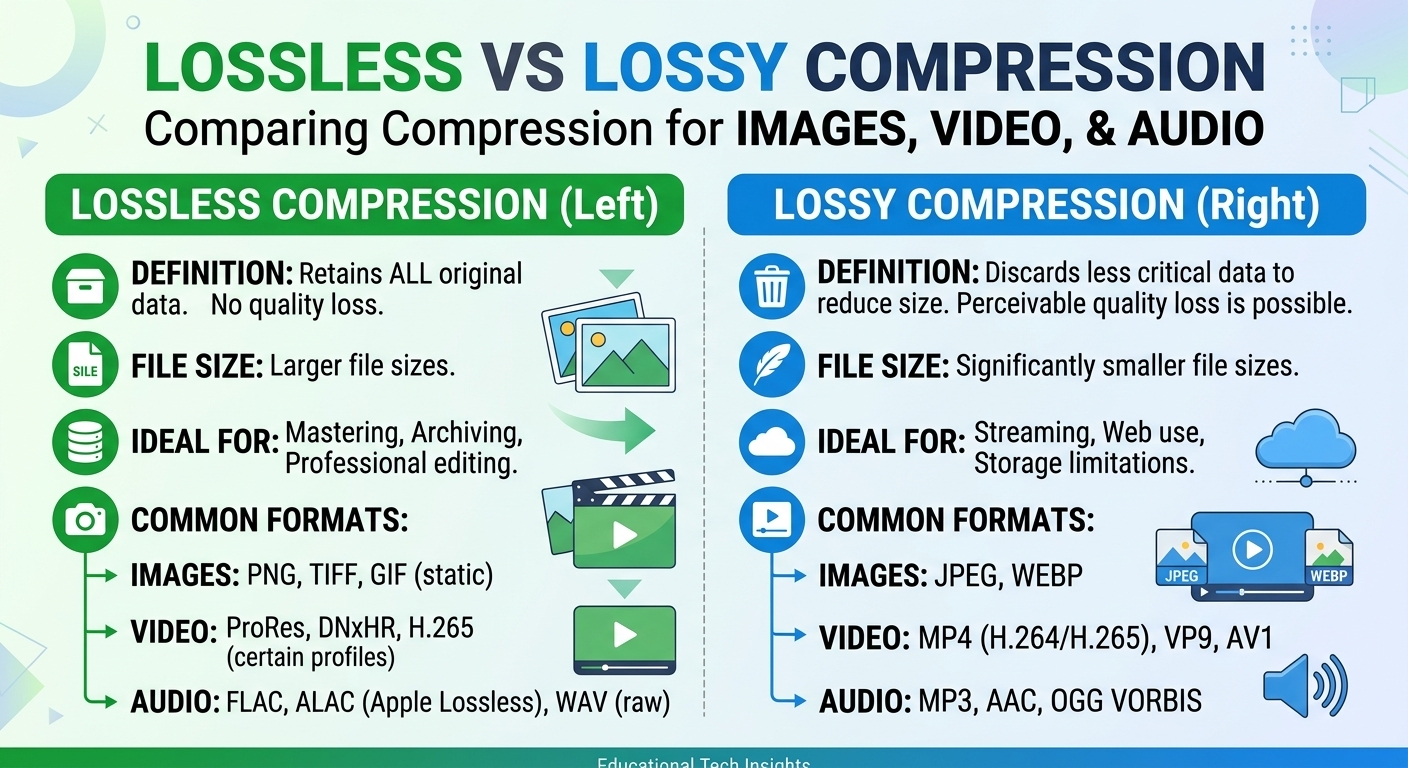
Lossy vs lossless compression comes down to one trade: lossless compression rebuilds every original bit and typically ...