
Learn
Lossy vs Lossless Compression: Images, Video and Audio
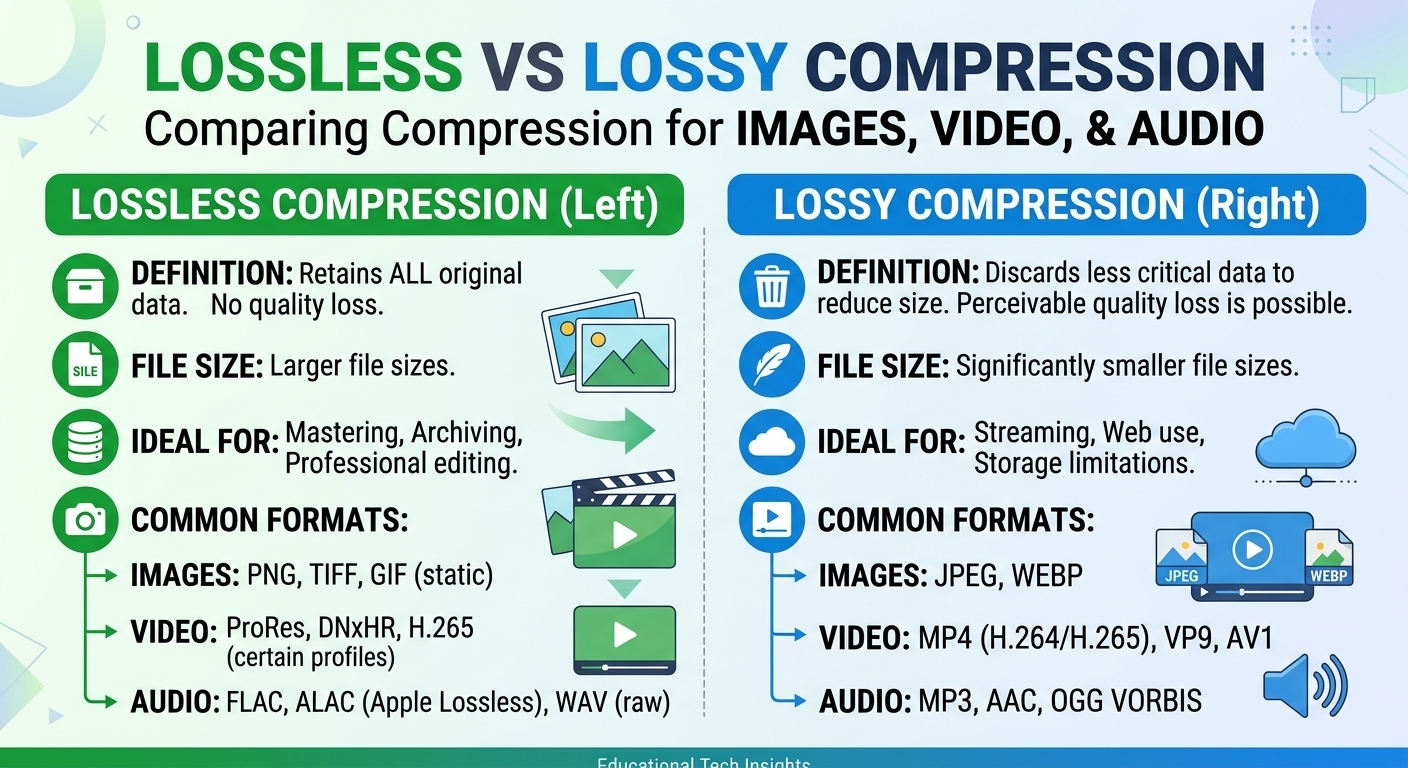
Lossy vs lossless compression comes down to one trade: lossless compression rebuilds every original bit and typically ...

The single most important change for anyone running Next.js on Cloudflare in 2026 is that Cloudflare Pages is no longer where new full-stack projects should start. Cloudflare has been steering Pages users toward Workers since the Workers Static Assets release, and the OpenNext Cloudflare adapter is now the supported path for server-rendered Next.js. That single decision changes your caching model, your bindings, your rollback procedure, and your bill. This article gives you the routing decision matrix, the ISR-on-KV behaviour that trips teams up, a working Cloudflare Images loader pattern described in prose, a diagnostics-and-rollback runbook, and a cost model at 5 TB, 50 TB, and 500 TB of monthly egress.

Three things a returning reader needs to know. First, the Next.js on Cloudflare story consolidated on one adapter: the OpenNext Cloudflare package, which compiles the Next.js server output into a single Worker running on the nodejs_compat layer. The older next-on-pages route still builds, but it only ever supported the Edge runtime, and App Router features increasingly assume Node APIs.
Second, Workers now serve static assets natively. You no longer need Pages to get free, cache-first delivery of your build output. Assets are served ahead of the Worker invocation, which means your hashed bundle files do not burn a request against your Workers quota.
Third, Next.js 15 and later moved to an explicit caching model. Fetch responses are uncached by default, dynamic IO and the cacheLife directives are stable, and Partial Prerendering ships a static shell with streamed dynamic holes. That maps cleanly onto Workers, but it also means that if you migrated a Next.js 13 app and assumed the old implicit fetch cache, your KV hit rate will look nothing like it did on Vercel.
Pick by workload profile, not by familiarity. This is the table I use in architecture reviews.
| Workload | Target | Why |
|---|---|---|
| Docs, marketing, blog, fully static export | Pages or Workers Static Assets | Zero compute. Pages still wins on Git-driven preview URLs with no config. |
| SSR, App Router, server actions, middleware | Workers via OpenNext | Only path with Node compat, streaming SSR and full binding surface. |
| ISR with frequent revalidation | Workers plus KV (plus R2 for large payloads) | Incremental cache needs a writable store; KV is the adapter default. |
| Stateful sessions, per-tenant coordination, websockets | Workers plus Durable Objects | Strong consistency KV cannot give you. |
| Heavy media, installers, game builds, VOD segments | Dedicated CDN in front of object storage | Application compute and bulk egress have different cost curves. |
| Legacy Pages app you cannot rewrite yet | Hybrid: Pages for static routes, Worker for dynamic | Split by path under one hostname, migrate route by route. |
The hybrid pattern is underrated. Put the Worker on the apex, route the marketing prefix to Pages via a route rule, and you can migrate a monolithic Next.js on Cloudflare deployment in slices instead of a big-bang cutover.
The flow is: install the OpenNext Cloudflare adapter, add a Wrangler configuration with nodejs_compat enabled and a compatibility date in 2026, run the adapter build, then deploy with Wrangler. The adapter emits a Worker entrypoint plus a static assets directory; Wrangler uploads both in one deployment.
Four configuration decisions matter more than the rest:
This is where most Next.js Cloudflare Pages migrations go sideways. KV is eventually consistent globally, with reads served from a local edge cache. A revalidation write in Frankfurt is not immediately visible in São Paulo. For a pricing page that changes hourly, that is fine. For an inventory counter, it is a bug report waiting to happen.
Practical rules that hold up in production as of 2026: keep revalidate windows at 60 seconds or longer for KV-backed ISR, use on-demand revalidation for editorial content rather than short timers, and use Durable Objects or an origin fetch for anything where a stale read is a correctness failure. Also watch CPU time. Background revalidation runs inside the same invocation budget, and a heavy RSC render that exceeds the CPU limit gets killed mid-write, leaving you with a page that looks permanently stale.
The default Next.js image optimizer assumes a Vercel-style optimization endpoint. On Cloudflare you have two clean options. Option one: set images to unoptimized and let Cloudflare Image Resizing handle transforms via URL path segments on your own zone. Option two, which I prefer for CMS-driven sites: write a custom loader that returns Cloudflare Images delivery URLs built from your account hash, the image ID, and a named variant or an inline transform list carrying width, quality, and automatic format selection.
Both give you AVIF and WebP negotiation at the edge with no sharp binary, no Node image server, and no origin round trip after first transform. The tradeoff is that Cloudflare Images bills per image stored and per transformation delivered, so a catalogue with hundreds of thousands of SKUs and dozens of variants each needs a spreadsheet before it needs a deployment. Cap your loader to a fixed set of widths. Unbounded width values from arbitrary viewport math create unbounded unique transforms.
The Workers Paid plan starts at $5 per month as of 2026, bundling 10 million requests and 30 million CPU-milliseconds, with overage roughly $0.30 per additional million requests and $0.02 per additional million CPU-milliseconds. KV, R2 and Durable Objects bill separately. Cloudflare does not meter egress on Workers, which is the headline advantage and the reason people migrate.
Where the bill climbs is CPU, not bandwidth. A React Server Component render on a content-heavy page routinely burns 20 to 60 ms of CPU. At 50 million dynamic requests per month at 40 ms average, that is 2 billion CPU-ms, or roughly $40,000 in CPU overage before you count KV operations. The fix is not a bigger plan. The fix is raising your prerendered ratio so most requests never invoke the renderer.
The second cost trap is bulk media. Workers and Pages are excellent at HTML, JSON and hashed bundles. They are not the right economics for 500 TB of video segments, installer downloads, or game patches, especially when those assets sit in R2 and you want independent cache tuning, origin shielding and per-path TTL control. For that tier, a dedicated high-volume CDN belongs in front. BlazingCDN's volume pricing starts at $5 per TB and scales down to $2.50 per TB at volume (as of October 2026), for example $1,815 per month for 500 TB. It sits in the same league as Bunny.net, CDN77, KeyCDN and Gcore, all of which are credible at high volume; the differentiators worth testing are NVMe SSD edge storage, one-hour onboarding, and predictable pay-as-you-go tiers with no per-region surcharge.
For enterprises running Next.js on Cloudflare for the application layer, the pattern that holds up is: Workers for HTML and API routes, Cloudflare Images for responsive imagery, and a cost-optimised CDN for everything heavy. BlazingCDN offers Anycast routing with built-in failover, at a lower cost per terabyte than CloudFront pay-as-you-go ($415 versus about $6,965 for 100 TB) — which matters once media egress is measured in hundreds of terabytes rather than gigabytes.
The section the original guide was thinnest on. Keep this next to your deploy pipeline.
Not deprecated, but no longer the recommended starting point for server-rendered apps. Cloudflare guides new full-stack projects to Workers with Static Assets, and the OpenNext adapter targets Workers. Existing Pages projects keep working; plan a migration rather than an emergency cutover.
Yes. The OpenNext Cloudflare adapter runs middleware inside the same Worker as the server handler by default. Keep middleware cheap: it executes on every matched request and directly inflates your CPU-millisecond bill.
KV is eventually consistent and reads are served from a regional cache with its own TTL, so a revalidation write propagates over seconds to a minute. If the page is not updating at all, verify the KV binding exists and that the revalidation invocation is not being killed by the CPU limit mid-write.
Only if cached payloads approach the 25 MB KV value limit or if you want cheaper storage for a very large page set. A common pattern is R2 for the payload body with KV holding metadata and tag mappings. For most sites under a few thousand prerendered pages, KV alone is sufficient.
No. Workers and Pages do not meter bandwidth, which is the main financial argument for the platform. Your variable cost is requests, CPU time, and KV/R2/Durable Objects operations. Large binary media is still better served by a dedicated CDN with per-terabyte pricing.
Supply a custom loader that constructs Cloudflare Images delivery URLs or Cloudflare Image Resizing paths on your own zone, mapping the requested width and quality to transform parameters with automatic format negotiation. Restrict the loader to a fixed width ladder so you do not generate unbounded unique transformations.
Instrument three numbers on your current deployment before you change anything: prerendered-to-dynamic request ratio, P95 CPU milliseconds per dynamic route, and KV read hit rate for your incremental cache. Then take your five heaviest routes and ask whether each one genuinely needs a per-request render or whether Partial Prerendering plus on-demand revalidation would move it into the static bucket. If your prerendered ratio is under 70 percent, that is where your Next.js on Cloudflare bill is hiding, not in bandwidth. What CPU-per-render number are you seeing on App Router pages in production — and did OpenNext change it in either direction?

Heavy traffic.
Light bill.
The CDN for video and large traffic
Learn
Lossy vs lossless compression comes down to one trade: lossless compression rebuilds every original bit and typically ...
Pricing - Pricing & Costs
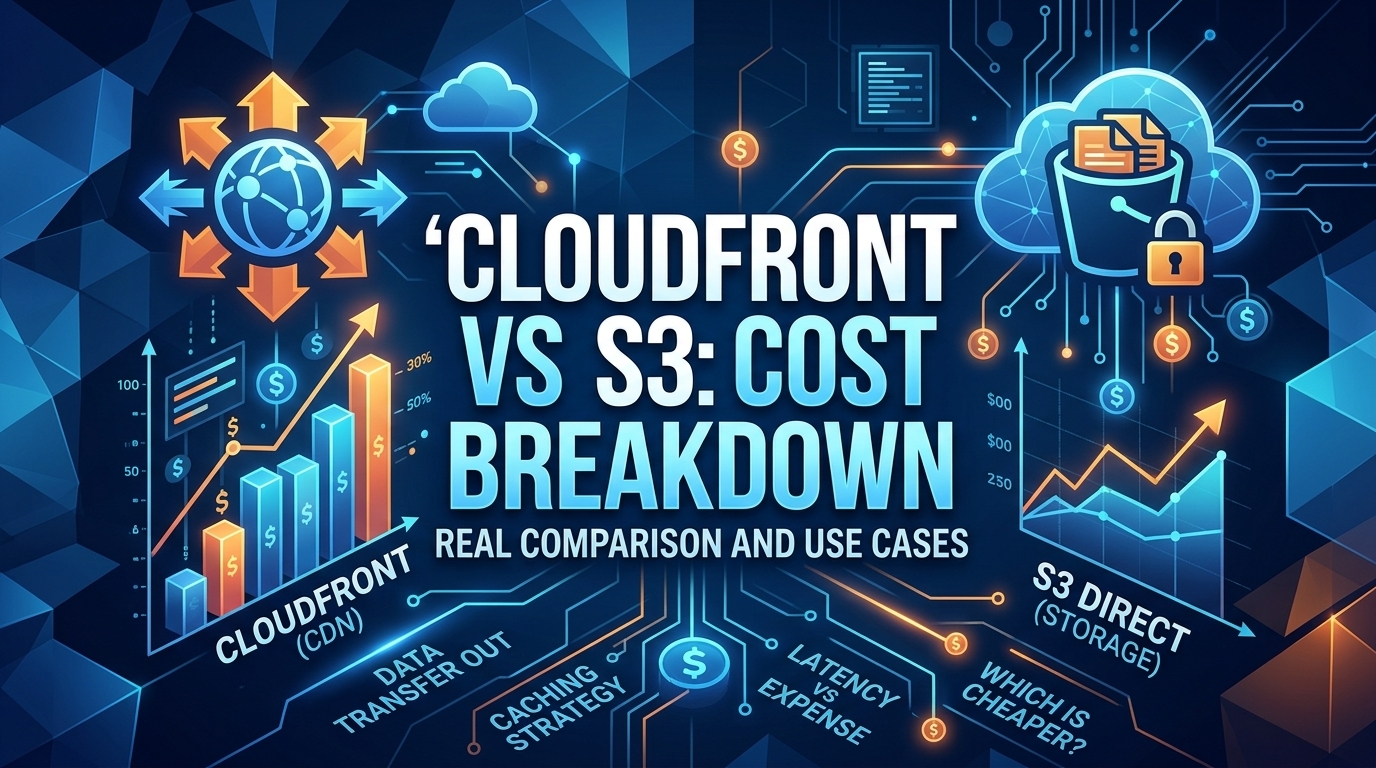
The CloudFront vs S3 decision depends more on object size than on traffic volume. At a 500 KB average response, 100 TB ...
Learn
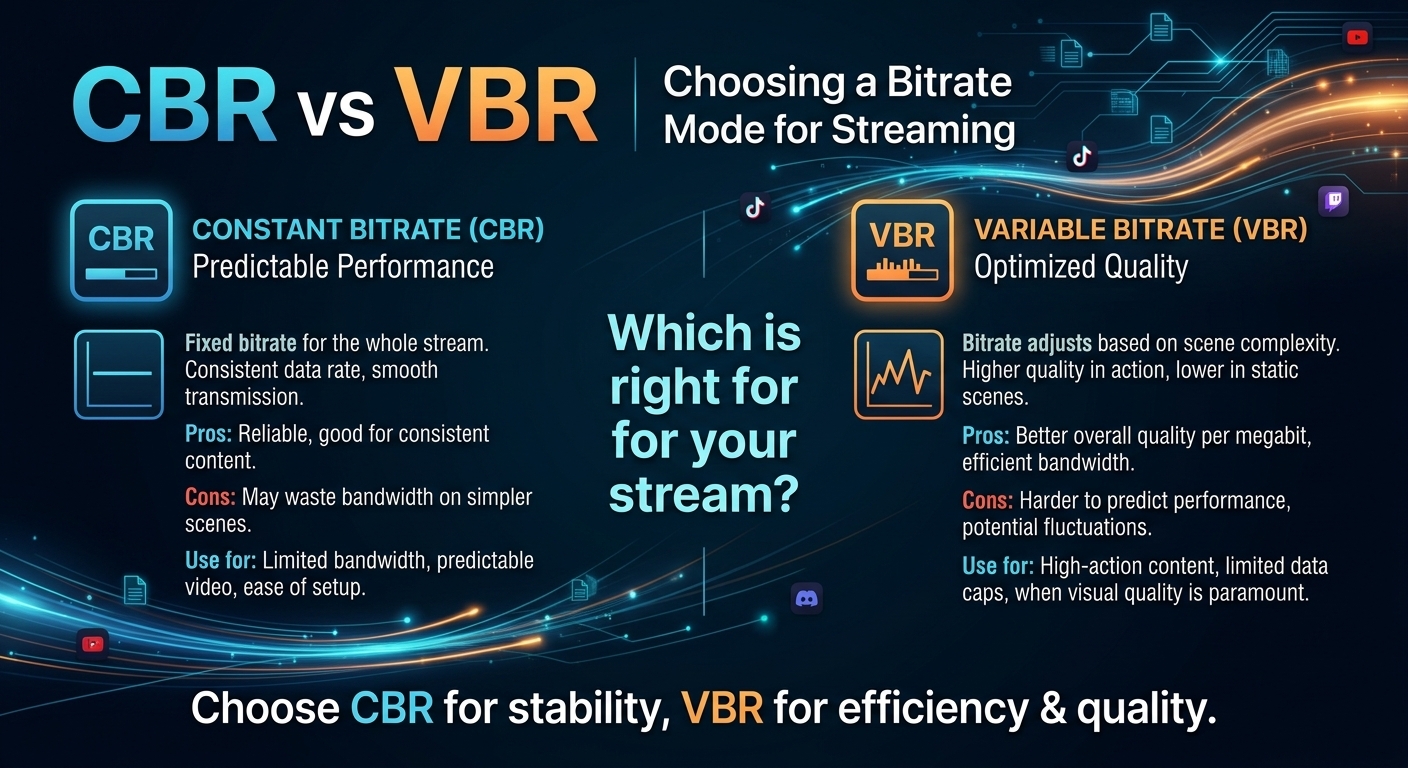
For most on-demand video, capped variable bitrate (VBR) wins the cbr vs vbr decision: it spends bits where the picture ...