

Web Performance
Best Image Format for the Web: JPEG, PNG, WebP, AVIF, SVG
Evaluated November 2026: the best image format for web photos is AVIF with a JPEG fallback, or WebP when encode time ...
There is no technical difference in JPEG vs JPG. Both extensions label the same format, defined by ISO/IEC 10918-1 (ITU-T T.81, published in 1992). Both map to the MIME type image/jpeg, and every decoder identifies the file by its bytes, not its filename. The decision that matters for engineers is whether JPEG should still be the format you deliver.
JPEG and JPG are the same image format. The three-letter .jpg extension exists only because MS-DOS and early Windows FAT file systems capped extensions at three characters, while the format itself is defined by ISO/IEC 10918-1, published in 1992. As of 2026, AVIF typically produces files 40 to 50 percent smaller than JPEG at similar visual quality, and WebP typically produces files 25 to 35 percent smaller.
Verdict, evaluated November 2026: serve AVIF first with a WebP fallback for photographic content on web pages, and keep JPEG for email, downloads, user uploads and any file that leaves your control. Standardize on one lowercase extension, .jpg, and stop thinking about the other one.
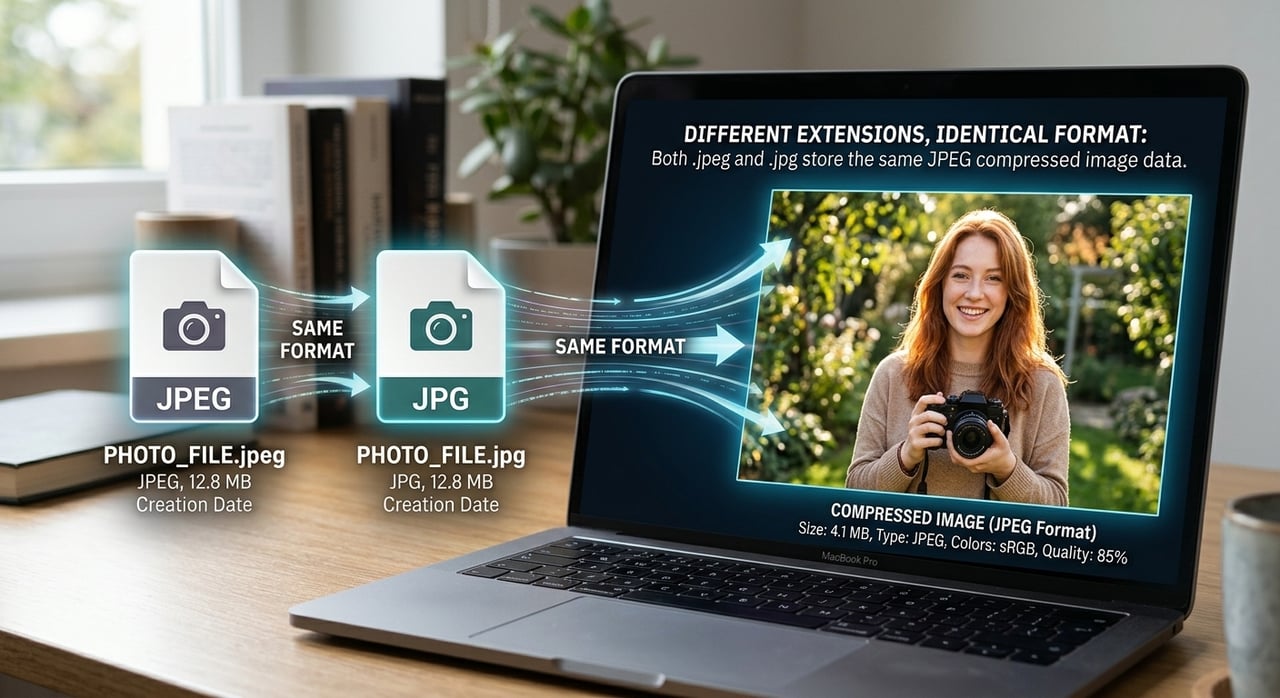
The split is a filesystem artifact. When the Joint Photographic Experts Group published the standard in 1992, DOS and Windows 3.x enforced 8.3 filenames, so .jpeg became .jpg. Unix and classic Mac OS had no such limit and used .jpeg. Windows 95 lifted the limit with long filenames, but by then .jpg was the default in nearly every Windows application, and habit stuck.
Cameras added a third variant. The Design rule for Camera File system (DCF) used by digital cameras specifies uppercase 8.3 names, which is why phones and DSLRs still write files such as IMG_0042.JPG. You will also see .jpe and .jfif in the wild. All of them contain the same bitstream.
Yes. A .jpg and a .jpeg file are byte-for-byte identical formats: every file starts with the Start of Image marker (hex FF D8), carries the same quantization and Huffman tables, and decodes with the same library. Renaming one to the other changes nothing inside the file and causes no quality loss.
What differs between JPEG files is the wrapper, not the extension. Most carry either a JFIF segment (APP0) or an Exif segment (APP1) holding camera metadata, orientation and sometimes GPS coordinates. Stripping Exif at upload is a privacy decision and usually saves a few kilobytes per image; the extension has no bearing on either.
The format is identical, but the string in the URL is not, and that causes real incidents at scale:
The fix is a normalization policy at ingest: lowercase every extension, rewrite to .jpg, and redirect legacy .jpeg URLs once at the edge rather than serving both.
Baseline JPEG is a lossy transform codec with five stages, and the losses happen in only two of them:
The fixed 8x8 block is JPEG's structural ceiling. At low bitrates block edges become visible, and there is no intra prediction or in-loop deblocking to hide them. WebP (derived from the VP8 video codec) adds block prediction and a loop filter. AVIF (derived from AV1) adds variable transform sizes up to 64x64, richer directional prediction and film-grain synthesis, which is where its size advantage comes from. Modern JPEG encoders such as mozjpeg and jpegli narrow the gap with better quantization and trellis optimization while emitting files every JPEG decoder still reads.
| Criterion | JPEG / JPG | WebP | AVIF |
|---|---|---|---|
| Typical size at similar visual quality | Baseline (100%) | About 65 to 75% of JPEG | About 50 to 60% of JPEG |
| Browser support | Universal | All current browsers (Safari since 2020) | All current browsers (Safari since 2022) |
| Encode cost | Lowest | Low to moderate | High, often tens of times JPEG (estimate, speed-setting dependent) |
| Progressive rendering | Yes (progressive mode) | No | No |
| Alpha, bit depth | No alpha, 8-bit | Alpha, 8-bit | Alpha, 8 to 12-bit, HDR |
| Max dimensions | 65,535 px per side | 16,383 px per side | Large images tiled as a grid |
AVIF wins on bytes and WebP wins on encode cost, but only JPEG works everywhere an image can travel, which is why it remains the required fallback.
Its genuine strength is ubiquity: every browser, email client, OS thumbnailer and photo editor reads it, and progressive JPEG shows a usable preview early on slow links. Limitation: at the same quality it is the largest of the three, and repeated re-encoding compounds generation loss.
Cheap to encode and roughly a quarter to a third smaller than JPEG, which makes it the pragmatic default for on-demand conversion. Limitation: lossy WebP forces 4:2:0 chroma subsampling, so saturated red text and fine colored edges blur where a 4:4:4 JPEG stays sharp.
The smallest files and the only one of the three with 10-bit HDR. Limitation: slow encodes make on-the-fly conversion expensive, decode is heavier on low-end Android devices, and at high quality targets its advantage over a well-tuned JPEG shrinks noticeably. JPEG XL deserves one sentence: Safari supports it, but without Chromium support it is not yet a delivery default.
Take a site serving 300 million image responses a month at an average of 200 KB as JPEG. That is 300,000,000 times 200 KB, or 60 TB of image egress a month. The midpoint savings from the table give 42 TB as all-WebP and about 33 TB as all-AVIF.
Real traffic is mixed. Assume (our estimate) 90 percent of clients advertise AVIF in the Accept header, 8 percent take WebP and 2 percent need JPEG: 0.90 times 33 plus 0.08 times 42 plus 0.02 times 60 equals 29.7 plus 3.4 plus 1.2, or about 34.3 TB. That removes roughly 26 TB a month, a 43 percent cut to the image line at any per-TB rate.
Latency moves too. A 200 KB hero image on a 10 Mb/s mobile link takes 160 ms of transfer; the AVIF equivalent at 110 KB takes 88 ms, a 72 ms gain against your Largest Contentful Paint budget before any connection setup.
The cost side: three variants per image triple the cache footprint for that content, and a Vary: Accept response without key normalization can fragment the cache into one entry per distinct browser Accept string. Bucket the Accept header into three values (avif, webp, jpeg) in the cache key, or use explicit variant URLs selected by the picture element in markup, which keeps every variant independently cacheable. BlazingCDN includes on-the-fly crop and resize at no extra charge and supports custom cache rules configured with an engineer during onboarding; format conversion is not among its listed image operations, so generate WebP and AVIF variants at build time or at origin, and check the BlazingCDN delivery features for image-heavy sites against your variant strategy.
| Workload | Best fit | Why |
|---|---|---|
| Static catalog and editorial photos, pre-built | AVIF, WebP fallback, JPEG last | Encode once, save bytes on every request |
| User uploads converted on demand | WebP, JPEG fallback | AVIF encode latency hurts first-request time |
| Email, downloads, social sharing | JPEG (.jpg) | Clients outside your control |
| Screenshots and UI with colored text | AVIF 4:4:4 or lossless WebP | Avoids chroma bleed on sharp edges |
| HDR photography | AVIF | Only option here with 10-bit wide gamut |
Pre-encoded AVIF is the right default for repeat-served images, while anything converted on request or sent outside the browser should stay WebP or JPEG.
Yes, renaming a .jpeg file to .jpg loses nothing because the extension is only a label and the bytes are untouched. Quality loss happens only when a tool decodes and re-encodes the image. On a web origin, update every reference and add a redirect, since a CDN treats the old and new URLs as separate cached objects.
Send image/jpeg for .jpg, .jpeg and .jpe files alike. The type image/jpg is not a registered MIME type, and some strict clients, upload validators and security scanners reject it. Standard server MIME maps already handle this correctly, so a wrong Content-Type usually points to a custom mapping or an object storage upload with metadata set manually.
Converting a JPG to lossy WebP or AVIF is a second lossy encode, so some detail is lost, though at matched perceptual scores it is rarely visible. Always convert from the original master rather than the delivered JPEG when possible, and compare outputs with a perceptual metric such as SSIM or butteraugli instead of trusting a single quality number.
No, search engines treat .jpg and .jpeg images identically because both are the same JPEG format with the same MIME type. What affects image search and Core Web Vitals is file size, dimensions, descriptive filenames and alt text. Pick one lowercase extension for consistency so duplicate URLs do not split cache entries or link signals.
Export the top 1,000 image URLs by bytes served from your CDN logs. For each, check three things: extension casing and duplicates (.jpg next to .jpeg or .JPG), the Content-Type returned, and whether the Vary header fragments your cache. Then re-encode a 50-image sample to WebP and AVIF at a matched perceptual score, measure the average byte reduction, and multiply it by monthly request counts to size the real egress saving before committing encoder CPU. If images turn out to be a large share of your egress, the BlazingCDN image processing page lists the crop and resize operations included on every plan at no extra charge.

Heavy traffic.
Light bill.
The CDN for video and large traffic
Web Performance
Evaluated November 2026: the best image format for web photos is AVIF with a JPEG fallback, or WebP when encode time ...
Web Performance
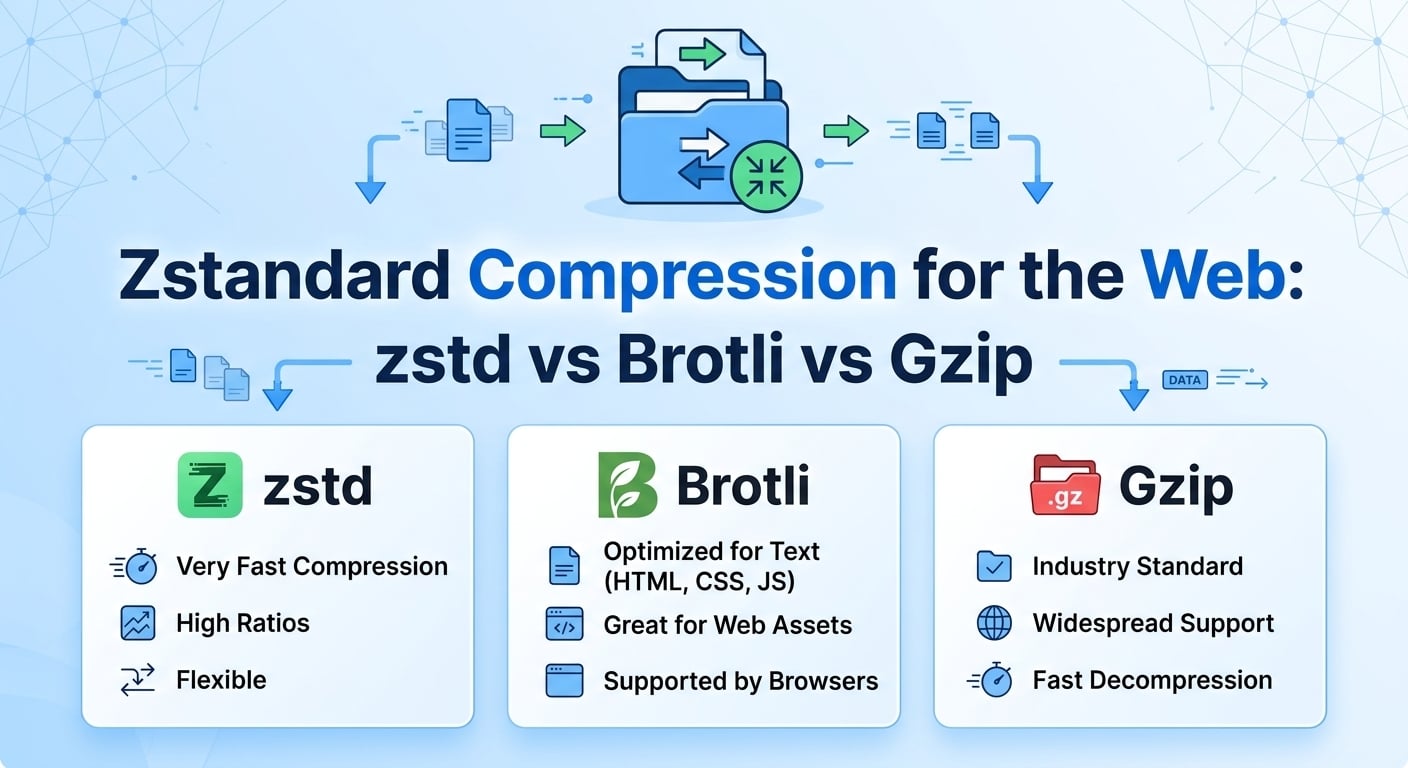
Verdict, evaluated November 2026: serve Brotli at quality 11 for static text you can precompress, use zstd compression ...
Web Performance
The short answer to "does CDN affect SEO" is yes, but indirectly. Google gives no ranking credit for using a CDN. As of ...

Web Performance
Imagine this: your latest blog post goes viral overnight, and your WordPress site crashes under the traffic surge. It’s ...