
Learn
Lossy vs Lossless Compression: Images, Video and Audio
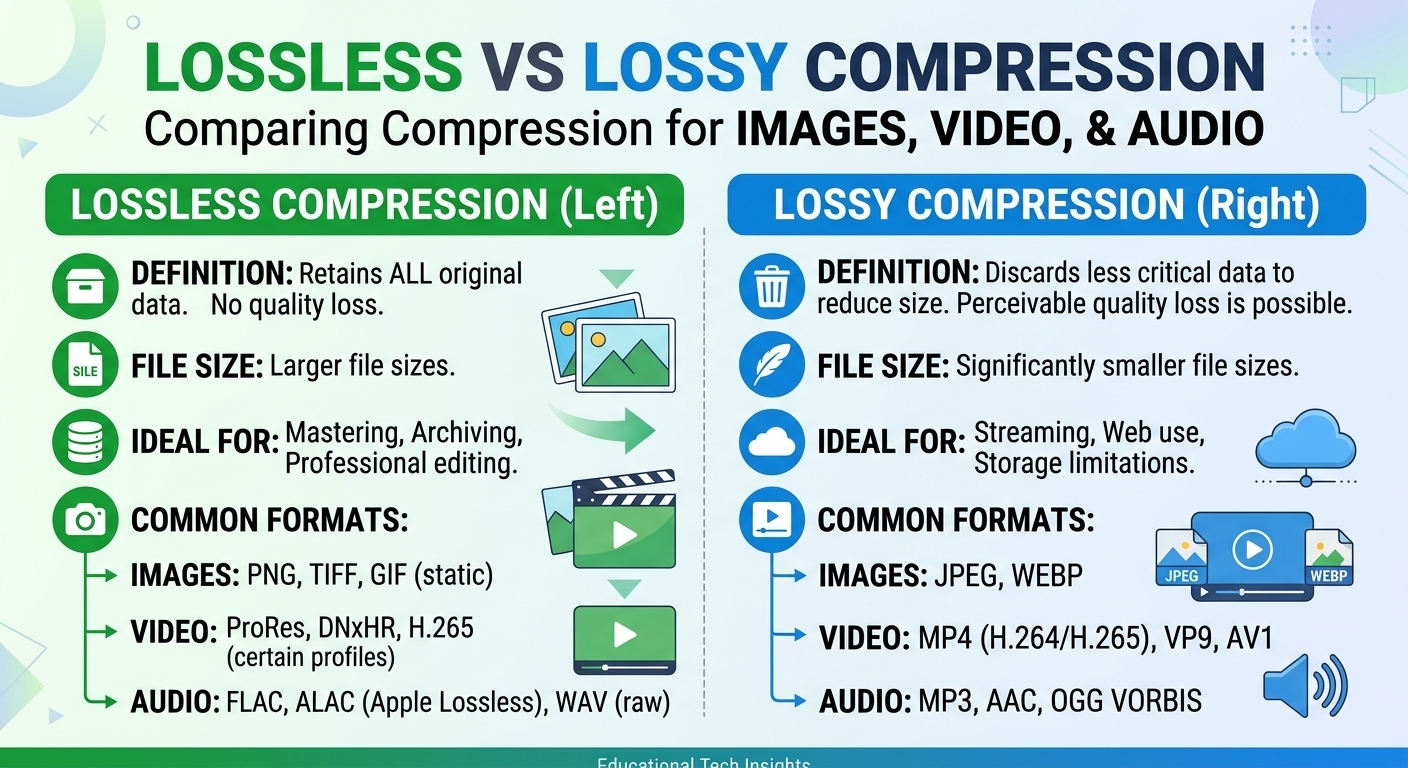
Lossy vs lossless compression comes down to one trade: lossless compression rebuilds every original bit and typically ...

In a 2023 global study of 150+ major e‑commerce sites, Catchpoint found that over 70% of “mysterious” production bugs reported by users were actually stale or inconsistent cached content – not application errors. In other words, the website worked, but the CDN was serving yesterday’s reality. If your team can’t purge CDN cache instantly and reliably, you’re one deployment away from the same nightmare: users seeing broken layouts, outdated prices, or even legally incorrect content for hours.
This guide walks through, in practical detail, how to purge CDN cache the right way – instantly, safely, and at scale. You’ll see what actually happens inside the cache, why “hard refresh” never fixes global issues, and how leading media, SaaS, and enterprise platforms design purge strategies that keep content fresh without burning through bandwidth or engineering time.
Modern CDNs can reduce time-to-first-byte by 50–80% for global audiences, but that performance gain comes from aggressively caching static and semi‑static assets. When cache invalidation is slow or poorly designed, every optimization turns into a liability.
Consider three very common real‑world scenarios:
All three cases share the same root cause: the CDN cache either wasn’t purged, or was purged partially or too slowly. The application was fixed. The world just didn’t see it.
Ask yourself: if you had to guarantee that every user on the planet sees your new home page within two minutes – could your current CDN cache purge strategy deliver that?
To purge cache intelligently, you need a clear mental model of what’s being cached where. Most production outages caused by “stuck” content come from not understanding these details, not from CDN failures.
In a typical request path, content may be cached in multiple layers:
Cache-Control, Expires, and ETag.A purge (or invalidation) request to your CDN typically targets the CDN caches (edge and sometimes mid‑tier), but not browser cache. That distinction matters enormously for “why can I still see the old version on my laptop?” debugging.
CDNs cache objects addressed by full URLs, including query strings and sometimes headers. That means:
https://example.com/assets/app.js and https://example.com/assets/app.js?v=2 are two different objects.When you “purge” an item, you’re telling the CDN to treat those objects as expired or deleted, so the next request will fetch them from origin again.
Do you know which exact URLs are cached today for your top 10 page templates – and which headers or query parameters affect their cache keys?
Not all purges are created equal. Different approaches trade off speed, control, and infrastructure cost. Understanding these options is the first step toward designing a robust fresh‑content strategy.
What it is: Invalidate one or more specific URLs – for example, a single CSS file or a particular product page.
Tip: Maintain a registry or map of which URLs belong to which feature or product, so you can target purge requests programmatically when those components change.
What it is: Invalidate every cached object under a specific path or pattern, such as /products/* or /static/css/*.
Reflection: If you needed to purge all language variants of your homepage right now, do you know the safest wildcard pattern to use without touching other parts of the site?
Many advanced setups (especially with Varnish‑style architectures) support tags or surrogate keys.
What it is: You tag responses (e.g., Surrogate-Key: product-123 category-shoes) and later purge by key. Any object with that key is removed from cache.
Ask your team: are we purging based on how our data and content relate to each other, or just manipulating URLs and hoping we didn’t miss one?
What it is: Flushes the entire CDN cache for your domain or configuration.
Strong advice: treat global purges as an incident‑response tool, not a deployment step. Does your runbook make that distinction explicit?
Most modern providers advertise some version of “instant” or “fast” purge. In practice, purge propagation speed can vary from seconds to many minutes depending on architecture and load.
Unlike latency benchmarks, there isn’t a single public, standardized report for purge times because each provider’s mechanisms differ. However, user experience data from monitoring vendors such as Catchpoint and ThousandEyes consistently shows that delayed cache invalidation is a primary source of content inconsistency across regions.
For enterprises that depend on real‑time correctness (financial data, live sports betting, stock photography licensing, etc.), “eventual purge” is not acceptable. They architect around both fast purging and cache‑busting techniques to guarantee consistency.
If your CDN promises “instant purge,” have you actually measured end‑to‑end propagation across multiple regions and captured that in your SLAs or SLOs?
Let’s move from theory to a reproducible purging process you can adopt, refine, and automate.
Start by grouping your content into volatility tiers:
This classification drives both TTL settings and purge strategies. For example, Tier 3 assets typically get long TTL + cache‑busting via versioned filenames; Tier 2 gets shorter TTLs plus aggressive purge automation.
Do you have this volatility map written down and shared between your dev, ops, and product teams, or is it just tribal knowledge?
Misconfigured headers are the most common reason purges “don’t work.” Define clear patterns:
Cache-Control: public, max-age=31536000, immutable with versioned filenames (e.g., app.5f3c9.js).Cache-Control: public, max-age=300, stale-while-revalidate=60 (values vary by business requirements).Cache-Control: no-store to ensure they are never cached by CDN or browsers.Combine TTLs with purge logic. For example, if your news site must update within 60 seconds, set TTLs around 300 seconds but guarantee instant purge when an editor publishes or corrects an article.
You don’t want engineers debating “per‑URL vs path purge” during a release. Choose conventions up front:
Document this as a decision matrix: “If X changes, we purge Y via Z.” Is that matrix visible in your deployment docs?
Instant cache purging becomes reliable only when it’s automated. Typical integrations:
/index.html, /app-shell, or /static/v1/*).This transforms cache invalidation from an ad‑hoc ops task into part of your software delivery lifecycle.
If you triggered a purge for today’s release, would you be able to trace in your CI logs exactly when and what was purged – and roll back that decision if needed?
Never assume a purge worked just because the API responded with 200 OK. Implement verification:
X-Cache (HIT/MISS) and custom build identifiers (X-Release-Version) to confirm state.Large media and streaming platforms routinely treat purge verification as part of their release checklist. This is how they avoid front‑page embarrassment when major stories or shows go live.
Can you currently answer, within five minutes, “Did every region get the new home page version after our 10:00 AM deployment” using data, not assumptions?
Even mature teams repeatedly fall into a handful of traps. Being aware of these patterns can save you from hours of painful incident triage.
A classic failure mode: you deploy a new JS bundle and update your HTML to reference it. You purge only the HTML, assuming that’s enough. Some edge nodes serve the new HTML while still caching the old JS and CSS, causing inconsistent behavior or blank pages.
Fix: Use content hashing in filenames for all static assets and keep HTML uncached or quickly purged. That way, once the new HTML is purged, it references a filename that never existed before, guaranteeing a MISS and fetch of the latest asset.
Teams under pressure often choose the “nuclear option” – purge everything just to be safe. This causes:
Fix: Reserve global purge for security‑critical or legal‑risk incidents. For normal deployments, use URL, path, or tag‑based purging aligned to your volatility tiers.
Many organizations test functionality in staging but ignore full cache behavior. Then, the first time they see the interaction between TTLs, headers, and purge is in production – with real users.
Fix: Mirror your production caching configuration in non‑production environments. Run purge tests as part of release rehearsals and performance tests.
Purging the CDN does nothing for a browser that cached content for a week. Users might still see old content even though your edge is up to date.
Fix: For volatile content, use modest browser TTLs or rely on revalidation (ETag, Last-Modified). For truly static content, use versioned URLs with long TTLs, so you never need to rely on purging to override browser cache.
Which of these mistakes has already bitten your team in production – and which one is waiting to surface at the worst possible time?
Different verticals have radically different “freshness” requirements. The way a global retailer approaches purging is not the same as a B2B SaaS platform or a high‑traffic video streaming service.
Digital publishers and streaming services live and die by the speed at which they can update front pages, program guides, thumbnails, and metadata. A mis‑labeled live stream or outdated headline can have both editorial and legal consequences.
Common patterns include:
Organizations here often pair a high‑performance CDN with tight tooling connected to their editorial systems, ensuring that when a story’s status flips from “draft” to “published,” the entire distribution stack reacts within seconds.
Modern providers like BlazingCDN are designed for exactly these patterns: real‑time updates for pages and metadata, combined with long‑term caching for bulky media objects. With Anycast routing and built-in failover, BlazingCDN lets media companies scale viewer traffic globally while staying far more cost‑effective, a crucial factor when streaming volumes explode.
For retail sites, stale cache isn’t just a UX issue; it can directly impact revenue and compliance. Displaying an expired promotion or an incorrect price in one region can lead to chargebacks, legal disputes, or brand damage.
Typical e‑commerce purge strategies involve:
Many leading retailers also invest in A/B testing and personalization, further complicating cache keys and invalidation. Without strict conventions, it’s easy to serve the wrong variant or show cached content for a segment that no longer exists.
In such scenarios, a cost‑optimized enterprise CDN is critical. BlazingCDN’s starting cost of $5 per TB (as of October 2026) gives retailers the headroom to cache extensively without fearing bandwidth bills, while fast, API‑driven cache purging ensures up‑to‑date prices and inventory data across regions.
B2B SaaS providers often deploy multiple times a day. Their biggest risk isn’t localized content errors, but inconsistent builds where different customers hit different code versions due to stale cache.
Effective SaaS strategies typically include:
A mismatch between new code and old cached assets can break login flows, dashboards, or embedded widgets. That’s why mature SaaS teams treat cache purge as a first‑class part of their deployment contracts.
To keep delivery modern and cost‑efficient, many SaaS vendors choose specialized CDNs that emphasize both configurability and economics. BlazingCDN, for example, gives SaaS teams fine‑grained control over caching policies and instant purge via API, while staying markedly more affordable than hyperscaler CDNs for high‑volume traffic – a crucial advantage when you’re optimizing gross margins without compromising reliability.
The evolution most organizations go through looks like this:
| Stage | Characteristics | Risks | When it’s acceptable |
|---|---|---|---|
| Manual Purge | Ops engineers trigger purges via dashboard when asked. | Human error, delays, over‑broad purges, no audit trail. | Very small sites, low change frequency, non‑critical content. |
| Automated Basic Purge | CI/CD scripts and CMS hooks call purge APIs per deployment or publish. | Logic drift between apps and purge routines; limited dependency awareness. | Growing businesses, basic personalization, moderate release cadence. |
| Smart, Event‑Driven Purge | Purge by tags/keys, tied to domain events (e.g., "product price updated"). | Requires well‑designed architecture and data discipline. | High‑traffic media, global retail, complex SaaS with frequent releases. |
Where you sit on this spectrum today should reflect both your traffic volume and your business risk from stale content. Staying at “manual purge” once your traffic and deployment frequency grow is essentially betting your brand on a human remembering which URL to click.
Which row of this table best describes your current setup – and which row would you be comfortable defending to your CEO after a major content incident?
Enterprises that outgrow entry‑level CDNs often face a tough trade‑off: stick with a premium, hyperscale provider and absorb high bandwidth bills, or move to cheaper options that may lack advanced configuration and robust SLAs. BlazingCDN is built specifically to avoid that trade‑off.
As a modern, high‑performance CDN, BlazingCDN remains cost‑effective, starting at $5 per TB and dropping to $2.50 per TB at volume (as of October 2026). For enterprises and corporate clients pushing massive volumes of media, API calls, or software downloads, this difference adds up to substantial annual infrastructure savings.
Critically for cache purging and content freshness, BlazingCDN exposes flexible configuration options and real‑time cache management APIs. Media companies can automate purges from their editorial systems; software vendors can integrate purge calls into their CI/CD pipelines; gaming and SaaS providers can implement event‑driven invalidation without hacking around rigid caching rules. Enterprises get the agility and economics of a focused, forward‑thinking provider.
For teams that need advanced cache rules, analytics, and instant invalidation capabilities in a single platform, exploring the feature set at BlazingCDN’s features is a practical next step.
To translate these concepts into an actionable roadmap, use this checklist as a working document with your engineering, operations, and product teams.
If you walked through this checklist today, how many items could you confidently tick off – and which gaps are quietly putting your next launch at risk?
Every digital business now depends on a CDN, but very few treat cache invalidation as the strategic capability it really is. The organizations that win – whether in streaming, retail, SaaS, or online services – are those that can ship rapidly and update globally without their cache becoming a bottleneck.
If you recognize your own production pain in these stories – late‑night manual purges, users on one continent seeing “yesterday’s” data, or deployments held back because “cache is scary” – it’s time to change that. Start by mapping your volatility tiers, codifying your purge patterns, and wiring them into your CI/CD and CMS. Then, evaluate whether your current CDN is giving you the control, speed, and economics you need.
BlazingCDN is a strong fit for media, SaaS, gaming, and enterprise platforms that want instant cache purging without hyperscaler pricing, starting at $5 per TB (as of October 2026). If you’re ready to turn cache management into a strength instead of a risk, explore how BlazingCDN can fit into your stack – or share this article with your team and start a conversation about how you’ll handle your next big launch.
What’s the single most painful cache issue you’ve faced in production – and what would it be worth to know, with certainty, that it will never happen again? Take the next step: review your current purge strategy, compare it to the practices above, and then decide whether it’s time to upgrade your CDN, your processes, or both.

Heavy traffic.
Light bill.
The CDN for video and large traffic
Learn
Lossy vs lossless compression comes down to one trade: lossless compression rebuilds every original bit and typically ...
Pricing - Pricing & Costs
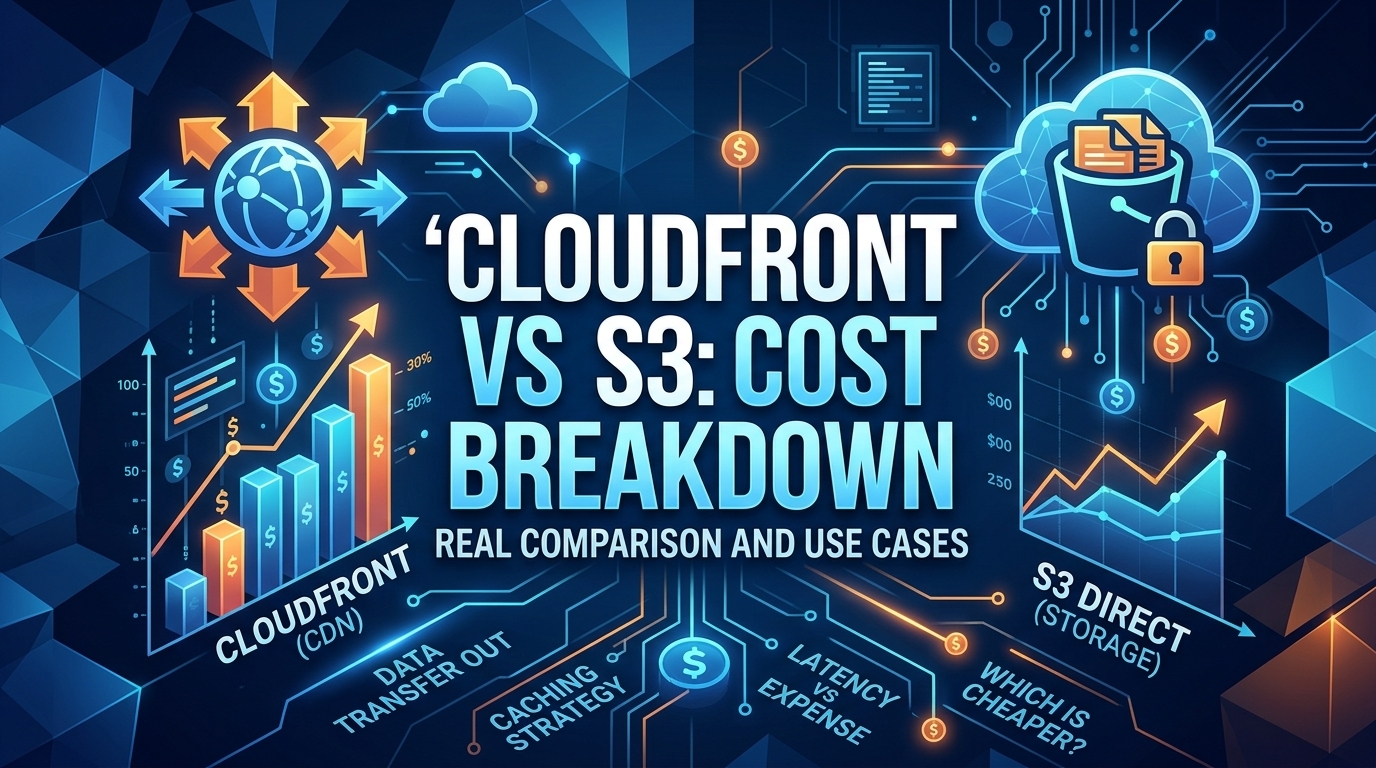
The CloudFront vs S3 decision depends more on object size than on traffic volume. At a 500 KB average response, 100 TB ...
Learn
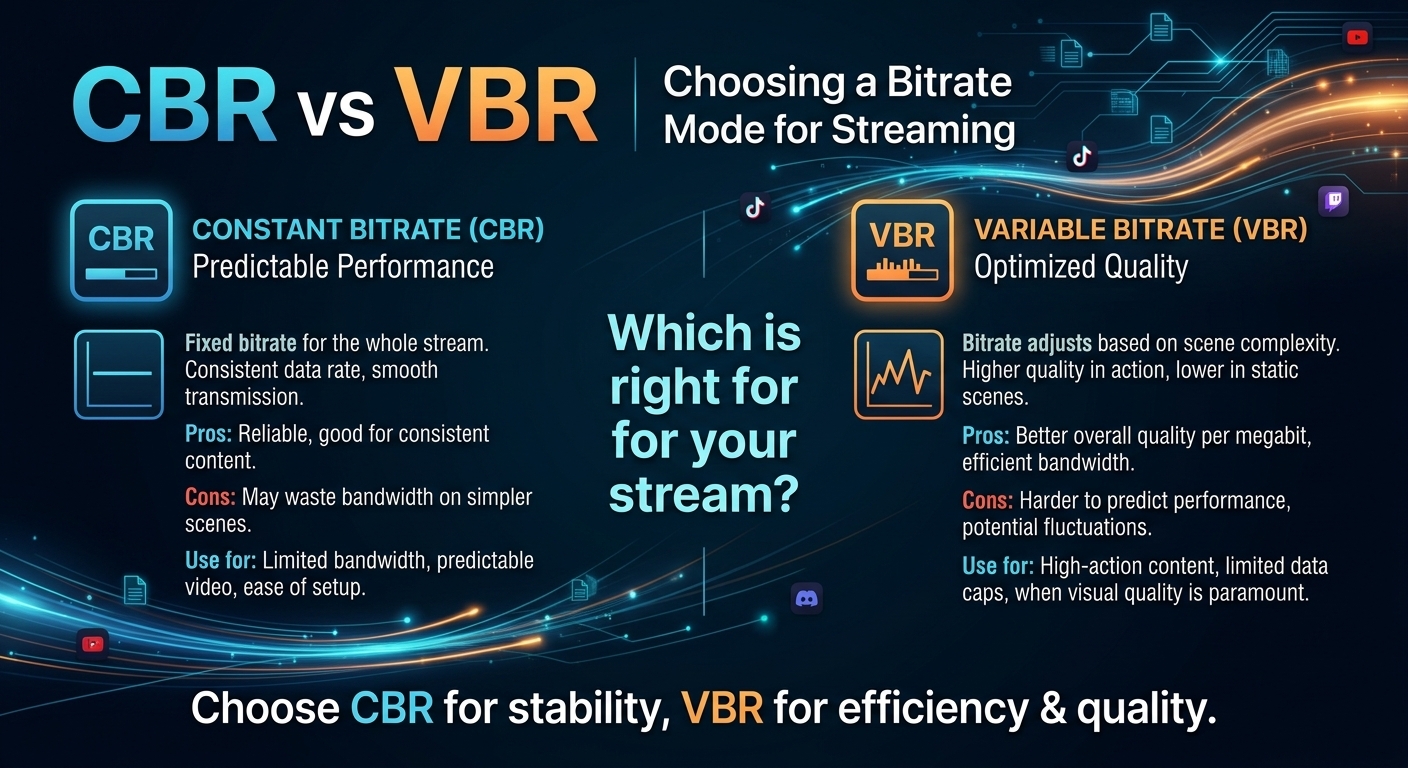
For most on-demand video, capped variable bitrate (VBR) wins the cbr vs vbr decision: it spends bits where the picture ...