
Learn
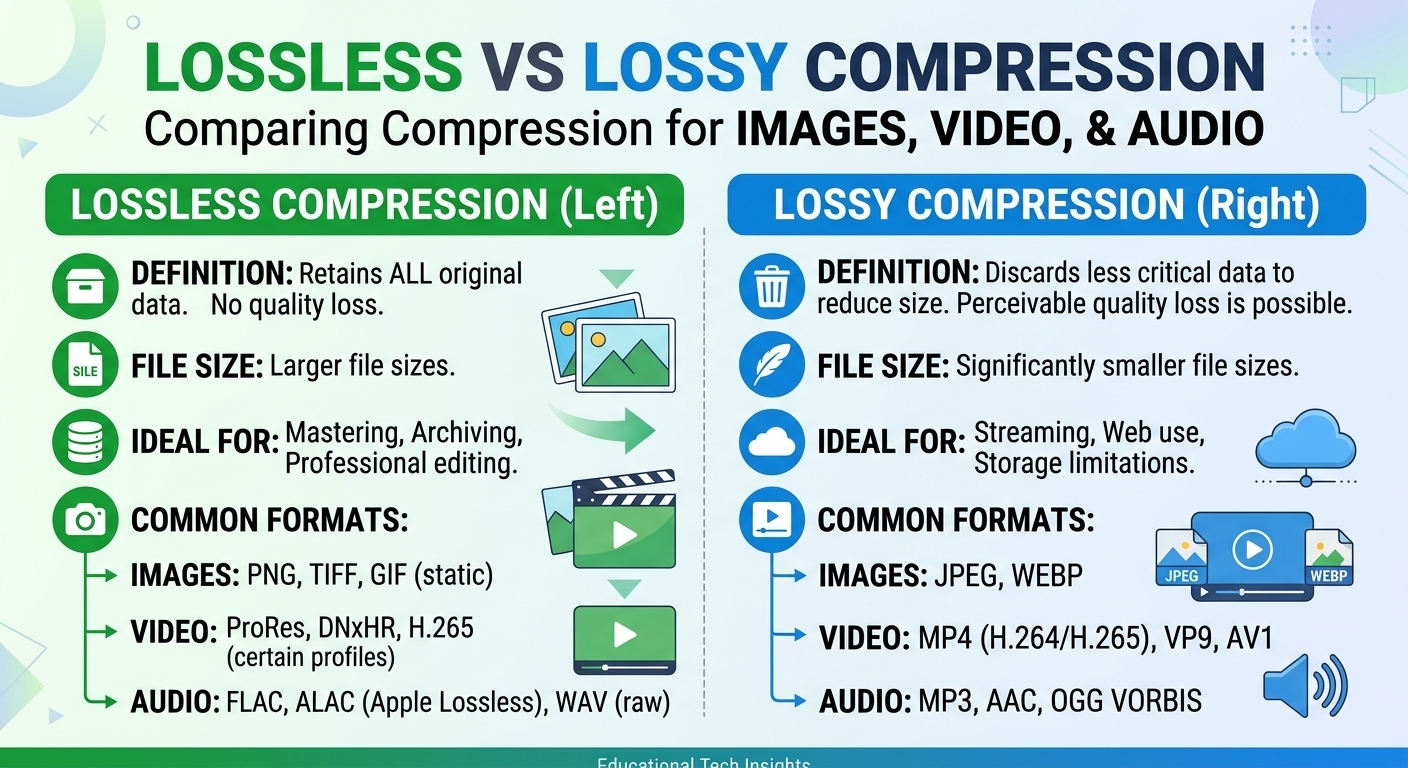
Lossy vs Lossless Compression: Images, Video and Audio
Lossy vs lossless compression comes down to one trade: lossless compression rebuilds every original bit and typically ...
A mid-2026 internal audit at a 400-person SaaS company found that its sales org burned 11.2 hours per rep per week on scheduling logistics—confirmations, reschedules, timezone math, room-booking collisions. Replacing manual coordination with an AI scheduling assistant cut that number to 1.4 hours. Clara Labs was the tool. This article breaks down exactly how Clara works under the hood as of Q2 2026, where it fits against alternatives like Calendly, Reclaim, and x.ai successors, and provides a workload-profile decision matrix you will not find in any other comparison on the web right now.
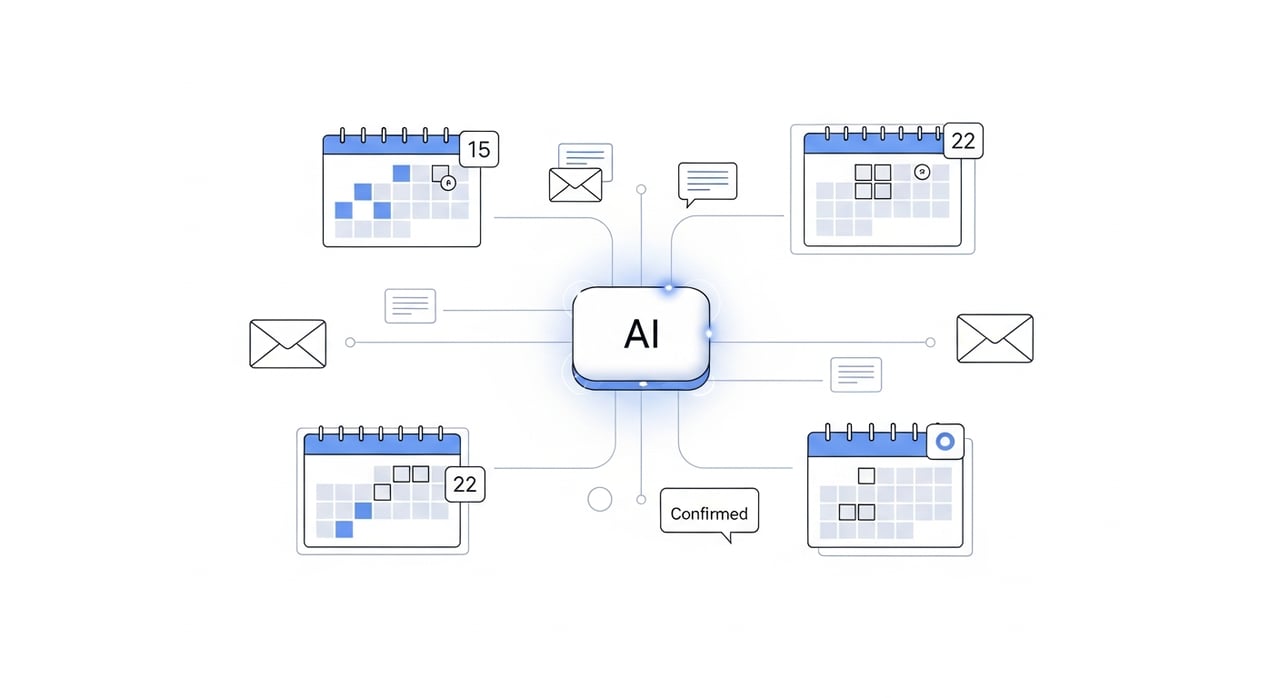
Clara operates as an email-based scheduling assistant—not a link-sharing tool. You cc or forward Clara on an email thread, and it enters the conversation as though it were a human coordinator. It parses the natural language of the email, reads your connected calendar state, evaluates participant availability across time zones, proposes slots, handles counter-proposals, and confirms the meeting. All without you touching it again.
As of May 2026, Clara's NLP pipeline handles multi-turn threads with context windows that persist across days-long email chains. It resolves ambiguous references ("next Tuesday" sent on a Friday vs. a Monday), manages implicit preferences learned from historical booking patterns, and infers meeting types—one-on-one, panel interview, group sync—to apply the right duration and buffer rules automatically.
Clara connects to Google Workspace and Microsoft 365 calendars via OAuth. It supports Zoom, Google Meet, Microsoft Teams, and Webex for auto-generating video links. For CRM-heavy workflows, it integrates with Salesforce to log meetings against opportunity records. In 2026, Clara also added native HubSpot and Gong integrations, letting revenue teams tie scheduling data directly to deal intelligence.
One thing worth noting: Clara does not own the calendar write path the way Calendly does. It reads availability and proposes times via email, but the calendar event creation happens through the connected calendar's API. This distinction matters if you enforce strict calendar API audit trails.
The question "how is Clara different from Calendly or scheduling link tools" deserves a precise answer. Calendly, SavvyCal, and Cal.com solve scheduling by having one party send a link. The recipient self-selects a slot. This works well for inbound—prospects booking demos, candidates picking interview windows. It breaks down in three scenarios Clara handles natively:
Clara allows granular preference tuning. You control: preferred meeting durations per type, buffer times between meetings, blackout windows, timezone display format, and the tone and sign-off style of Clara's emails. As of Q1 2026, the platform supports per-user persona templates, meaning a VP of Engineering and a sales AE on the same team can have Clara communicate in distinctly different registers. Clara also supports custom email domains, so messages come from scheduling@yourcompany.com rather than a generic Clara address.
Clara processes email content and calendar metadata to function. As of 2026, Clara is SOC 2 Type II certified and publishes its data processing addendum publicly. Calendar data is encrypted at rest (AES-256) and in transit (TLS 1.3). Clara does not train its general models on customer email content—a policy it codified in its updated privacy terms in early 2026. For enterprises subject to GDPR or CCPA, Clara supports data residency preferences and provides a DPA on request.
This matrix is the part no existing top-10 result covers properly. Instead of generic feature tables, it maps scheduling tools to actual workload profiles as of mid-2026.
| Workload Profile | Best Tool | Why |
|---|---|---|
| High-volume inbound demo booking (50+ per week) | Calendly / Chili Piper | Link-based routing with round-robin and lead qualification. |
| Executive assistant replacement (5–15 external meetings/week) | Clara Labs | Email-native, human-passing communication, multi-party negotiation. |
| Internal calendar optimization (protect focus time, auto-shuffle) | Reclaim.ai / Clockwise | Deep calendar analysis, habit scheduling, auto-defrag of meeting clusters. |
| Multi-stakeholder deal scheduling (enterprise sales) | Clara Labs | Handles 4+ participants, CRM logging, preserves relationship tone. |
| Developer/IC who wants zero scheduling overhead | Cal.com + Reclaim | Open-source link tool plus automated focus-time defense. |
The key insight: Clara wins when the scheduling interaction itself is part of the relationship. If the scheduling UX is just plumbing—inbound lead routing, internal rebalancing—link-based or calendar-optimization tools are a better fit.
No AI meeting assistant handles every scenario cleanly. Knowing where Clara fails helps you architect around it.
Ambiguous authority in cc chains. If an email thread has multiple people cc'd and it is unclear who the decision-maker is, Clara sometimes addresses the wrong person. Mitigate this by explicitly tagging the relevant participant in your forwarding email.
Rapid reschedule cascades. When a meeting gets rescheduled three or more times in a 24-hour window, Clara's threading can lose context. The 2026 Q1 release improved this, but edge cases remain with Outlook clients that mangle reply headers.
Calendar sync latency. Clara polls calendars at intervals rather than receiving push events from all providers. Google Workspace push notifications are supported; Microsoft Graph webhooks are supported but occasionally lag during Azure outages. This means a meeting booked directly on your calendar might not be reflected in Clara's availability window for up to 90 seconds.
For teams running high-stakes scheduling at scale—say, coordinating live broadcast production or global content delivery windows—infrastructure reliability extends beyond the calendar layer. If your delivery platform hiccups under a demand spike, no scheduling tool saves you. BlazingCDN's SaaS delivery infrastructure is worth evaluating here: it uses Anycast routing with built-in failover and starts at $5 per TB, dropping to $2.50 per TB at volume (as of October 2026). That cost curve keeps delivery spend predictable at enterprise volumes.
Clara cross-references all connected calendars of internal participants and overlays external participant availability from email responses. For internal-only meetings, it can auto-book without email negotiation if all participants use the same calendar provider. As of 2026, it supports groups of up to 15 participants per scheduling request.
Google Workspace, Microsoft 365, Zoom, Google Meet, Microsoft Teams, and Webex. CRM integrations include Salesforce, HubSpot, and as of early 2026, Gong. iCloud Calendar and other consumer platforms are not supported.
Yes. You set tone, sign-off, preferred meeting lengths, buffer rules, and blackout windows. Per-user persona templates shipped in Q1 2026, enabling different communication styles for different roles within the same organization. Custom email domains are supported on paid plans.
Clara is SOC 2 Type II certified, encrypts data at rest with AES-256 and in transit with TLS 1.3. It does not use customer email content to train its general models. GDPR and CCPA compliance documentation, including a Data Processing Addendum, is available on request.
Clara's pricing is not publicly listed on a self-serve page as of May 2026. It operates on a per-user monthly model with tiers based on meeting volume and feature access. Prospective customers request pricing through Clara's sales team. Expect per-seat costs in the range typical of premium AI calendar assistant tools ($50–$200/month per user, depending on tier).
Before committing to any AI meeting assistant, instrument your actual scheduling overhead. Pull the last 30 days of email threads containing the words "schedule," "available," "reschedule," or "calendar" from your team's inboxes. Count the threads. Measure the average number of replies per thread before a time was confirmed. Multiply by the number of people involved and their hourly cost. That number is your scheduling tax. If it exceeds 3% of your team's total available work hours, an email-based scheduling assistant like Clara pays for itself in weeks. If most of your scheduling is inbound and link-based, Calendly or Cal.com will get you there faster. The decision matrix above maps the rest. Share your numbers with your ops team and make the call with data, not demos.

Heavy traffic.
Light bill.
The CDN for video and large traffic
Learn
Lossy vs lossless compression comes down to one trade: lossless compression rebuilds every original bit and typically ...
Pricing - Pricing & Costs
The CloudFront vs S3 decision depends more on object size than on traffic volume. At a 500 KB average response, 100 TB ...
Learn
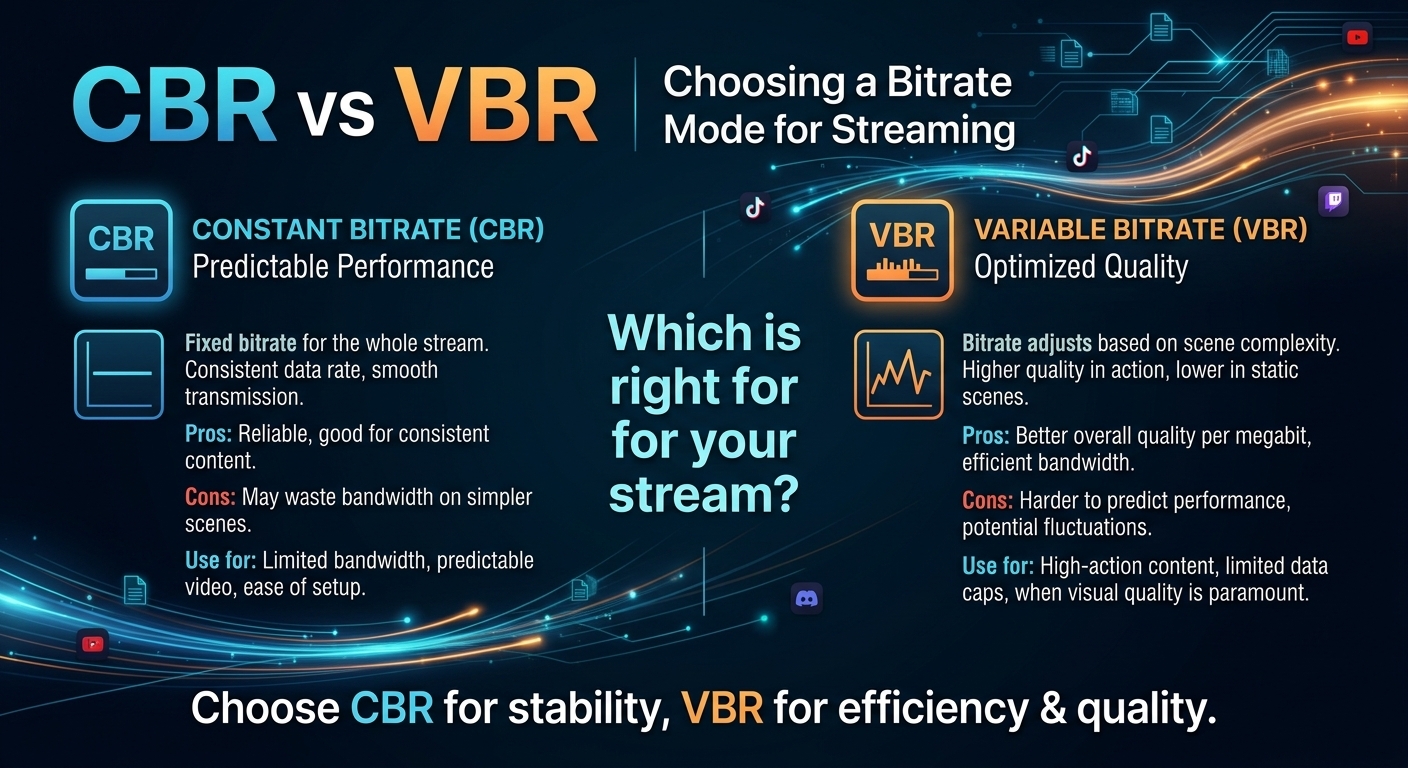
For most on-demand video, capped variable bitrate (VBR) wins the cbr vs vbr decision: it spends bits where the picture ...