Learn
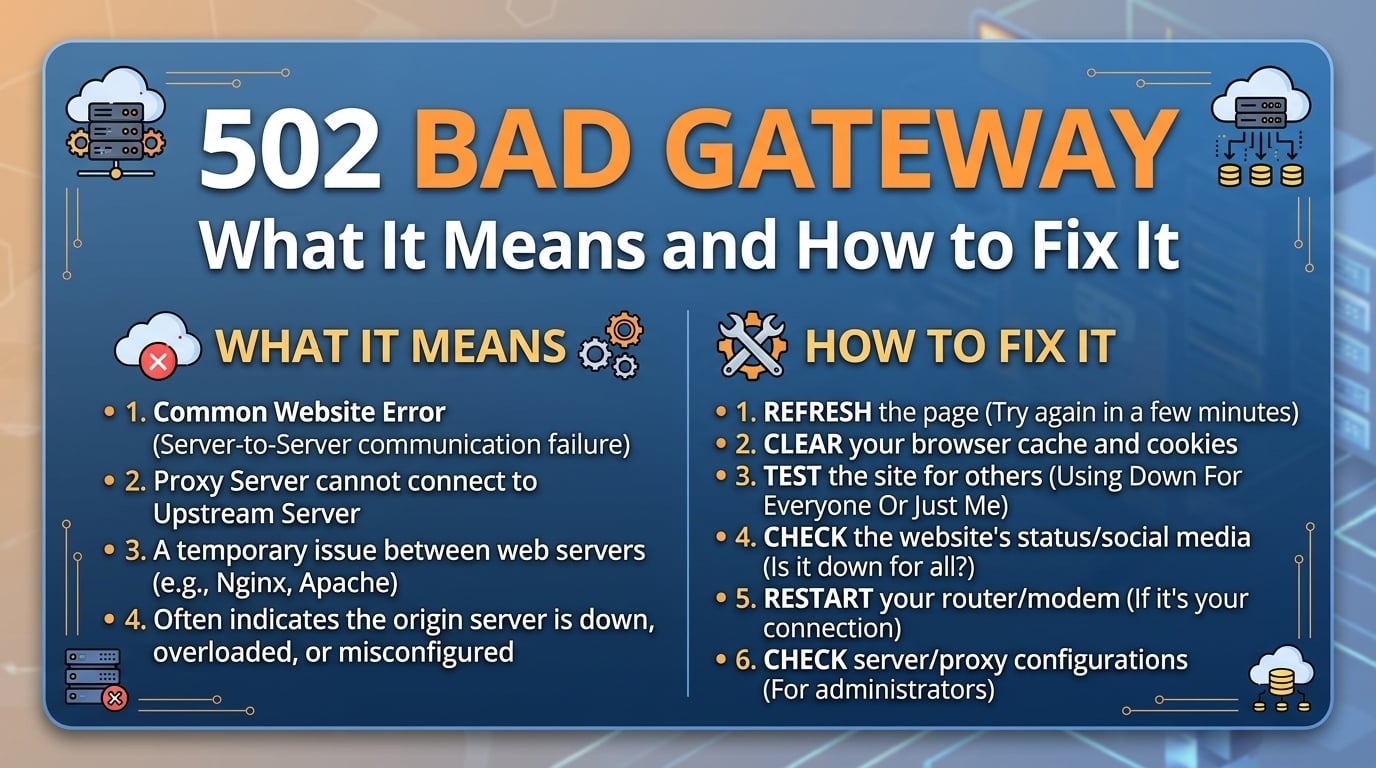
502 Bad Gateway: What It Means and How to Fix It
A 502 Bad Gateway means a proxy in your request path, such as nginx, a load balancer or a CDN edge, reached the next ...
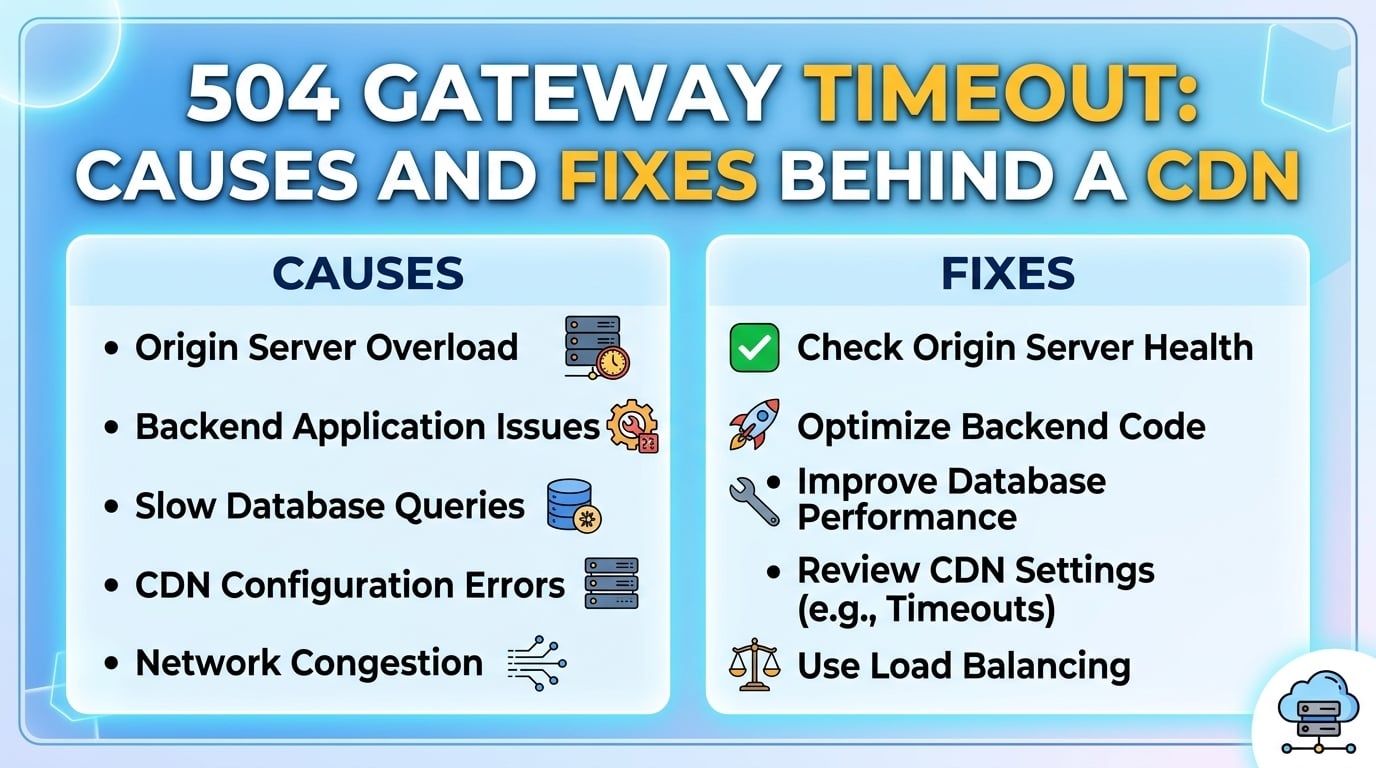
A 504 Gateway Timeout behind a CDN means one proxy in the chain (the CDN edge, an origin shield, a load balancer or a reverse proxy) waited for the next hop longer than its configured limit and gave up. The fix is rarely "raise the timeout." It is finding which hop fired, making each inner timeout shorter than the one outside it, and taking slow work off the request path. Plan on about 60 to 90 minutes to diagnose and fix a typical stack with the steps below.
As of 2026, Amazon CloudFront waits 30 seconds by default for an origin response before returning a 504 Gateway Timeout, nginx waits 60 seconds (its proxy_read_timeout default), and Cloudflare waits 100 seconds but reports the failure as its own 524 status instead of a 504. The duration of a failed request is therefore the fastest clue to which layer produced the error.
The layer that returned the 504 is the one whose timeout expired first, and you can usually identify it from two signals: how long the request took before failing, and which response headers came back. A failure at almost exactly 30.0 seconds with a CDN error header points at the edge. A failure at 60 seconds with a plain server banner points at your own reverse proxy.
Per RFC 9110, a 504 means a server acting as a gateway or proxy did not receive a timely response from an upstream server. Every hop between the user and your application can generate one, which is why a gateway timeout behind a CDN is a chain problem first and an application problem second.
| Time to failure | Status and header signal | Most likely emitter (default settings) |
|---|---|---|
| About 30 s | 504, X-Cache reads "Error from cloudfront" | Amazon CloudFront origin response timeout |
| About 30 s | 504 or 502 from a Google front end | Google Cloud load balancer backend service timeout |
| About 60 s | 504, Server header shows nginx | nginx proxy_read_timeout or fastcgi_read_timeout |
| About 60 s | 504, Server header shows awselb | AWS Application Load Balancer idle timeout |
| About 100 s | 524, cf-ray header present | Cloudflare proxy read timeout |
| Under 1 s | 504 with an application-branded body | Your app proxying to an internal service that already timed out |
If the time to failure matches a known default to within a second, you have found the hop that fired, and the real cause sits one hop further inward.
The pattern below is this blog's suggested starting ladder for an API or HTML origin behind a CDN. It keeps a 5-second margin between hops so the inner layer always fails first and returns a clean error the outer layer can pass through.
| Hop | Request timeout | Idle keep-alive timeout | Example setting |
|---|---|---|---|
| CDN edge to origin | 60 s | vendor-managed | CloudFront origin response timeout raised from 30 to 60 |
| Load balancer | 55 s | 55 s | ALB idle timeout 55 |
| Reverse proxy | 50 s | 65 s | nginx proxy_read_timeout 50s, proxy_connect_timeout 5s, keepalive_timeout 65s |
| Application | 45 s | 70 s | Gunicorn timeout 45, or Node.js keepAliveTimeout 70000 ms with headersTimeout above it |
| Database | 40 s | pool-managed | PostgreSQL statement_timeout 40s |
Request timeouts must decrease as you move inward while idle keep-alive timeouts must increase, and most recurring 504 and 502 incidents violate one of those two orderings.
One nuance changes how you read these numbers. The nginx proxy_read_timeout applies between two successive reads from the upstream, not to the whole response, and Amazon CloudFront's origin response timeout likewise covers the wait between packets. An origin that sends headers and the first chunk within 2 seconds can stream a 5-minute export without tripping either limit, which is why streaming early bytes is a legitimate fix and not a hack.
Little's law explains the cliff. Requests in flight equal arrival rate multiplied by latency. Take an origin with 64 worker slots and a p50 latency of 100 ms: it sustains 64 / 0.1 = 640 requests per second. If a dependency slows each request to 30 seconds, capacity collapses to 64 / 30, about 2.1 requests per second.
Everything above 2.1 requests per second now queues, waits out the edge timeout and becomes a 504. If the CDN also retries timed-out GET requests (Amazon CloudFront makes up to 3 connection attempts by default), worst-case time to a 504 on a dead origin with a 10-second connect timeout is 3 × 10 = 30 seconds of connection attempts alone, and retried reads add load to an origin that is already saturated. This is why raising timeouts during an incident usually makes it worse: longer waits mean more requests in flight per worker.
For heavy static workloads the cheapest origin timeout is the one that never reaches the origin. BlazingCDN includes origin shield and request coalescing on every plan and sets up zones and cache rules together with an engineer, so the origin shield and request coalescing features that absorb miss storms are configured at onboarding rather than after the first incident.
Change one hop at a time and keep the previous value in your change ticket. If 502s rise after a keep-alive change, revert that hop first, since a mismatched idle timeout produces connection resets within minutes. If 504s rise after shortening an inner timeout, the route genuinely needs more time: restore the old value for that route only and schedule it for the async pattern in step 7.
Set timeouts per route, not per host. Health checks and static assets deserve a 5 to 10 second budget, while a known export endpoint can carry a longer one behind its own location block. Keep connect timeouts short (2 to 5 seconds inside a region): a TCP handshake that takes longer than that is a dead host, and failing fast lets the proxy try the next upstream.
The honest trade-off: shorter timeouts convert slow successes into fast failures. That is the right call for interactive traffic and the wrong one for a batch client that would happily wait 90 seconds. Know which clients you serve before you tighten the ladder, and give batch consumers a separate hostname with its own limits.
A 504 means the proxy received no response from upstream within its timeout, while a 502 means it received an invalid response or a broken connection. Behind a CDN, 504s usually trace to slow origins or exhausted worker pools, whereas 502s often trace to keep-alive mismatches, TLS failures or a crashed upstream process returning a reset.
Raising the CDN origin timeout rarely fixes a recurring 504 gateway timeout. It holds more requests in flight per worker, which lowers effective origin capacity during the exact moments the origin is slow. Increase it only for specific routes that legitimately need longer, after ordering the inner timeouts so each hop fails before the one outside it.
Cloudflare uses its own 524 status when the origin accepts the connection but does not respond within the 100-second proxy read limit. A 504 seen through Cloudflare usually originated at your own load balancer or reverse proxy. That distinction tells you whether the timeout fired at the Cloudflare edge or inside your infrastructure.
Measure how long the failing request took and read the response headers. A duration matching a known default, such as 30 seconds for Amazon CloudFront or 60 seconds for nginx, plus headers like X-Cache or Server, identifies the emitting hop. Then request the origin directly with the same Host header to measure its real latency.
Pull every 504 from the last 7 days and plot time to failure as a histogram. Each spike sits at some layer's timeout; label it, then list the request and keep-alive timeouts for every hop and check both orderings. Any route whose p99 exceeds half your edge timeout goes on the async backlog. The exercise takes an afternoon and usually explains months of intermittent gateway timeouts.
If your heavy traffic is video, software downloads or large static files, BlazingCDN runs a 14-day testing period on real production traffic at $5 per TB with the monthly minimum waived, and its Anycast CDN with origin shield in front of your origin is the place to start.

Heavy traffic.
Light bill.
The CDN for video and large traffic
Learn
A 502 Bad Gateway means a proxy in your request path, such as nginx, a load balancer or a CDN edge, reached the next ...

Learn
Public measurements say the majority of global internet traffic now leaves a cache, not an origin. A widely cited ...