Pricing - Pricing & Costs
CDN77 Review 2026: Performance, Pricing, Pros and Cons
CDN77 is a delivery-focused content delivery network run by DataCamp Limited, built for bandwidth-heavy video, software ...
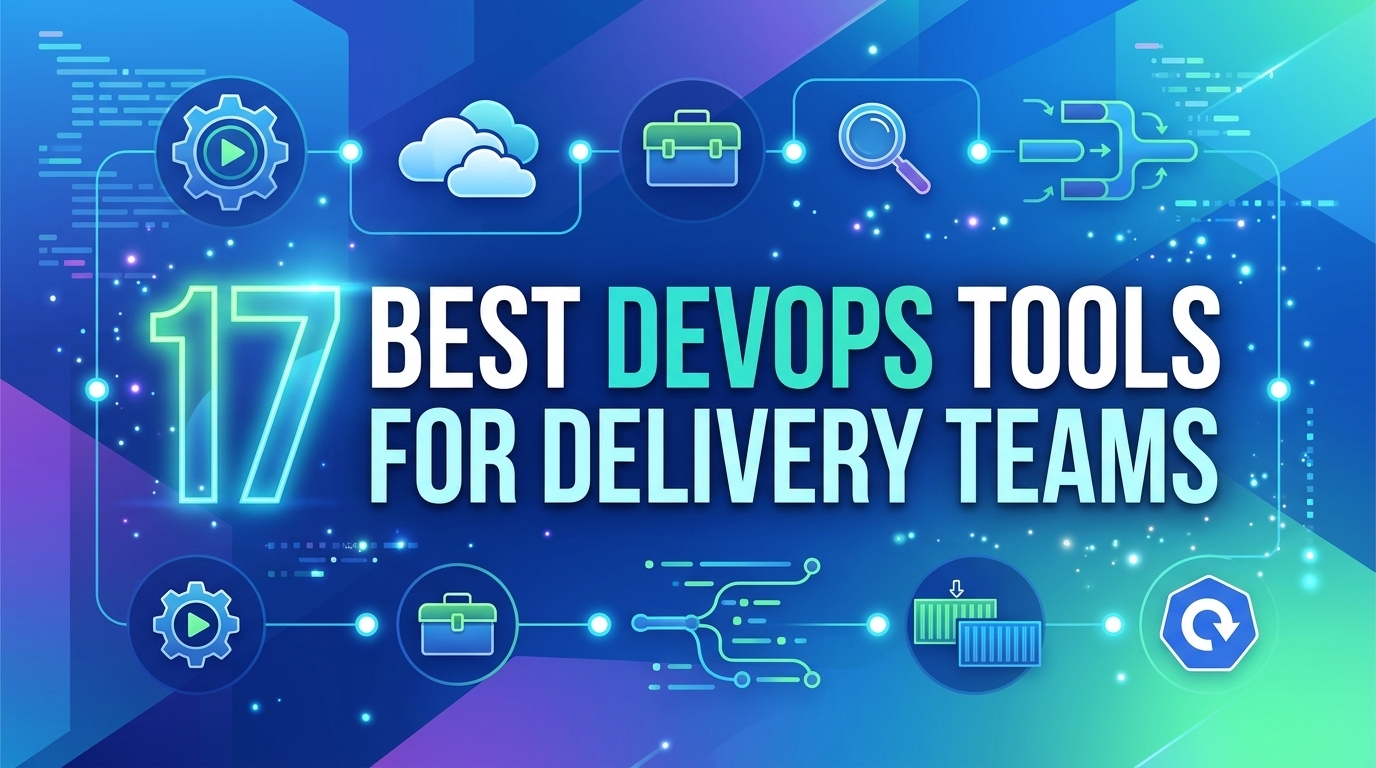
The best devops tools in 2026 are not one product but a toolchain of six layers: source control, CI/CD, infrastructure as code, containers and orchestration, testing, and monitoring, plus a delivery layer for the artifacts your pipeline ships. This comparison covers 17 tools across those layers, evaluated November 2026 (list prices as checked August 2026), with one honest limitation each, a "best fit by workload" decision matrix, and a cost model for distributing release artifacts at 100 TB a month.
For most software delivery teams in 2026, a defensible DevOps toolchain is Git with GitLab, Azure DevOps or Jenkins for CI/CD, Terraform or Ansible for infrastructure, Docker and Kubernetes for runtime, and Prometheus for metrics. Kubernetes ships three minor releases a year, each patched for roughly 14 months, so any toolchain built on it carries a fixed upgrade cadence that should be budgeted before the tools are chosen.
Tool selection fails most often on integration cost, not features. Score every candidate against these criteria before a proof of concept:
A devops toolchain is the connected set of tools that moves a change from commit to production and back into feedback: version control, build, test, CI/CD orchestration, infrastructure provisioning, runtime, monitoring and planning. In 2026 the practical question is not which tool is strongest per layer, but which combination minimizes glue code and duplicated state between layers.
| Layer | Tools in this list | Licensing model | Main trade-off |
|---|---|---|---|
| Source and build | Git, Gradle | Open source | Large binaries and build script sprawl |
| CI/CD | Jenkins, GitLab, Azure DevOps | Open source, open core, SaaS | Flexibility vs maintenance burden |
| Infrastructure and config | Terraform, Ansible, Chef | Source-available, open source, commercial | State management vs agentless simplicity |
| Runtime | Docker, Kubernetes | Open source, paid desktop tier | Portability vs operational overhead |
| Testing | Katalon Studio, Ranorex Studio | Commercial | Speed of authoring vs vendor lock-in |
| Planning | Jira, Trello | SaaS, per seat | Process depth vs configuration sprawl |
| Monitoring | Prometheus, Raygun | Open source, SaaS | Control vs time to insight |
| Release delivery | BlazingCDN | Pay as you go per TB | Heavy files only, not a security suite |
The layers where lock-in hurts most are CI/CD and infrastructure state, so choose those two first and fit the rest around them.
The CI/CD tools that cover most teams in 2026 are GitLab for an integrated platform, Azure DevOps for Microsoft-centric organizations, and Jenkins where pipelines need unusual flexibility or air-gapped hosting. All three support pipeline as code in the repository; the real difference is how much of the surrounding toolchain each one replaces and how much maintenance it demands.
Git underpins all three. Created in 2005, it is the default for distributed version control and branching. Limitation: large binaries such as game assets or installers need Git LFS or a separate artifact store, or clone times degrade.
Jenkins is the open-source automation server with the deepest plugin ecosystem, more than 1,800 plugins in its index. It runs anywhere and scripts anything. Limitation: plugin compatibility and Groovy pipeline debt make upgrades a recurring project, and the controller is one more server to patch.
GitLab combines repositories, CI/CD, security scanning, planning and a package registry in one application and ships a new release every month. Limitation: the strongest security and compliance features sit in the Ultimate tier, and self-managed instances must keep pace with that monthly cadence.
Azure DevOps bundles Boards, Repos, Pipelines, Test Plans and Artifacts, with tight integration into Azure and Entra ID. Limitation: outside an Azure estate it offers less than GitLab or GitHub Actions, and much of Microsoft's newer CI investment is visible in GitHub instead.
Gradle is the build layer for JVM and Android projects, with incremental builds and a build cache that skips unchanged tasks. Limitation: multi-module build logic grows complex, and an unshared build cache gives back most of the speed advantage.
Terraform provisions cloud resources declaratively through providers and a state file. HashiCorp moved it to the Business Source License in August 2023, which produced the OpenTofu fork, and IBM completed its acquisition of HashiCorp in 2025. Limitation: remote state, locking and drift detection are your responsibility to design.
Ansible is agentless, pushing YAML playbooks over SSH, which makes it the fastest route to configuration management on an existing fleet. Limitation: the push model slows at thousands of hosts, and it holds no persistent state, so drift is found only when a playbook runs.
Chef defines infrastructure, compliance policies and application lifecycles as Ruby code, with agents pulling configuration. Progress Software acquired it in 2020. Limitation: the Ruby DSL raises the bar for new contributors, and community momentum has shifted toward Ansible and Kubernetes-native tooling.
Docker builds and runs OCI images that behave the same on a laptop and in CI. Limitation: since 2021, Docker Desktop requires a paid subscription for organizations with more than 250 employees or more than $10 million in annual revenue, so check before standardizing on it.
Kubernetes handles scheduling, scaling, service discovery and storage orchestration, and pairs naturally with GitOps controllers for declarative deploys and fast rollback. Limitation: three minor releases a year means a permanent upgrade workload, and small teams often spend more on cluster operations than on the applications it runs.
Katalon Studio offers low-code test authoring for web, API, mobile and desktop, built on Selenium and Appium, with CI/CD integrations. Limitation: advanced reporting and parallel execution sit in paid tiers, and tests live in a vendor-specific project format.
Ranorex Studio combines capture-and-replay with code-based tests in C# and is strongest on Windows desktop applications. Limitation: the IDE is Windows-centric and per-seat licensing adds up across a large QA group.
Jira supports Scrum, Kanban, custom workflows and automation rules, and links issues to commits and deployments. Atlassian ended support for Server products in February 2024, leaving Cloud and Data Center. Limitation: unchecked custom fields and workflows turn it into a configuration project of its own.
Trello, part of Atlassian since 2017, gives small teams visual boards with almost no setup. Limitation: it has no real model for sprints, dependencies or release tracking, so growing teams usually outgrow it.
Prometheus is the pull-based time-series database and alerting toolkit behind most Kubernetes monitoring, queried with PromQL; it graduated from the Cloud Native Computing Foundation in 2018. Limitation: storage is single-node by design, so long-term retention needs Thanos or Mimir, and high label cardinality is the usual way to break it.
Raygun provides error tracking, crash reporting, real user monitoring and APM as a hosted service. Limitation: it is SaaS-only, and cost scales with event volume, so noisy error streams need sampling.
Most toolchain diagrams stop at "deploy", but for teams shipping installers, game patches, mobile app assets or container-adjacent binaries, the last stage is distribution, and it is often the largest line on the bill. A pattern that holds up: publish every build to an immutable, versioned path (never overwritten), and point clients at it through one small mutable manifest with a short TTL. The pipeline then only needs to purge the manifest and pre-warm the new version, which keeps cache invalidation to a single object per release and makes rollback a manifest edit.
BlazingCDN is built for this delivery stage: high-volume static files up to 50 GB per object, purge and cache warm-up through the REST API so a CI job can call them after publishing, signed URLs for gated builds, and Prometheus metrics that land in the same Prometheus as the rest of your toolchain. Its Files on Demand CDN for software and game builds covers exactly that workload. Limitation: it does not support HTTP/3 or WebSockets and is not a WAF or DDoS product, so keep your existing security stack beside it.
Take a 4 GB game patch downloaded 25,000 times: 4 GB times 25,000 equals 100 TB a month. At published price lists, checked August 2026, that transfer costs $6,965 on Amazon CloudFront pay as you go (transfer alone) or from $1,000 on its flat-rate Premium plan, and $500 on bunny.net's Volume network.
As of November 2026, BlazingCDN delivers 100 TB a month for $415 on progressive tiers from $5 per TB down to $2.50 per TB at volume, with no request fees and one rate for the US, Europe and Asia; current rates are on the BlazingCDN pricing page. BlazingCDN publishes this blog, so verify the number on your own traffic. Below about 46 TB a month the math flips: Amazon CloudFront Business at $200 for 50 TB or Cloudflare Pro at $25 a month can cost less.
| Workload | Best fit | Why | Watch out for |
|---|---|---|---|
| Team under 30 engineers, one platform wanted | GitLab plus Terraform | Repo, CI, registry and planning in one place | Tier jump for security scanning |
| Microsoft and Azure estate | Azure DevOps | Identity, Boards and Pipelines integrated | Weaker fit outside Azure |
| Air-gapped or highly custom pipelines | Jenkins | Self-hosted, scriptable without limits | Plugin upgrade debt |
| Existing VM fleet, little cloud | Ansible | Agentless, quick start | No drift detection between runs |
| Windows desktop application QA | Ranorex Studio | Strong desktop object recognition | Per-seat cost |
| Release artifacts above 50 TB a month | BlazingCDN | $415 at 100 TB, API purge and warm-up | No HTTP/3, no WAF |
| Release artifacts below 46 TB a month | Amazon CloudFront Business or Cloudflare Pro | Flat plans beat metered rates at low volume | Plan limits as volume grows |
The cheapest toolchain is the one with the fewest overlapping systems of record, and the delivery layer is where volume, not features, should decide.
A complete DevOps tools list covers source control, build, CI/CD, infrastructure as code, configuration management, containers and orchestration, test automation, planning, monitoring and artifact delivery. Most teams need one tool per layer, not several. Start with CI/CD and infrastructure state, since those are hardest to migrate later, then pick tools that integrate natively with both.
Jenkins remains a strong choice when pipelines must run self-hosted, air-gapped or with unusual integrations. Its plugin index lists more than 1,800 plugins. The cost is maintenance: plugin compatibility and Groovy pipeline code make upgrades recurring work, so teams without a platform owner usually spend less engineering time on GitLab or Azure DevOps.
Both use the same HCL syntax and provider model, so either works for most infrastructure as code. Terraform moved to the Business Source License in August 2023; OpenTofu is the open-source fork. Teams building commercial products on top of the tool, or with strict open-source policies, should check licensing with legal before committing either way.
Often yes, because they answer different questions. Prometheus collects infrastructure and service metrics you query with PromQL and alert on. Raygun captures application errors, crashes and real user experience with stack traces. Smaller teams can start with Prometheus alone and add error tracking once incident triage starts depending on reproducing user-reported failures.
A CDN belongs in the toolchain once release downloads become a meaningful egress cost or clients are spread across continents. A 4 GB patch downloaded 25,000 times is 100 TB a month. Publish builds to immutable versioned paths, update a short-TTL manifest, and have the pipeline purge and pre-warm through the CDN API.
This week, pull last month's download logs and multiply artifact size by download count per release to get monthly TB. Then add an egress metric to Prometheus so the number tracks automatically, and check whether your pipeline overwrites files in place: if it does, move to versioned paths with a single mutable manifest before your next release. That one change cuts invalidation to one object and turns rollback into a manifest edit, on any CDN.
If your artifact traffic lands above 50 TB a month, you can test BlazingCDN on paid traffic from $25 a month, or contact a BlazingCDN engineer to set up a release delivery test.

Heavy traffic.
Light bill.
The CDN for video and large traffic
Pricing - Pricing & Costs
CDN77 is a delivery-focused content delivery network run by DataCamp Limited, built for bandwidth-heavy video, software ...
Security
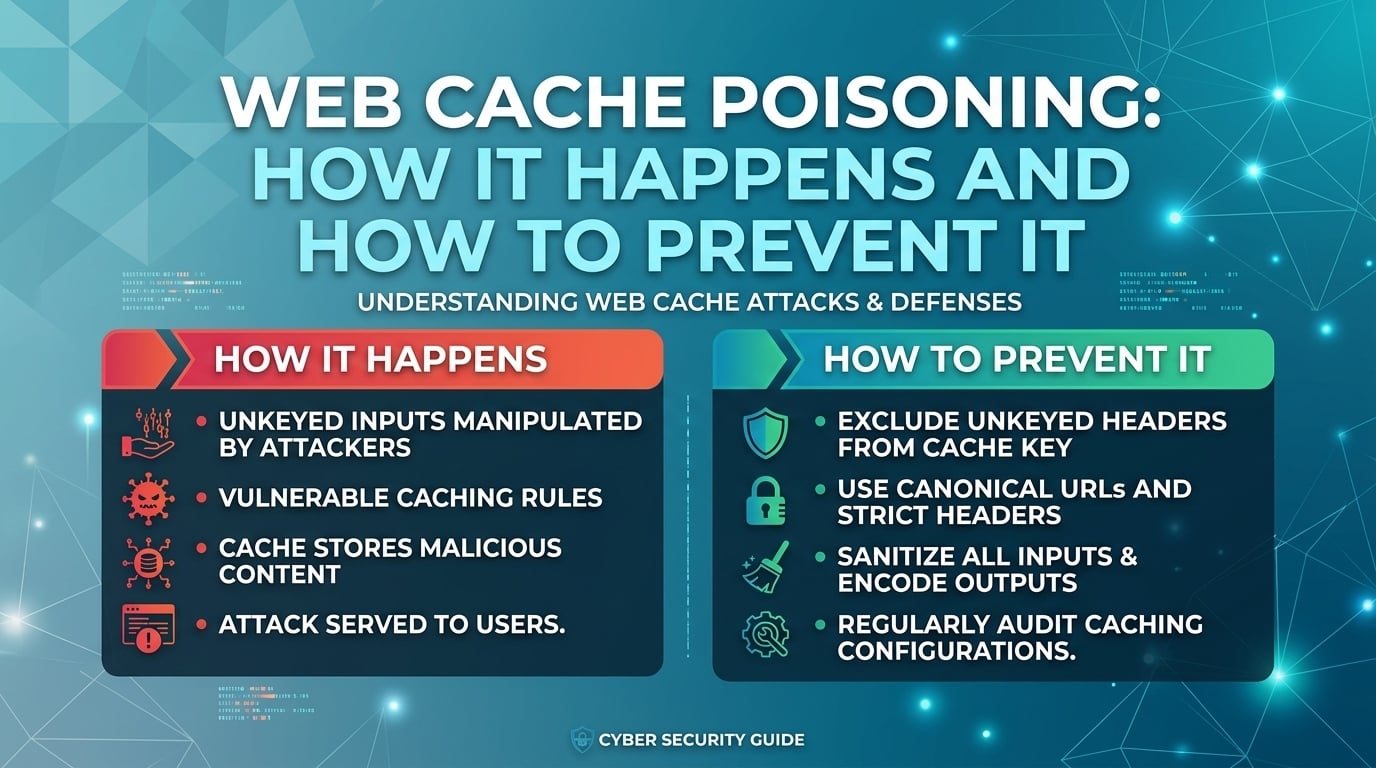
Cache poisoning happens when a request input that changes the response is left out of the cache key, so an attacker's ...